


Problem with smoothing fonts after upgrading to 44

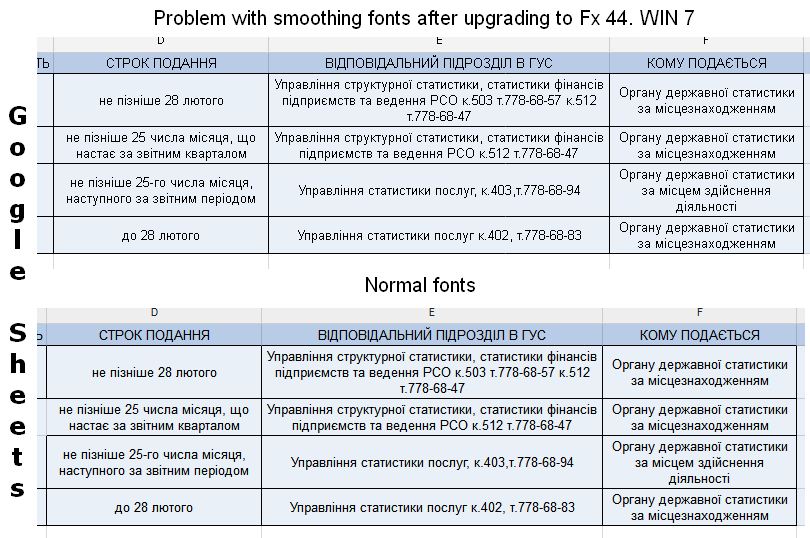
After I upgraded my Firefox to version 44 I have problems with anti-aliasing or font smoothing on some websited. I add screenshot from Google Sheets for show difference between normal font rendering (43 and early version) and problem rendering (version 44). I use ATI Radeon video card on Windows 7. Clear Type (on Windows) and hardware acceleration (on Firefox) is enabled
Todas as respostas (2)
You may have zoomed web page(s) by accident. Reset the page zoom on pages that cause problems.
- View > Zoom > Reset (Ctrl/Command+0 (zero))
You can right-click and select "Inspect Element" to open the Inspector (3-bar Menu button or Tools > Web Developer) with this element selected.
You can check the font used for selected text in the Font tab in the right pane of the Inspector.
Problem not in zooming. Font on screenshot is Arial. But I have problems with Oxygen font and other