


i have a old firefox data file from a computer transfer i did and i want to get all the bookmarked sites i had orginized how can i do this?

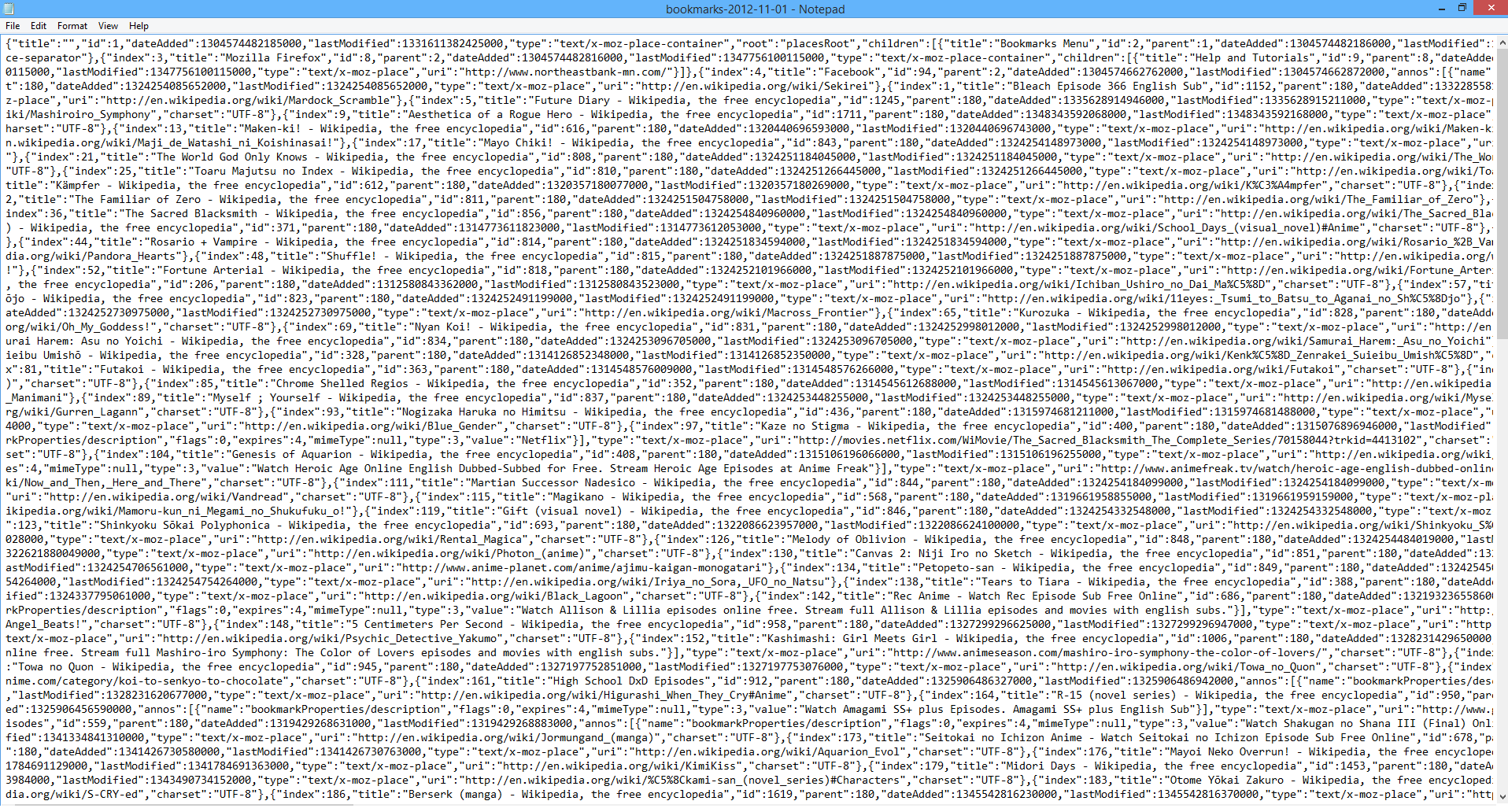
so a while back i transfered my old computer files to my new computer and when i did that i tried getting my firefox books marks added when i did it it just made a file old firefox data. i went into it it has the books marks but the problem is it isnt really readable kinda jumbled up and i wanna know if i can import it to my current one or somehow get it organized so i can at least see them apart or on a note pad just each bookmark on its own line? i added a picture of what it looks like
Solução escolhida
You can use the Scratchpad (Firefox/Tools > Web Developer) to inspect and edit files in JSON format quite easily. There is a "Pretty Print" button to add line breaks.
Ler esta resposta no contexto 👍 1Todas as respostas (2)
Backing up and restoring your Profile should have included your bookmarks. https://support.mozilla.org/en-US/kb/back-and-restore-information-firefox-profiles
https://support.mozilla.org/en-US/kb/recovering-important-data-from-an-old-profile
That looks like a JSON bookmarks backup file, from 11-01-2012. Did you try restoring that file?
Never messed with JSON files other than viewing them on a few occasions out of curiosity. There are no line breaks which make them very difficult to read.
As far as working with that file in {like} NotePad goes:
A. use Find / Search for each indecent of a "uri" string, then "copy and paste" the uri into another text file, and then move on to the next "uri" string.
B. use a text program where a filter can be set for the "uri" field in the JSON file for a line break or to "scrape out" the "uri"s only for display or export to a list of uri's.
Or try using an online JSON editor like this, to try to display only the "uri" field. https://www.jsoneditoronline.org/
Solução escolhida
You can use the Scratchpad (Firefox/Tools > Web Developer) to inspect and edit files in JSON format quite easily. There is a "Pretty Print" button to add line breaks.