


Getting "ssl_error_bad_mac_read" when trying to visit one specific site

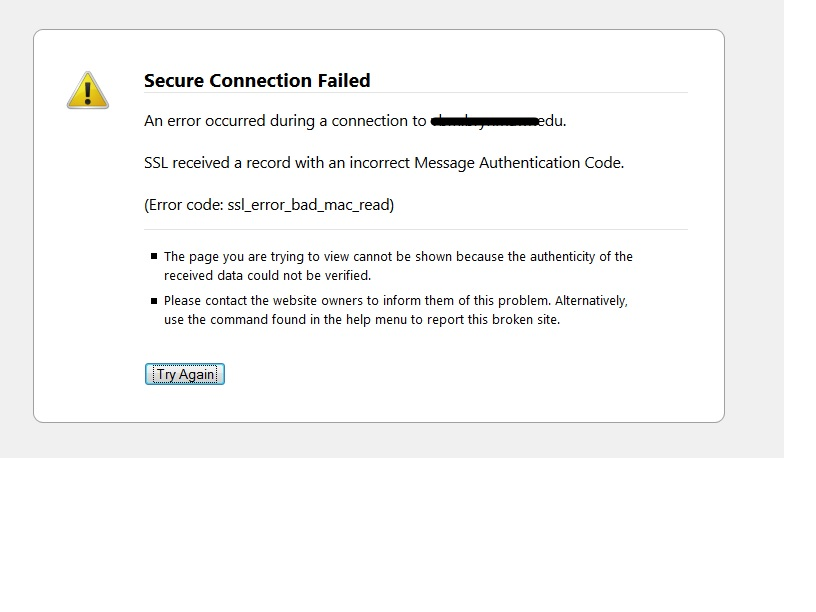
I have only a handful of machines in my organization that when they attempt to visit a specific site on our network using Firefox only no matter what version they are greeted with the error message
ssl_error_bad_mac_read (screenshot attached)
I have tried the following
-logging in to same machine with diff user -uninstalling FF and blowing out all profiles then reinstalling -verifying all settings including proxy; matched up with working machine using identical settings -machine on same subnet with identical config works fine -used FF portable via USB on machine and getting same error -verifying host file is correct -running FF in safe mode
I have been banging my head against this issue for a day now and cant figure out why only a few machines on our network have this problem. Any advice? Thanks in advance!
Modificado por krdell a
Todas as respostas (7)

If you can provide the website name
Try this,
- Firefox > Tools > Options
- Advanced > Certificates
- When a server requests my personal certificate: > Choose "Ask me every time"
Check this thread - https://support.mozilla.org/en-US/questions/982298
Modificado por iamjayakumars a
Thanks for reply but it's already set to ask every time. website name is bionic.brynmawr.edu
It works fine for me. Check with certifications
It works fine with everyone except for a few machines as ive said. It has the same certs as every other machine on campus
Create a new profile as a test to check if your current profile is causing the problems. See "Creating a profile":
- https://support.mozilla.org/kb/profile-manager-create-and-remove-firefox-profiles
- http://kb.mozillazine.org/Standard_diagnostic_-_Firefox#Profile_issues
Profile Backup and Restore
I am not sure that you read my original post. we've completely removed firefox and all profiles from one of the problem machines and still had the same problem.
What SSL/TLS cipher(s) did previous Firefox versions use?
Are you using the latest updates for all network software like proxy servers?
You can modify the security.tls.version.min and security.tls.version.max prefs to set which TLS versions are enabled.
You may need to close and restart Firefox after changing these prefs.
security.tls.version.min = 0 (1 will disable SSL3 and only enable TLS)
security.tls.version.max = 2 (0 will disable TLS 1.0 and higher, leaving only SSL3 enabled)
- http://kb.mozillazine.org/security.tls.version.*
0 means SSL 3.0, 1 means TLS 1.0, 2 means TLS 1.1, 3 means TLS 1.2 etc.