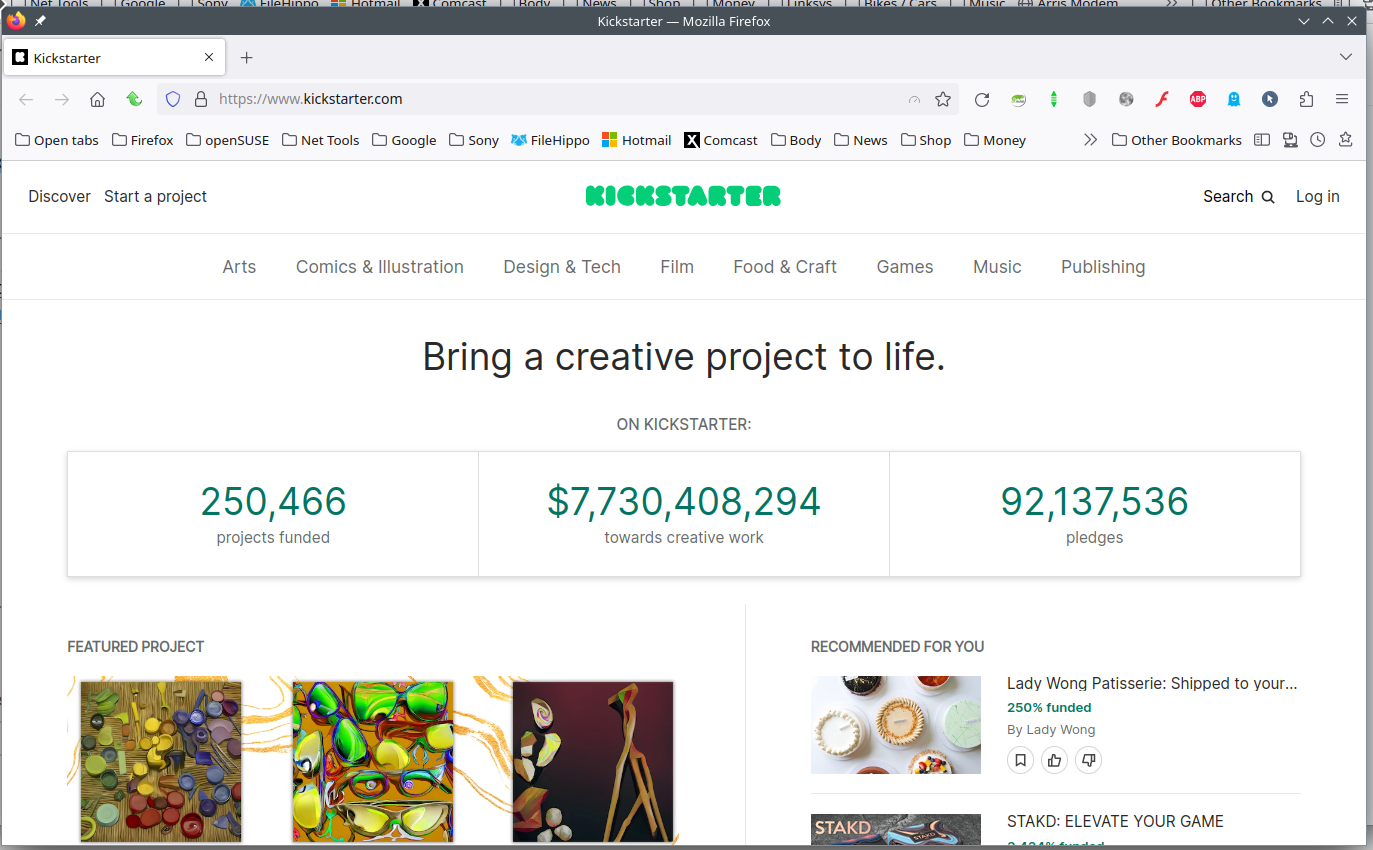
'Too many requests to Kickstarter at this time.'

Firefox is my browser, and Outlook my email program. After years of troublefree access to Kickstarter, I now cannot link to the site, neither by Google search, nor by responding to an email link sent to me by Kickstarter. Instead, I get a message which reads:
'You are sending too many requests to Kickstarter at this time. Please contact support@kickstarter.com if you continue to see this error.'
I have contacted Kickstarter, but their response is that the problem probably lies with my browser. Do you have any idea why this problem should suddenly have appeared?
Wszystkie odpowiedzi (1)
Les Merrills said
I now cannot link to the site
Does that mean you cannot get to the site? Post a screenshot of the issue. What security software are you running? Did you try Firefox in Safe Mode? https://support.mozilla.org/en-US/kb/diagnose-firefox-issues-using-troubleshoot-mode#search104 Did you clear your browser cache? https://support.mozilla.org/en-US/kb/clear-cookies-and-site-data-firefox You can also try Clear all items for a single site. https://support.mozilla.org/en-US/kb/remove-websites-address-bar-suggestions