


Open
Why is Facebook not working in Firefox?

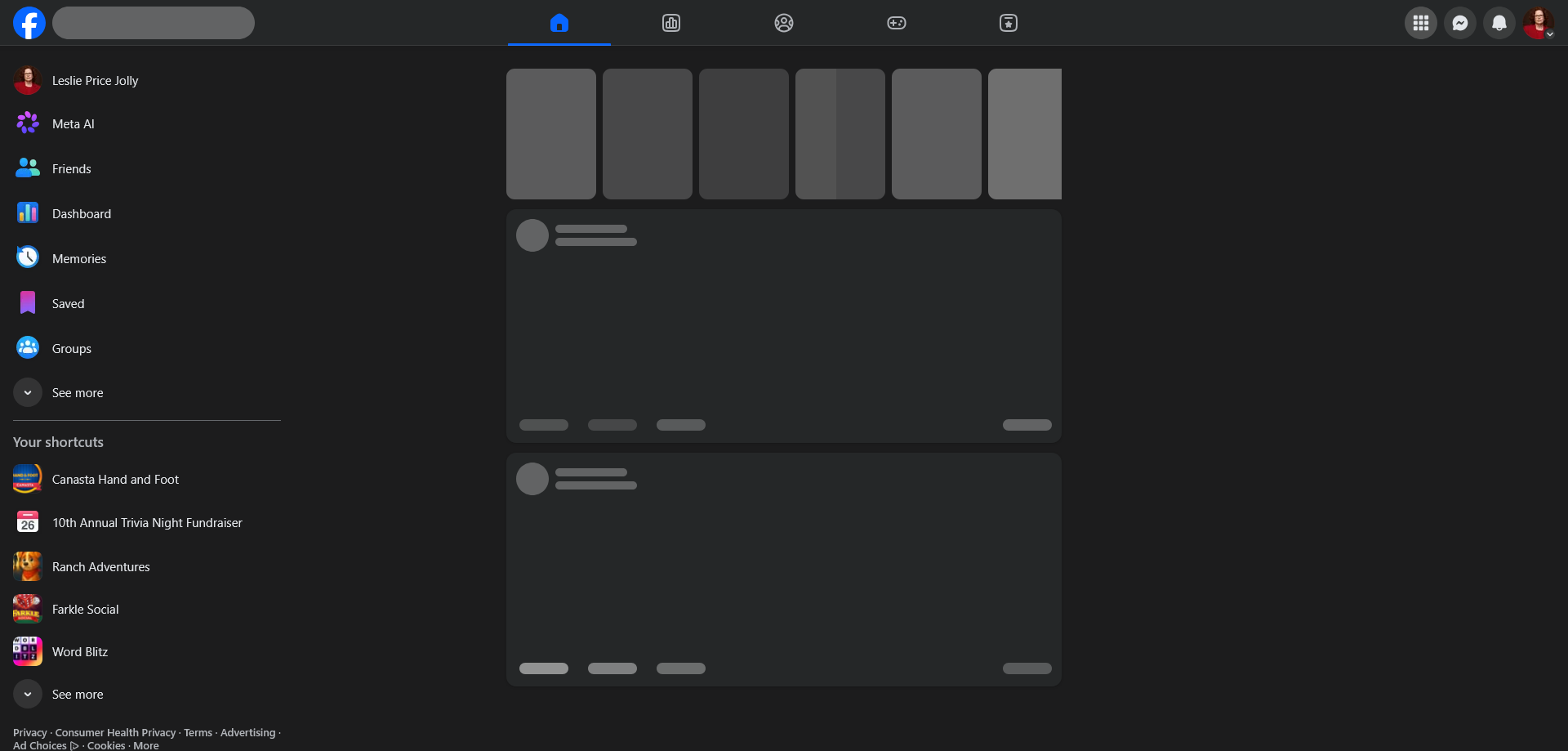
Facebook not loading but I have one game that will load to play. None of the others work. When it first goes to home page it will seem fine but then goes black and acts like it's trying to load. To view Facebook, I have to go to Edge (shivers). Please fix asap.
Facebook not loading but I have one game that will load to play. None of the others work. When it first goes to home page it will seem fine but then goes black and acts like it's trying to load. To view Facebook, I have to go to Edge (shivers). Please fix asap.
All Replies (1)
Does the same happen if you try logging in using a new Private Window?
Here are some standard troubleshooting steps that may resolve the issue:
- Start with clearing Firefox cache.
- If it does not help, try clearing cookies and data for the website you experience troubles with (warning: you will be logged out on this website).
- Please check if you have Enhanced Tracking Protection (ETP) enabled. You can do that by clicking the shield
 icon in the left part of the address bar. If ETP is enabled, try disabling it.
- If it also does not help, try running Firefox in Troubleshoot Mode. If the problem doesn't persist, please follow the steps from this article to troubleshoot further.