Problem displaying unified folders: I don't see all the accounts. help"!

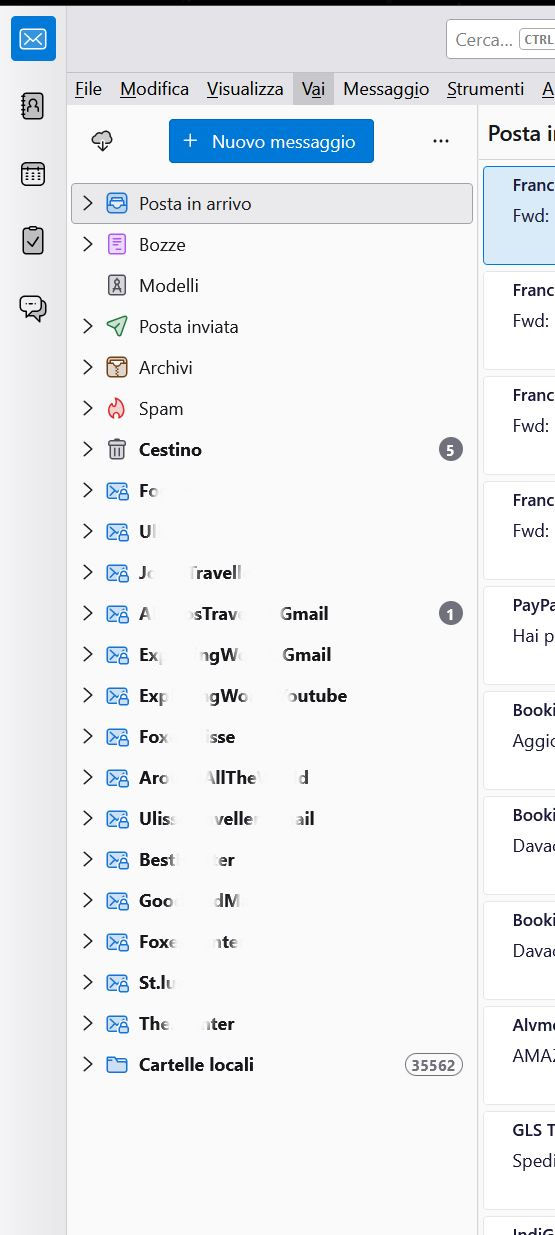
Hi, I've been using Thunderbird latest version for a few days. Too much I have a problem that is bothering me. I have 20 accounts and if I choose Unified Folders, on the six of Tunderbird I see only a part of the Accounts and precisely 14. To solve my problem I also used the "Unified Folder Debugging" add-on but it didn't solve the problem. Why do I have this problem? I would like to use Unified Folders but I can't do it because I don't have any Accounts. Thanks for some info.
All Replies (10)
If you right click on a unified folder, click properties, and then click choose, do you then see all the accounts?
I don't know if I understand you well. If I right-click on a unified folder, I don't see PROPERTIES (Proprietà). I attach a pic.
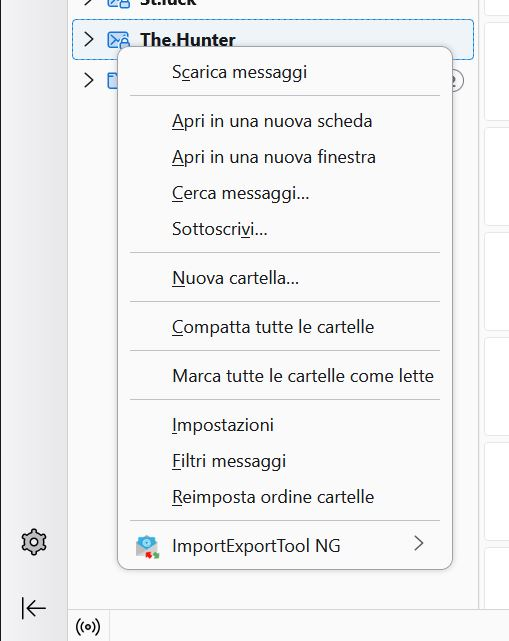
It appears you did a screenshot from All Folders, not Unified Folders. once you turn on unified folders, click the 'Inbox' folder, rightclick and then select properties and then click 'choose'
Now I understand, I thank you. YES, I see all my 20 accounts. In that panel I see an "Aggiorna" button. Now have I to click on "Aggiorna" (Update)?
Diubah oleh FoxAdriano M
Yes, click update to save the new settings. I'm glad all is working. :) You are very welcome,
I now clicked the "Update" button, but nothing has changed. I always see 14 Accounts with unified folders, even if on "Choose" I see all 20 Accounts. The "Update" button didn't work.
You have tick marks on all twenty accounts? And when you press 'update', nothing happens? That is a lot of accounts, but should still work. Something else to try: '
- click help>troubleshootinginformation'
- scroll to 'profile folder' and click 'open folder'
- exit thunderbird so it will be closed
- click the Mail folder
- you should see a folder named 'smart mailboxes'. DELETE IT
- restart thunderbird and check that unified folders are working and repeat steps from earlier response to put tick marks on all twenty accounts. NOTE: other accounts will not display in unified unless their folder is the same name as used in other accounts. For example, a unified folder for inbox will only show accounts that have a folder named inbox.
Unfortunately none of the methods work. 1) I have a tick marks on all 20 accounts and when I click on "Update" nothing happens. 2) In help>troubleshootinginformation, after opening the folder, I don't see "smart mailboxes". In fact, I deleted it a few days ago because I had read this method on the Internet. But nothing happened and nothing is happening now. I always have 14 accounts in "Unified Folders". I'm very sorry about this. In fact, if I can't see them all, maybe I'll change my email client. I would be sorry!!
Can you post a screenshot of the Mail folder? I am puzzled on this. Thank you.