


unable to send/forword emails in the format they are received in

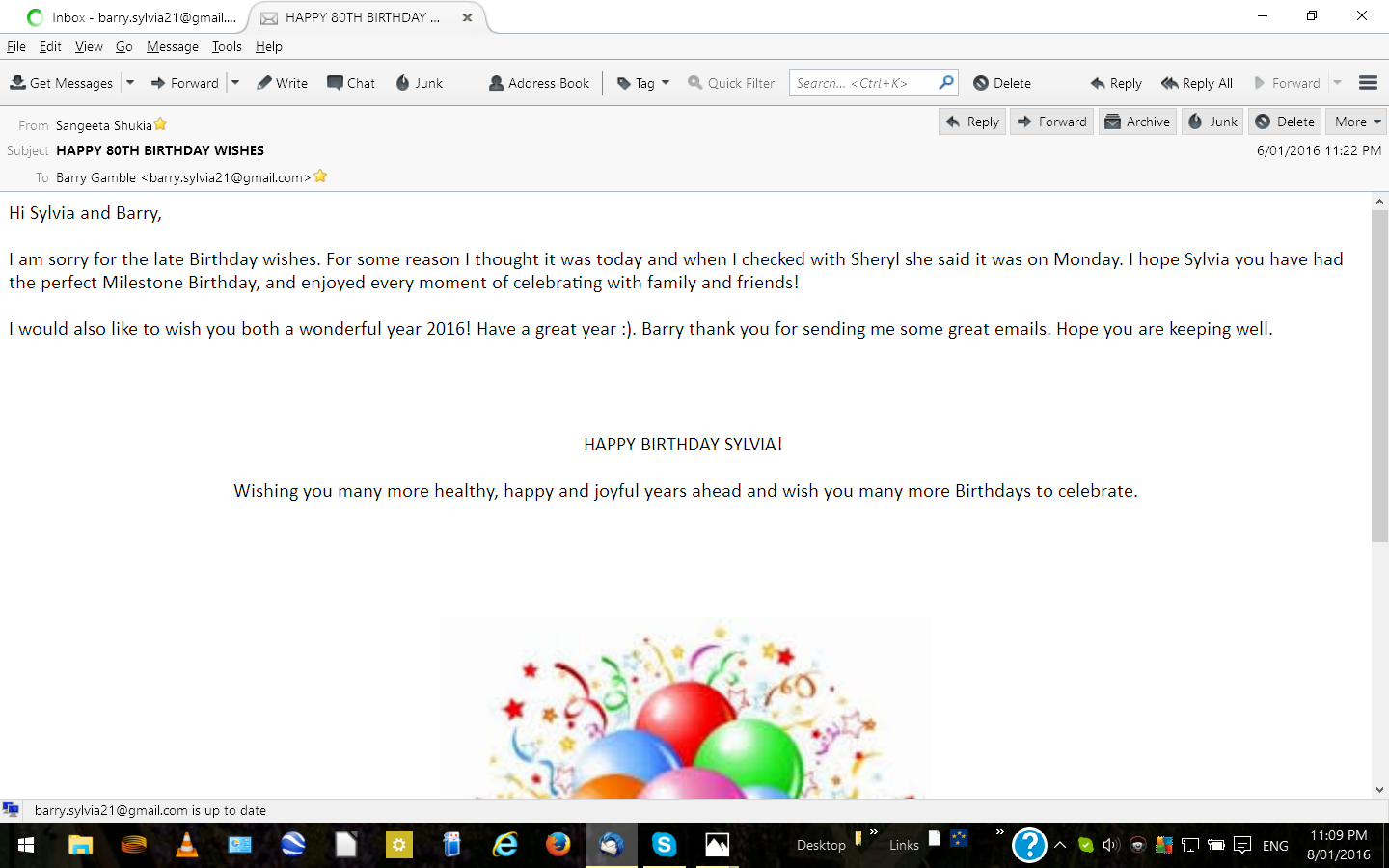
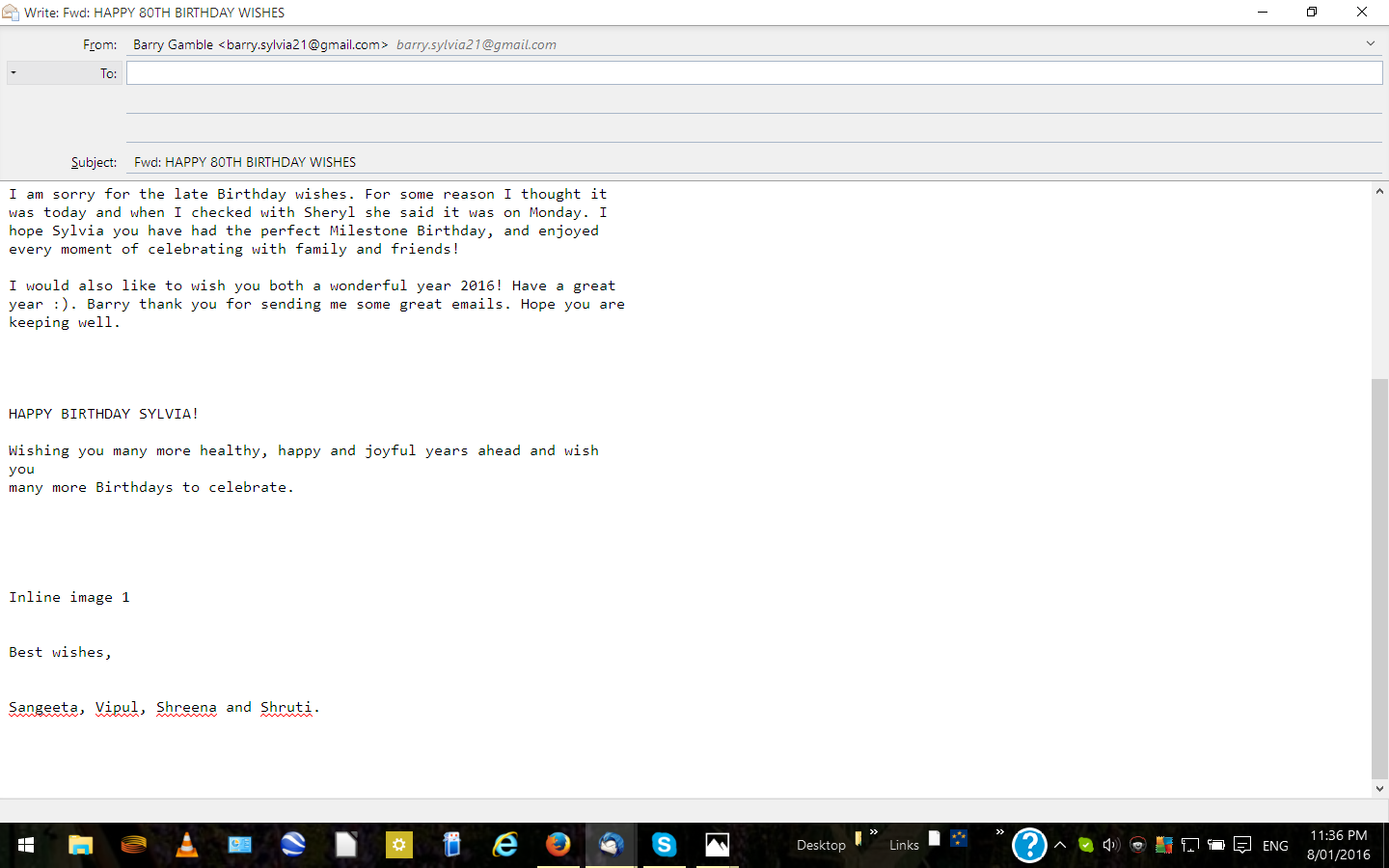
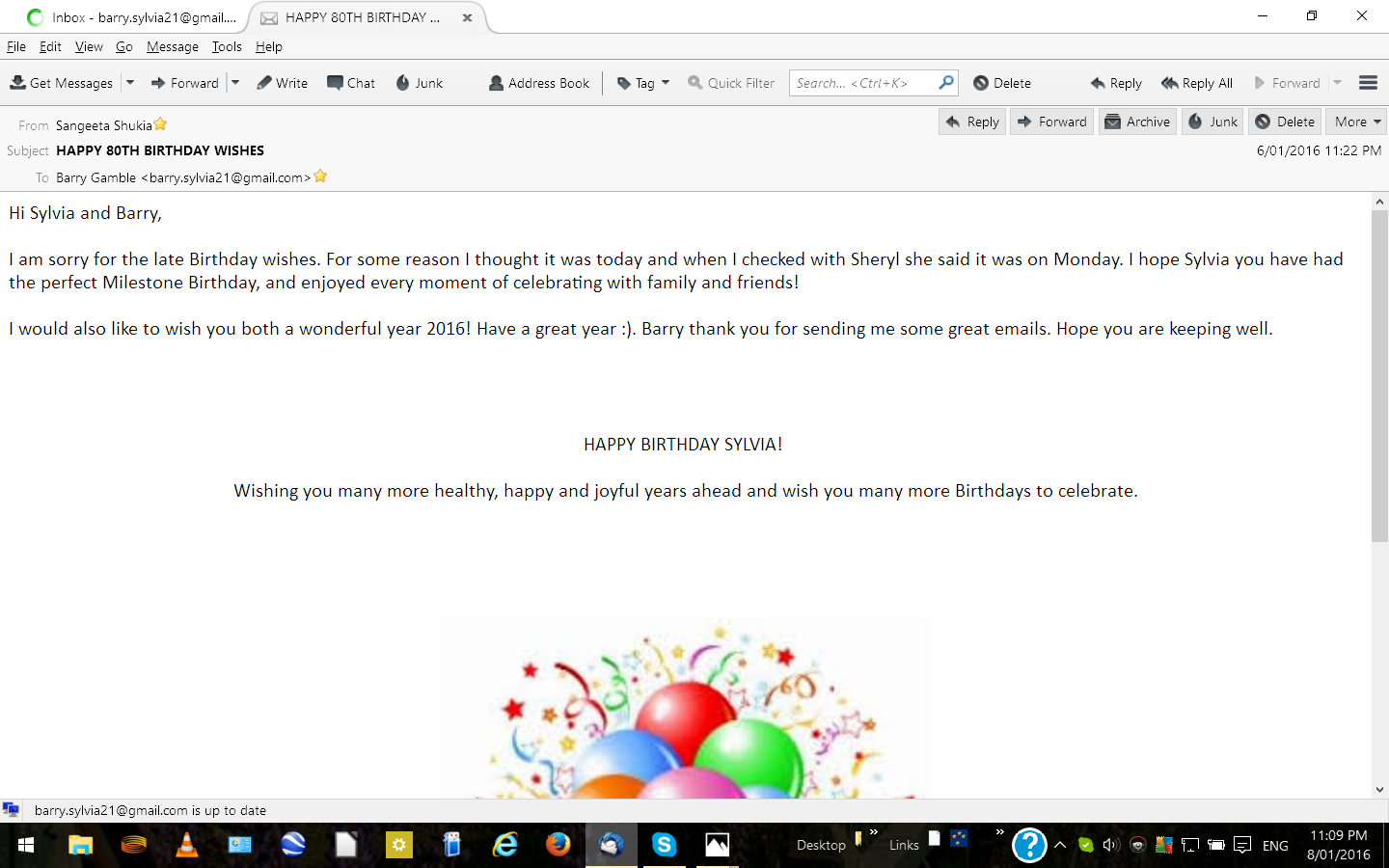
Have totally uninstalled/reinstalled Thunderbird as it was not responding,took sometimes 10 mins to receive a readable email. NOW am unable to send/forward emals in the same format as the received format. The attached images show (1) Received image
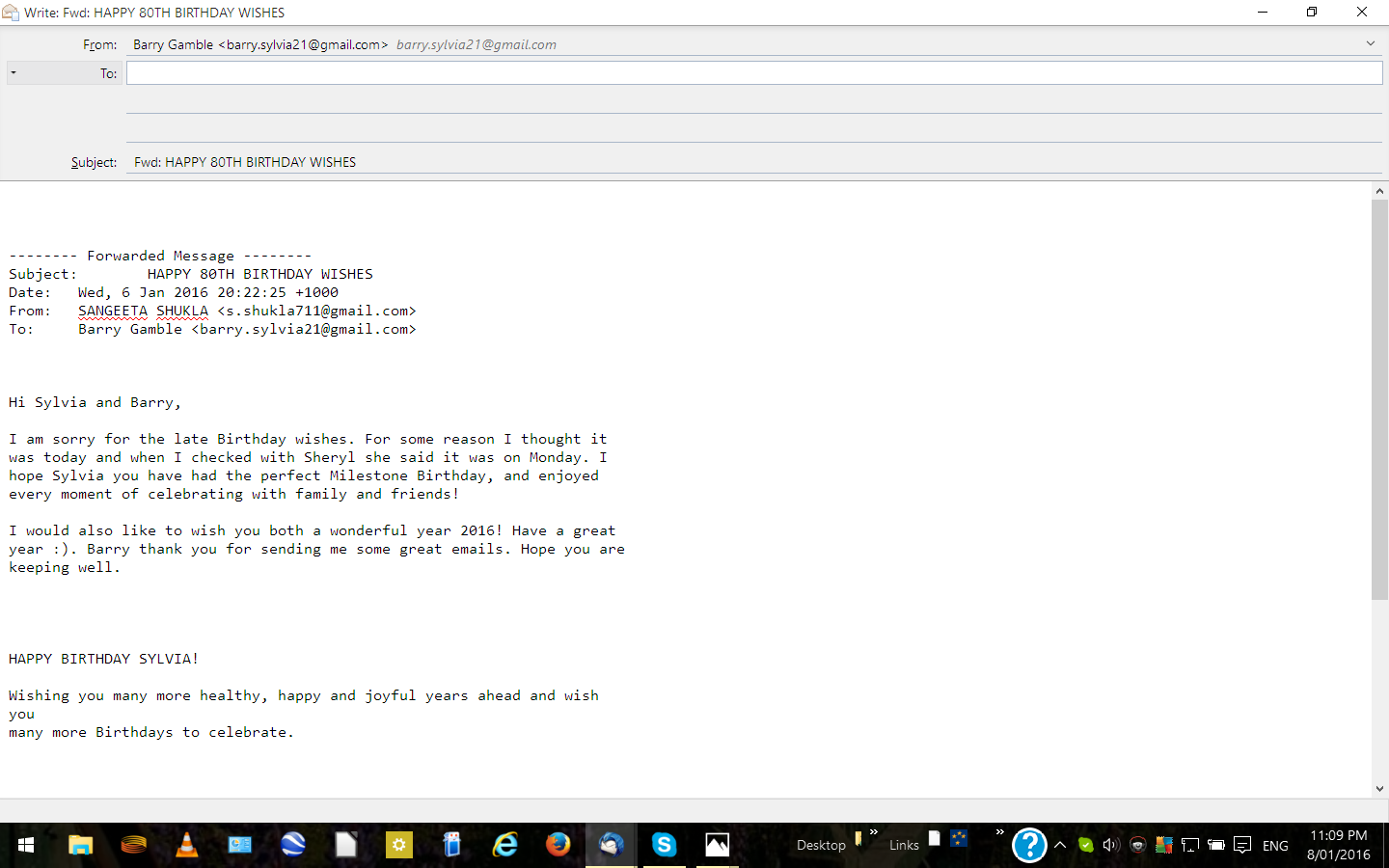
(2) image ready to be sent
As there is no SEND button visible would be very difficult to do so. I am having to send and receive via Gmail and use Thunderbird to move received email to folders in Windows,not a very satisfactory situation. Would appreciate your comments and suggested fixes to this problem. Thank you, Barry Gamble
All Replies (5)

Penyelesaian Terpilih
Your toolbars are missing. Open a Write window. Press the alt key to make the Menu Bar appear. This has worked since the beginning of Windows. From the Menu Bar select View-Toolbars and turn the toolbars back on. Send is on the Composition toolbar.
Thanks Airmail,I must admit to allowing myself to get very flustered with my Thunderbird problems,didn't have a clear head for the last few days. I do have a problem with not being able to forward emails in the same format as I received them.Attached images will show what I`m referring to. Thanks, Barry
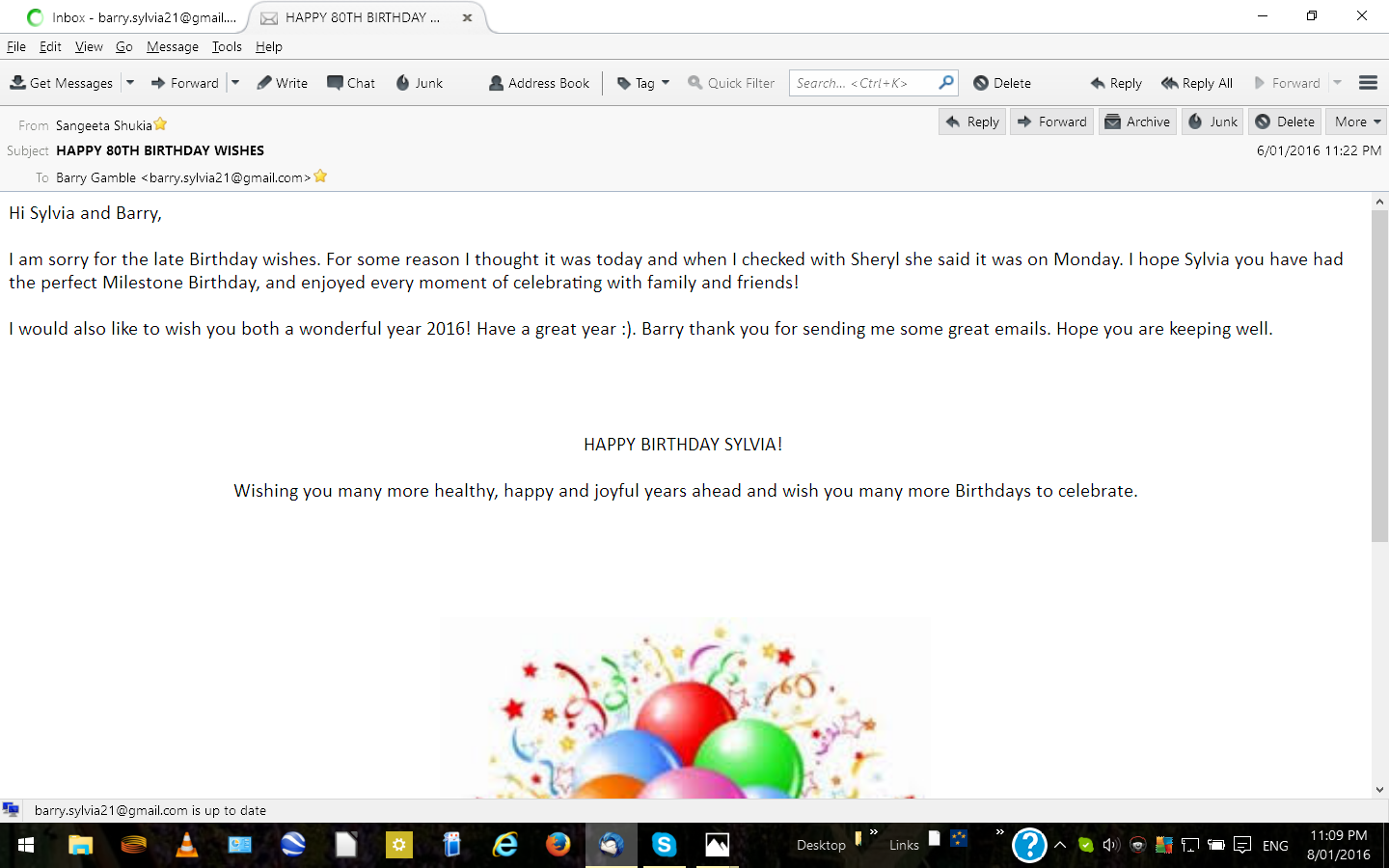
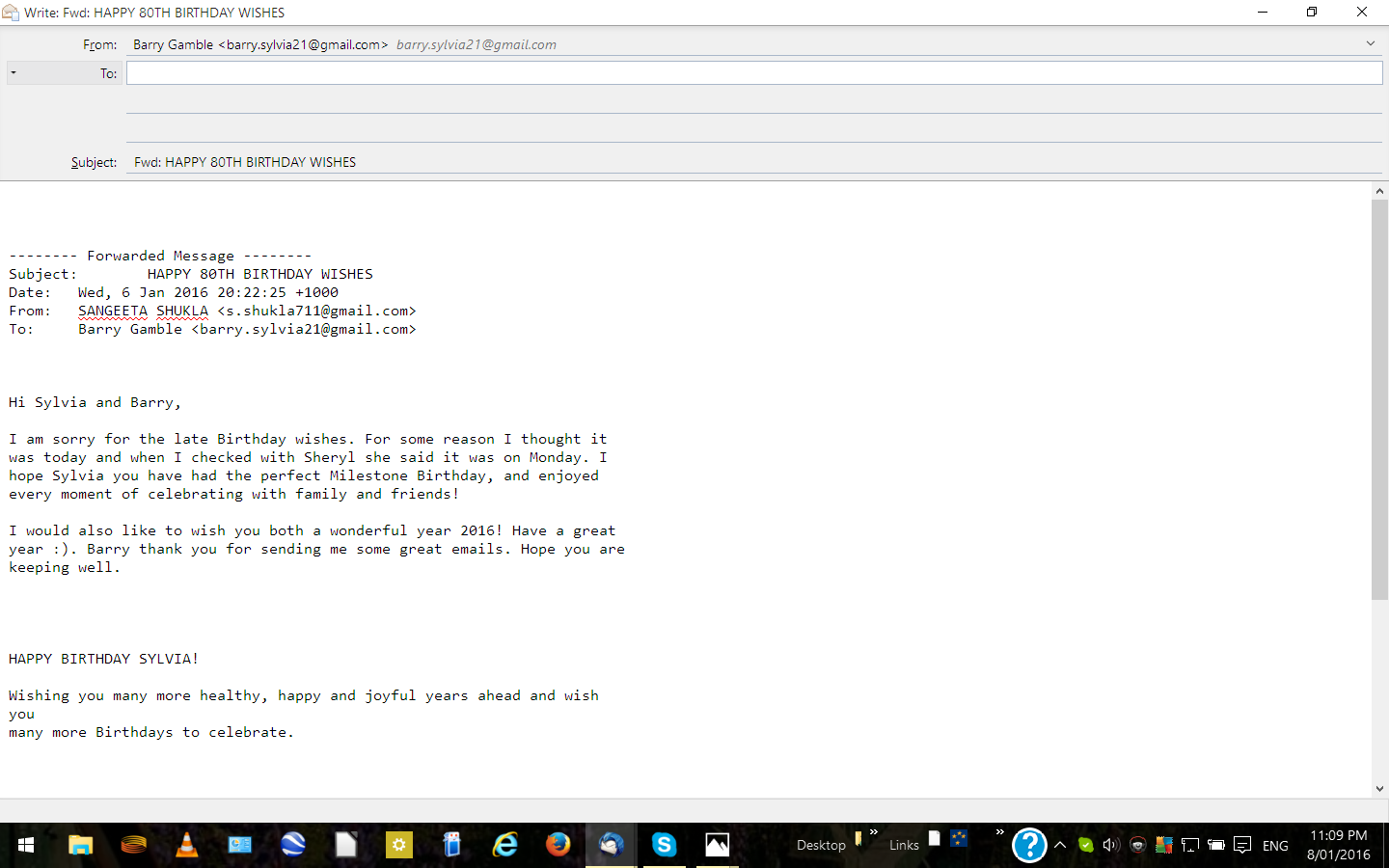
Still not able to forward /reply emails in the same format they were received in.Have gone into Tools-Options-Composition-General-Inline no change
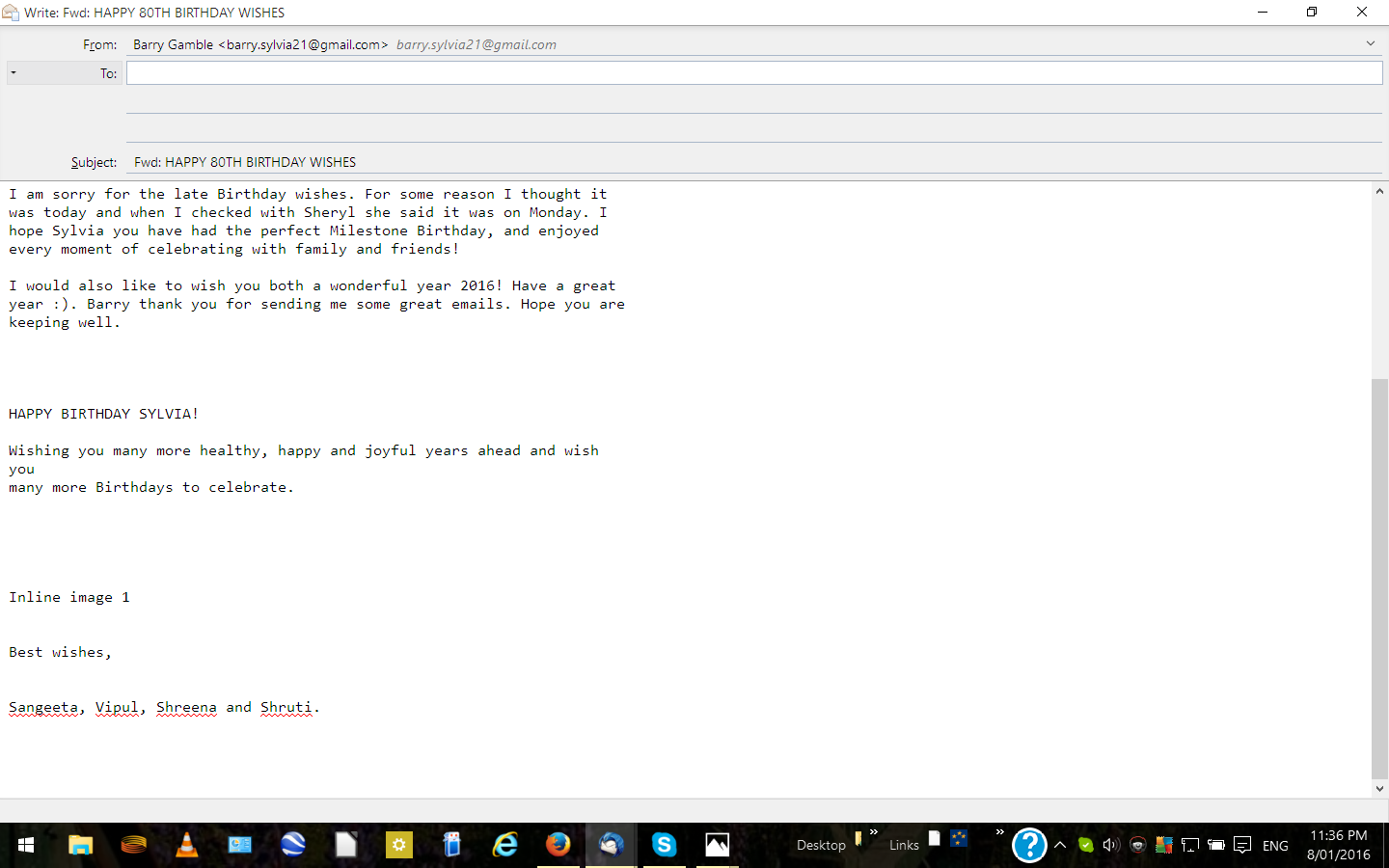
The difference between your original shot and the image of the forward is you are fowarding in plain text. What happens if you hold the shift key while clicking forward? It should keep the HTML formatting. Holding the shift key toggles between what you have your default set to and the other format. IE: HTML to plain text or plain text to HTML.
If the shift key trick works take a look in that account for the compose in HTML setting
Right click the account and select Properties Then Composition and Addressing It is the first option on this screen
Thanks again Airmail problem solved. In all the years I have operated a PC,never have I come across these problems in Windows 98,Me,XP & Win 7.Now running Win 10. Thank you for your help. Regards, Barry