


Issue: Firefox 154.0 Deletes Cookie and Site Data Exceptions After Restart
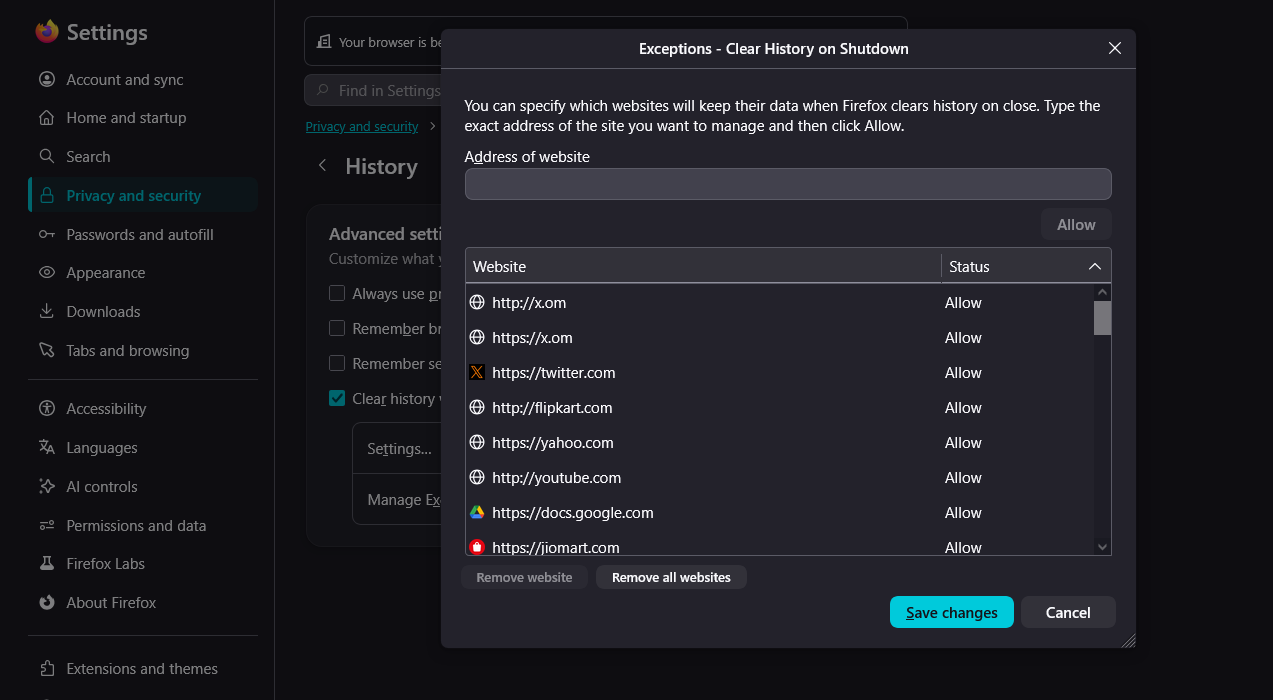
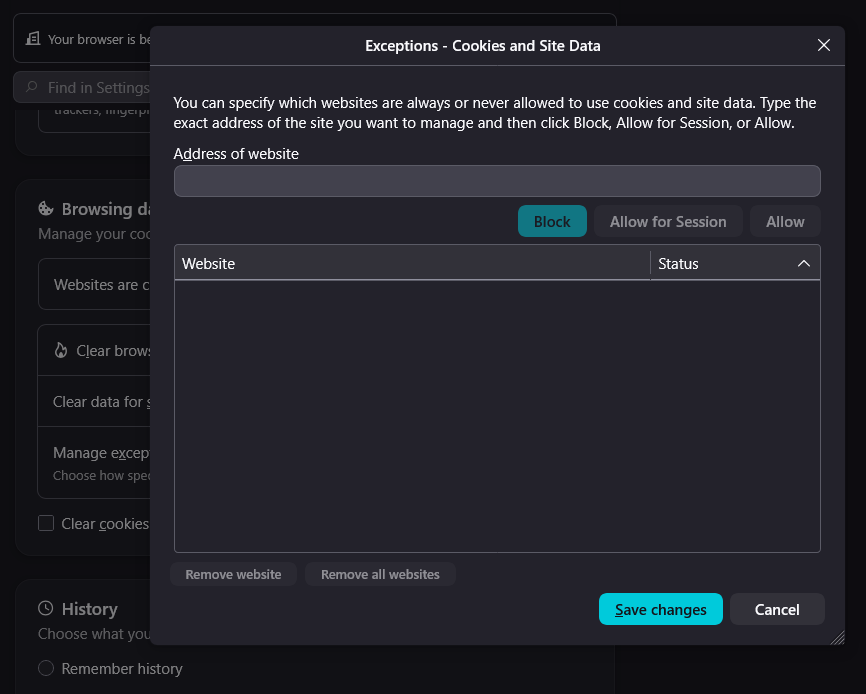
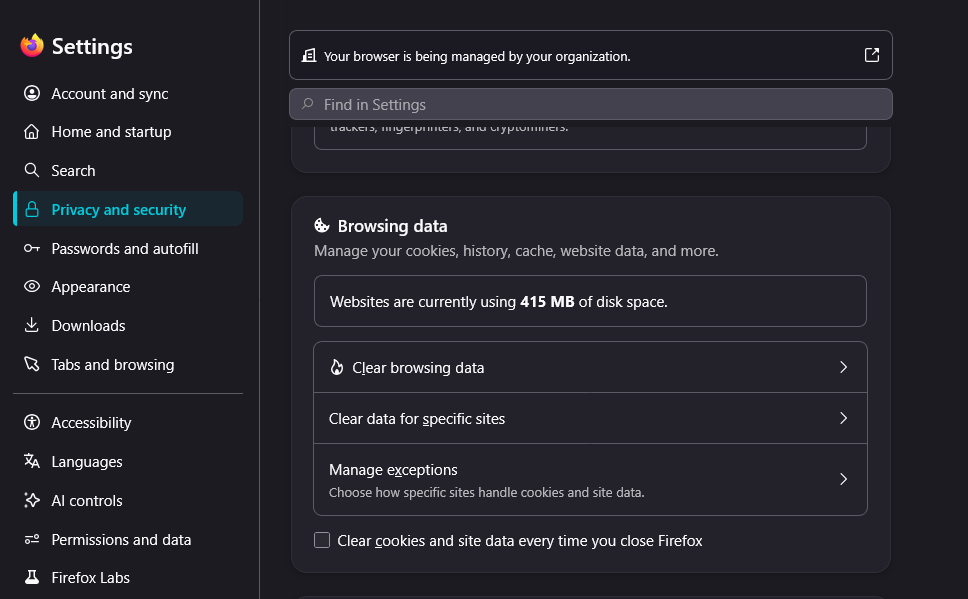
In Settings → Privacy & Security → Browsing Data → Manage Exceptions, I added websites one by one and selected Allow so that their cookies and site data are kept. My goal is to stay logged in to these websites while Firefox automatically clears cookies and site data for all other websites when I close Firefox.
However, I found a bug: all the exceptions I added are being deleted after I close and reopen Firefox. Because of this, I am being signed out of all the websites where I was logged in.
This issue started after Firefox was updated to version 154.0 (64-bit) on August 19, 2026. Before this update, the exceptions were working correctly.
Please investigate and fix this issue so that the website exceptions remain saved after restarting Firefox.
All Replies (1)
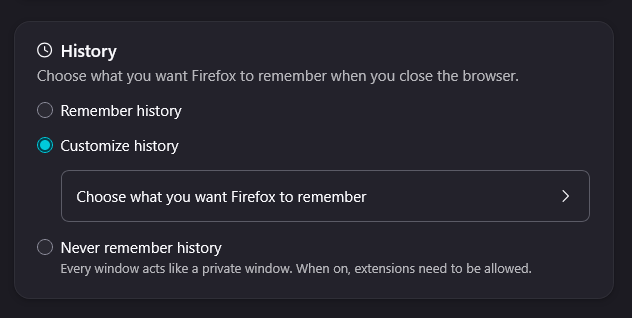
I think the settings just moved to a new category: support.mozilla.org/questions/1599157 – aren't these migrated there now for you?