Display corruption at icloud.com

I routinely keep a tab open to view my iCloud account (PC running Windows 10 Pro).
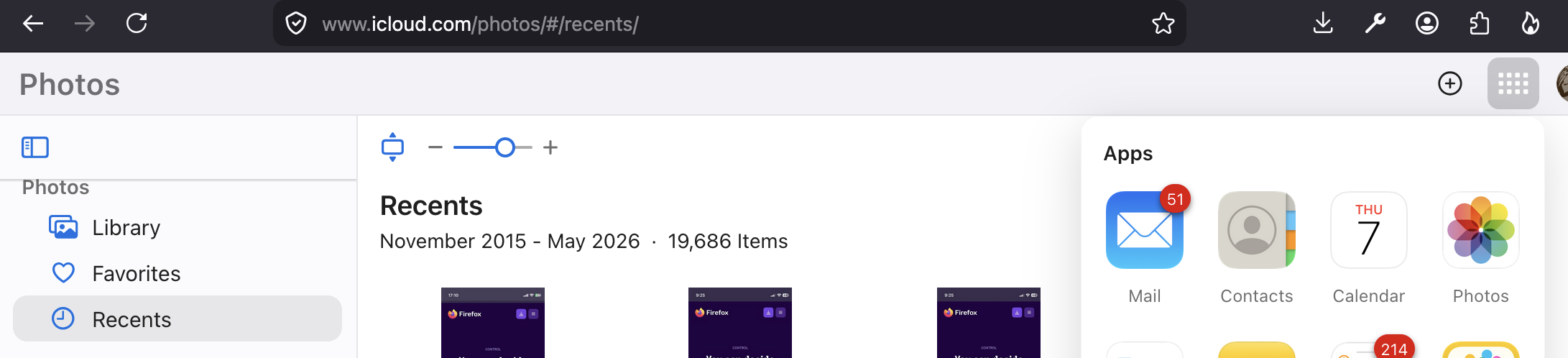
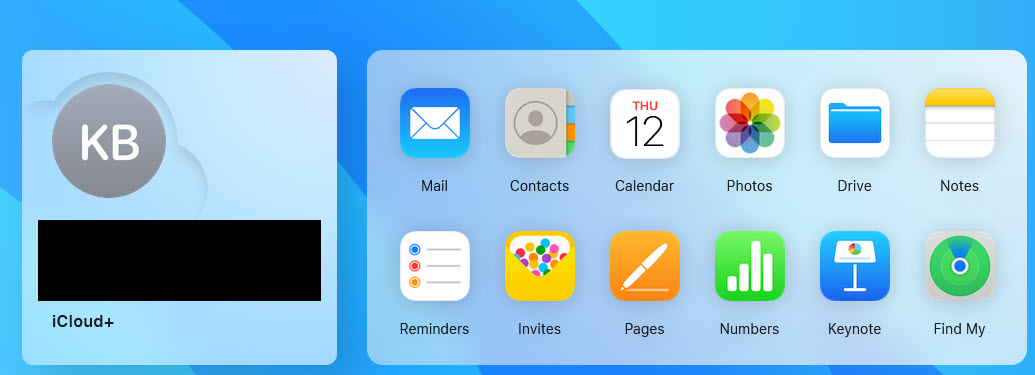
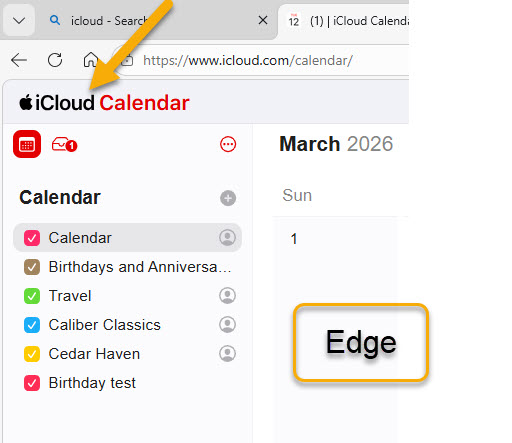
Everything has worked just fine in the past. Here are the basics using Edge... -The home page displays like the first attachment. -Clicking an icon takes me to the calendar page (see the Edge screenshot in the second attachment) -Clicking the word, 'iCloud' (see yellow arrow in second attachment) returns me to the home page.
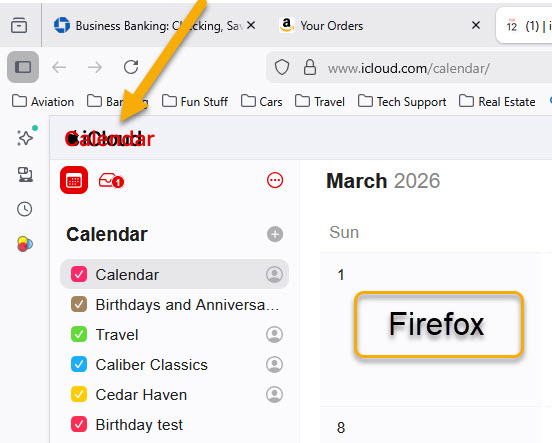
But now, using Firefox, if I click the calendar icon (or any other) the calendar return link and Calendar page title are superimposed over one another and the return link does not work. -Check out the yellow arrow in the third attachment -If I click the iCloud/Calendar mishmash I get nothing. If I click left arrow or Back I get nothing.
Note that this still works fine with Edge but does not work with Firefox. Please note also that this happens on a different PC running Windows 11 Home. Have tried clearing Firefox cache (no change) but don't know what else to try.
Any ideas?
Chosen solution
Thank you jbr!!
Read this answer in context 👍 0All Replies (4)
Hi,
Here are some standard troubleshooting steps that may resolve the issue:
- Please check if you have Enhanced Tracking Protection (ETP) enabled. You can do that by clicking the shield
 icon in the left part of the address bar.
- If ETP is enabled, try disabling it.
- If it does not help, try clearing cookies and data for the website you experience troubles with (warning: you will be logged out on this website).
- If it also does not help, try running Firefox in Troubleshoot Mode. If the problem doesn't persist, please follow the steps from this article to troubleshoot further.
- If nothing from the above helps, try creating a new Firefox profile and check if the issue persists there. If it doesn't, you can start copying files from your old profile to the new one to identify which one causes the issue. See this article on what files to copy.
- Finally, if creating a new profile hasn't helped, that's most likely a web compatibility issue. Please report it on WebCompat, so that our team there may be able to look into it. We'd also appreciate posting a link to your report here.
Does any of the above help? Looking forward to your update on how it goes!
No need to troubleshoot, I'm seeing the same — the titles are missing in other iCloud.com apps, and in calendar they're just garbled, and don't work. They have a bug there.
Ken, are you able to file a web compatibility issue on https://webcompat.com/issues/new so that it gets in front of both Mozilla and Apple folks so they can diagnose what's the culprit? Thanks!
Ah, it's tracked already:
- https://webcompat.com/issues/205252
- https://github.com/webcompat/web-bugs/issues/205252
- https://bugzilla.mozilla.org/show_bug.cgi?id=2014125
- https://bugzilla.mozilla.org/show_bug.cgi?id=2015990
For now, the workaround is to switch between the apps there using the "Quick Access" button, which is like ▓ a matrix of tiles right next to your profile image that's usually top right in the app: