Tabs lost - including pinned ones

I just opened Firefox on my Win 11 pc, and find all my tabs have gone. The setting to reopen last session is active, as before. I think FF updated itself earlier today. I also had occasion to look at it briefly on my synchronised android phone. I would like to: - get my tabs back - find a way to stop this haappening (it's not the first time).
Any advice much appreciated, thanks. Richard
All Replies (4)
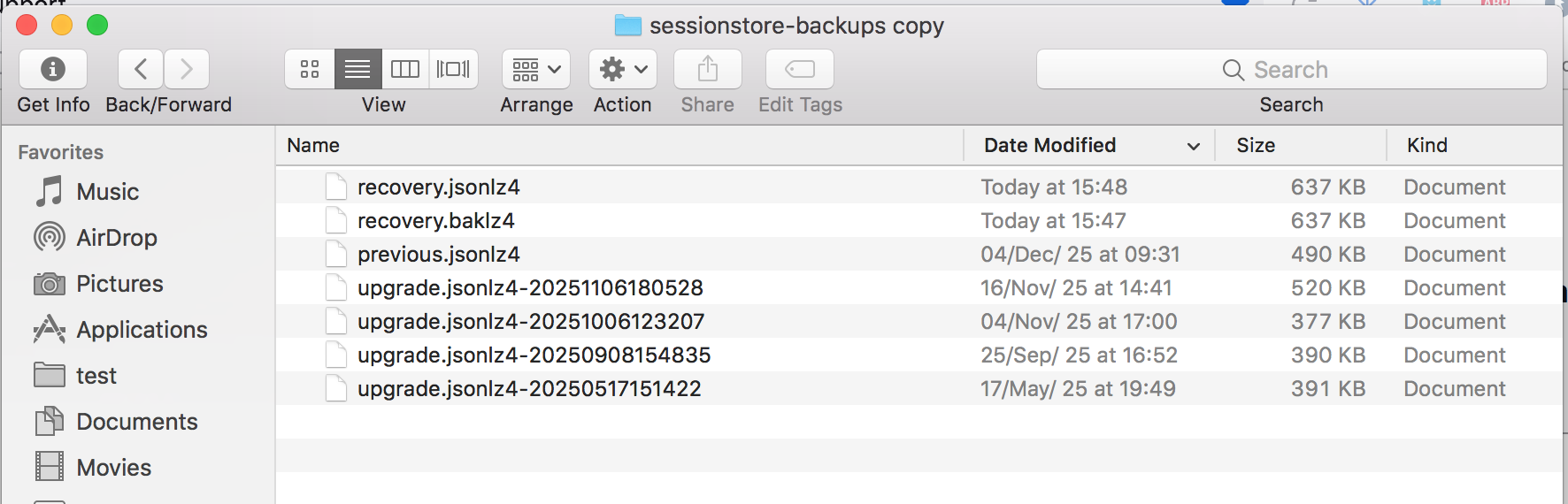
Session restore has been an issue for Firefox for many years. Which is why I make backup of the sessionstore-backups folder. see old screenshot Should also verify what you have firefox doing when you close the browser. I have the clear browser history unchecked. see screenshot
See if this helps. https://support.mozilla.org/en-US/questions/1557927#answer-1790790
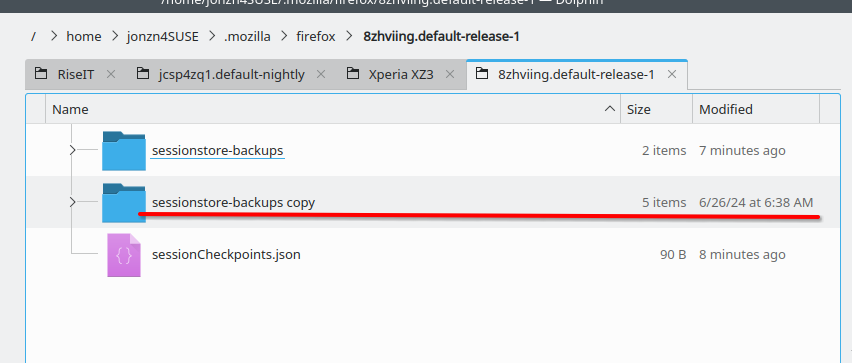
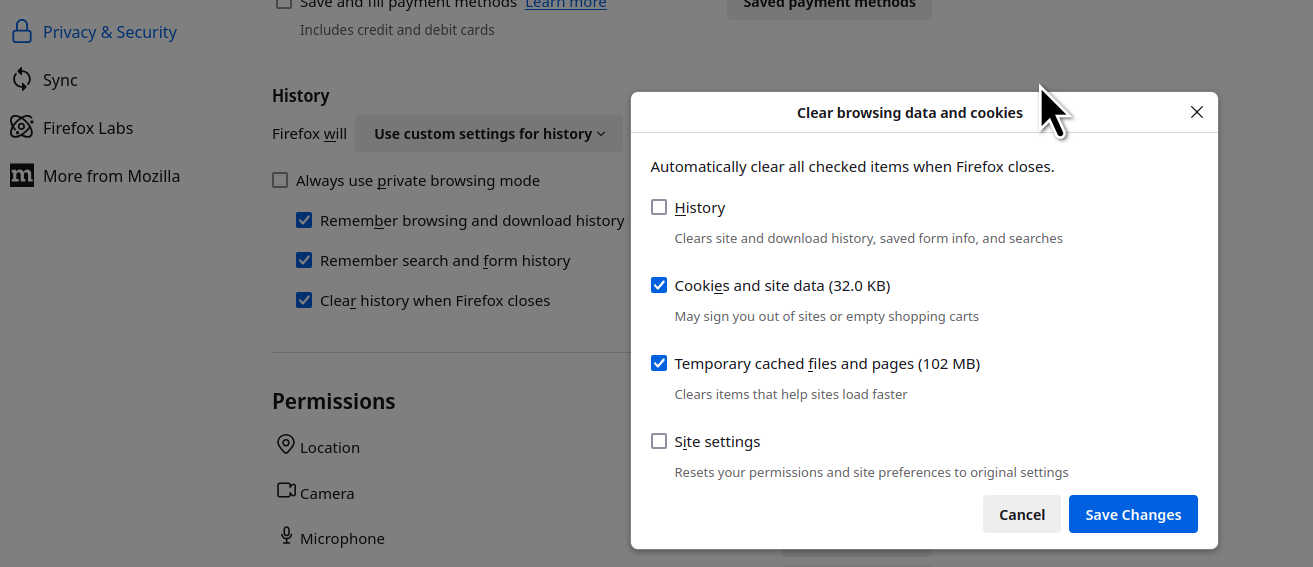
Hi, and thanks. But this seems not to be the solution. Yes, the clear history box IS unchecked. And Startup: Open previous windows and tabs is checked. But still, FF is losing all my tabs every time I close it. I will have a go at making the backup you suggest, but this problem still needs fixing. It seems to have started after an update - I wonder if this is affecting anyone else.
PS I have set it to Ask before closing multiple tabs - and now it won't let me close FF without closing the tabs !!
Post a screenshot of the files in the folder sessionstore-backups in your profile folder in the detailed. see my screenshot