


Shortcuts on homepage missing

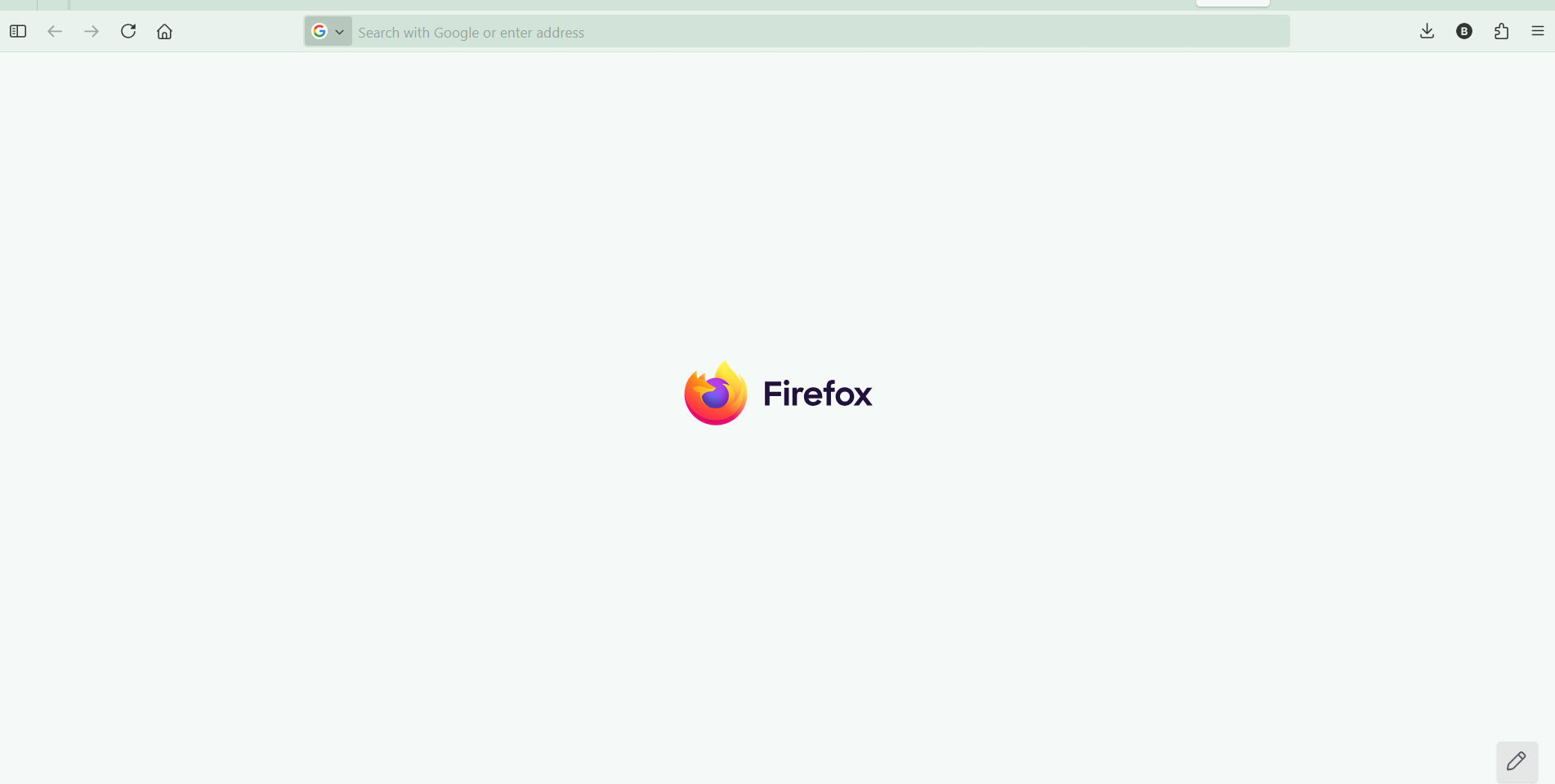
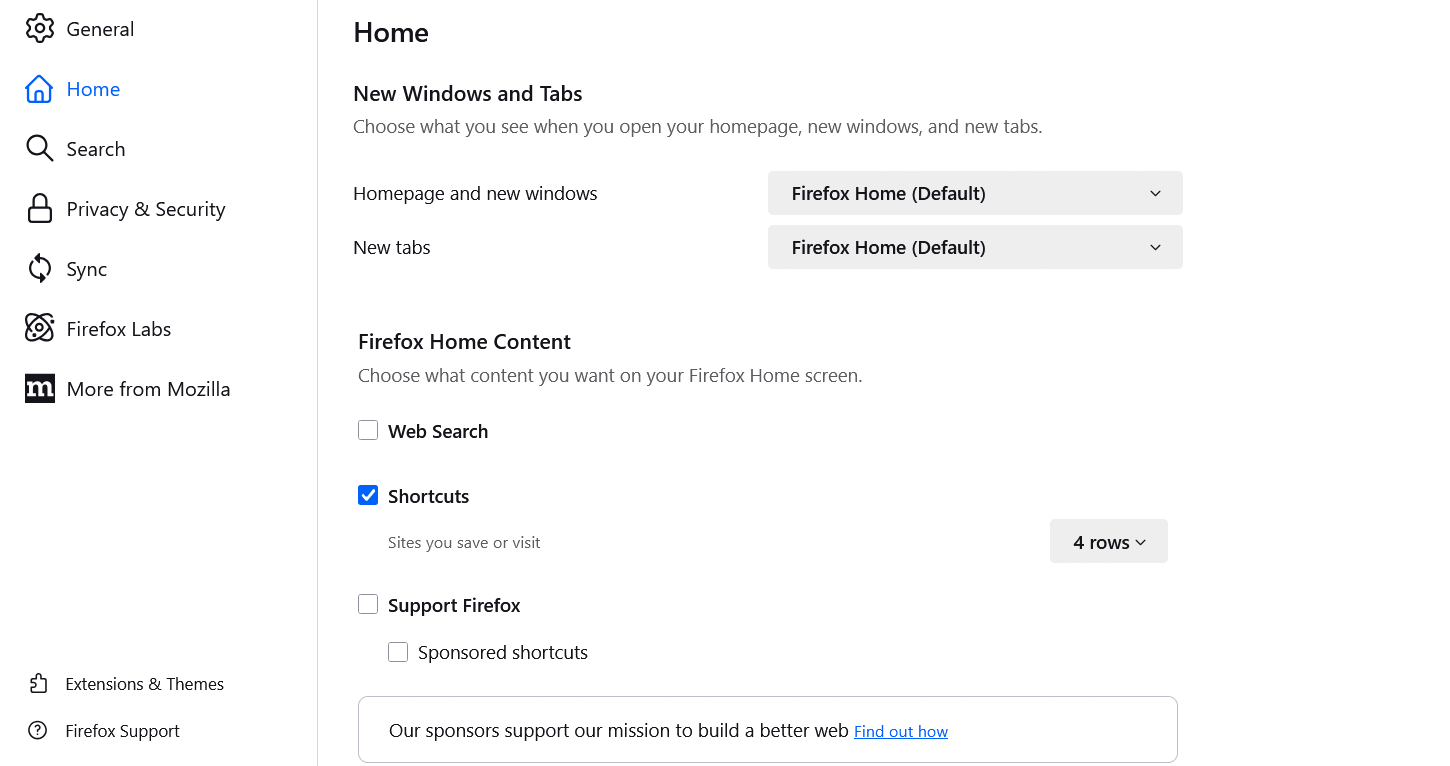
Hi, Since the last update for Mozilla on the laptop (updated on 6/Oct/2025 - version 143.0.4 (64-bit)), all the shortcuts to websites in Firefox homepage I had pinned have disappeared. Also I can't add new shortcuts. I already have shortcuts enabled in Settings>Home>Firefox Home Content>Shortcuts.
Does anyone know how to solve this?
Kind regards.
Bárbara O.
Chosen solution
Hi Barbara,
Thank you for reaching out! Our team is currently looking into this. The issue is top priority, so we should get a fix soon.
Read this answer in context 👍 1All Replies (7)
Chosen Solution
Hi Barbara,
Thank you for reaching out! Our team is currently looking into this. The issue is top priority, so we should get a fix soon.
I'm glad to hear that. Happy browsing!

Bárbara said
It's fixed. thank you!:)
Hi Barbara - I am having the same issue of my shortcuts disappearing from my homepage. How did you get yours back and working again? Please let me know, and thank you.
@Emell
The original issue from this thread was caused by a bug mentioned above. If you have a similar issue now, it's highly possible if it's caused by a different thing, and you may consider creating a new thread with specific details about your issue.
Doing so will allow support forum volunteers to give you solutions that are more helpful to you. See the Mozilla Support rules and guidelines for more information about posting support requests.
Please, feel free to post the link to your thread on this thread for volunteers interested in assisting you.
Thank you.

My shortcuts are gone from my home page. I deleted a second file named "firefox" in my programs menu. I refreshed the original and nothing worked. Still no shortcut menu.
masonicjim said
My shortcuts are gone from my home page. I deleted a second file named "firefox" in my programs menu. I refreshed the original and nothing worked. Still no shortcut menu.
Hi, please see the reply above.