


Firefox keeps closing my Facebook tab.

I tried the answers previously given and found the following answers: (1) Create an allow cookie exception (Tools > Options > Privacy > Cookies: Exceptions) to keep such a cookie, especially for secure websites and if cookies expire when Firefox is closed. (2) Do not use Clear Recent History to clear the "Cookies" and the "Site Preferences". I'm using Firefox 8 beta 4 on a Win 2K system and I can't find a "Cookies: Exceptions" option under "Privacy." I also can't find "clear recent history." If the latter is the default option I need to know what to do to avoid using it.
Vahaolana nofidina
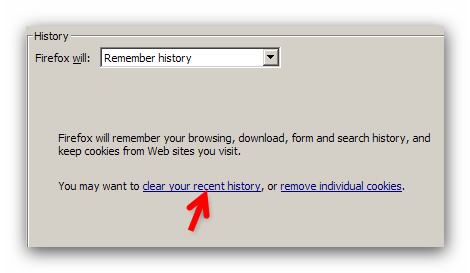
Options -> Privacy -> Firefox will : Use custom settings for history {Select from drop down menu.}
You will see Accept cookies from sites and Exceptions next to it.
Hamaky an'ity valiny ity @ sehatra 👍 0All Replies (2)
Vahaolana Nofidina
Options -> Privacy -> Firefox will : Use custom settings for history {Select from drop down menu.}
You will see Accept cookies from sites and Exceptions next to it.
See the image below.
Novain'i xr417 t@