

Natao arisiva ity resaka mitohy ity.
Mametraha fanontaniana azafady raha mila fanampiana.

Natao arisiva
How to enable "display mixed content"

Images or pics are not displayed while browsing ebay searches. How do I enable "display mixed content" parameter.
Images or pics are not displayed while browsing ebay searches. How do I enable "display mixed content" parameter.
All Replies (3)
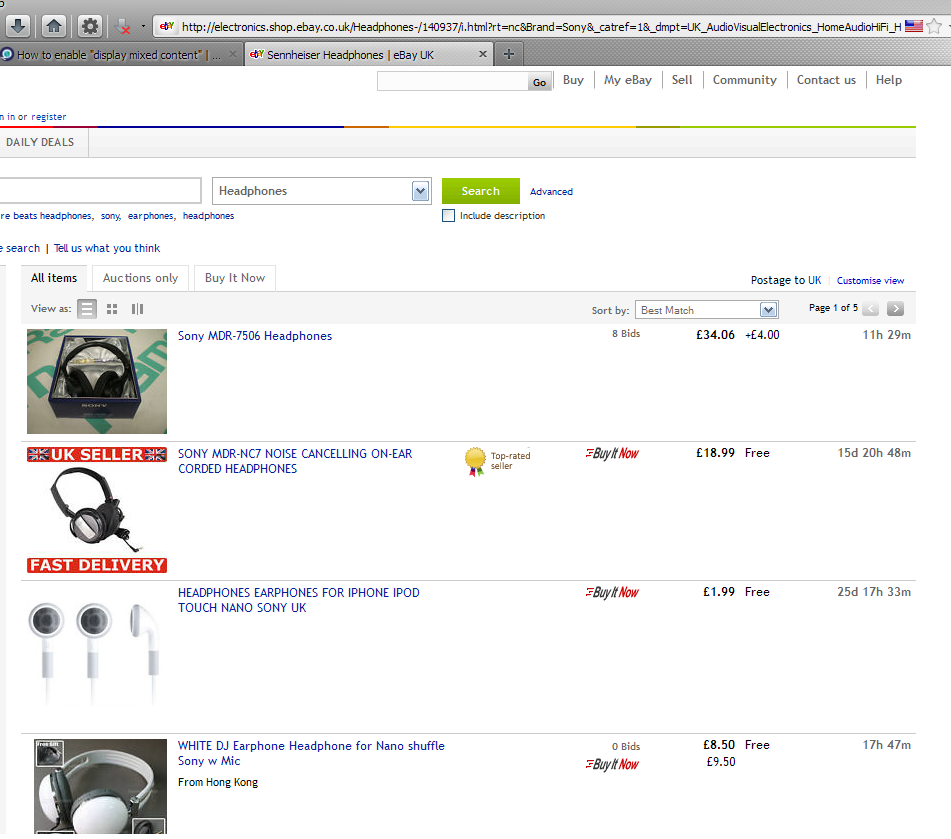
I don't get a problem browsing ebay uk. See the image.
Try running Firefox in Use Troubleshoot Mode in Firefox. If it functions properly in that configuration, then one of your add-ons is the culprit.
If images are missing then check that you aren't blocking images from some domains.
See:
- Check the permissions for the domain in the current tab in Tools > Page Info > Permissions
- Check that images are enabled: Tools > Options > Content: [X] Load images automatically
- Check the exceptions in Tools > Options > Content: Load Images > Exceptions
- Check the "Tools > Page Info > Media" tab for blocked images (scroll through all the images)
Sortlike issue here, I dont get it with Ebay but try to run a corporate site. Partly https, partly http. This doesnt work out for Firefox because I cant show the page with mixed content enabled. Isnt there a checkbox where I can enable this, like with IE?