


Unable to send emails in Thunderbird from non-Yahoo! addresses.

Over the past few weeks, any time I try to send an email using Thunderbird with the from address being one of my non-Yahoo! accounts, I get the following alert message:
"An error occurred while sending mail. The mail server responded: From address not verified - see http://help.yahoo.com/l/us/yahoo/mail/original/manage/sendfrom-07.html. Please verify that your email address is correct in your account settings and try again."
If I switch the from address to my Yahoo! address, I can send the emails no problem. I have searched around for solutions to this issue and seen that other people have had the same problem going back at least 9 years, but I haven't yet found a workable solution.
Any ideas?
All Replies (2)
Thanks for the prompt reply sfhowes.
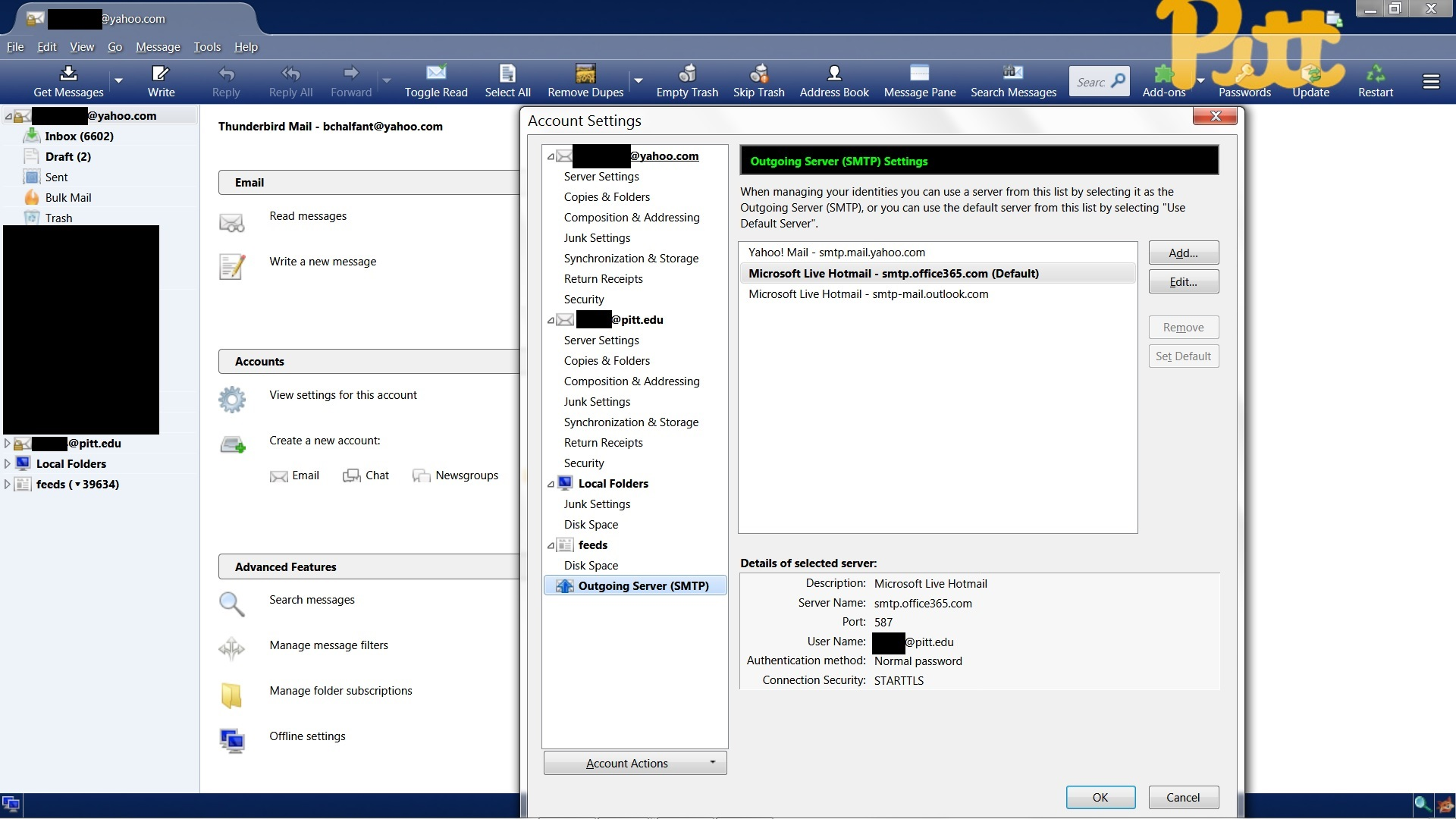
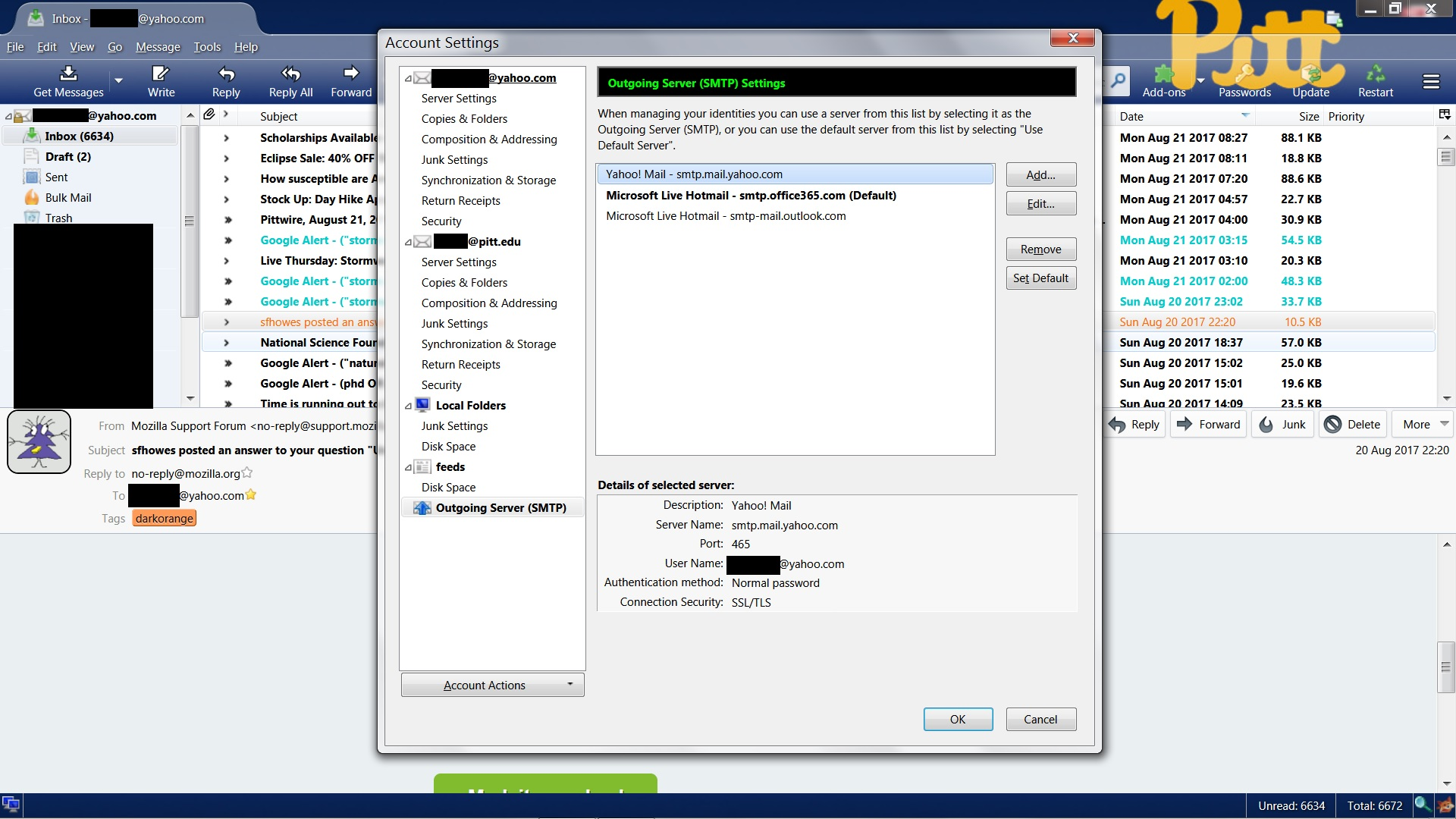
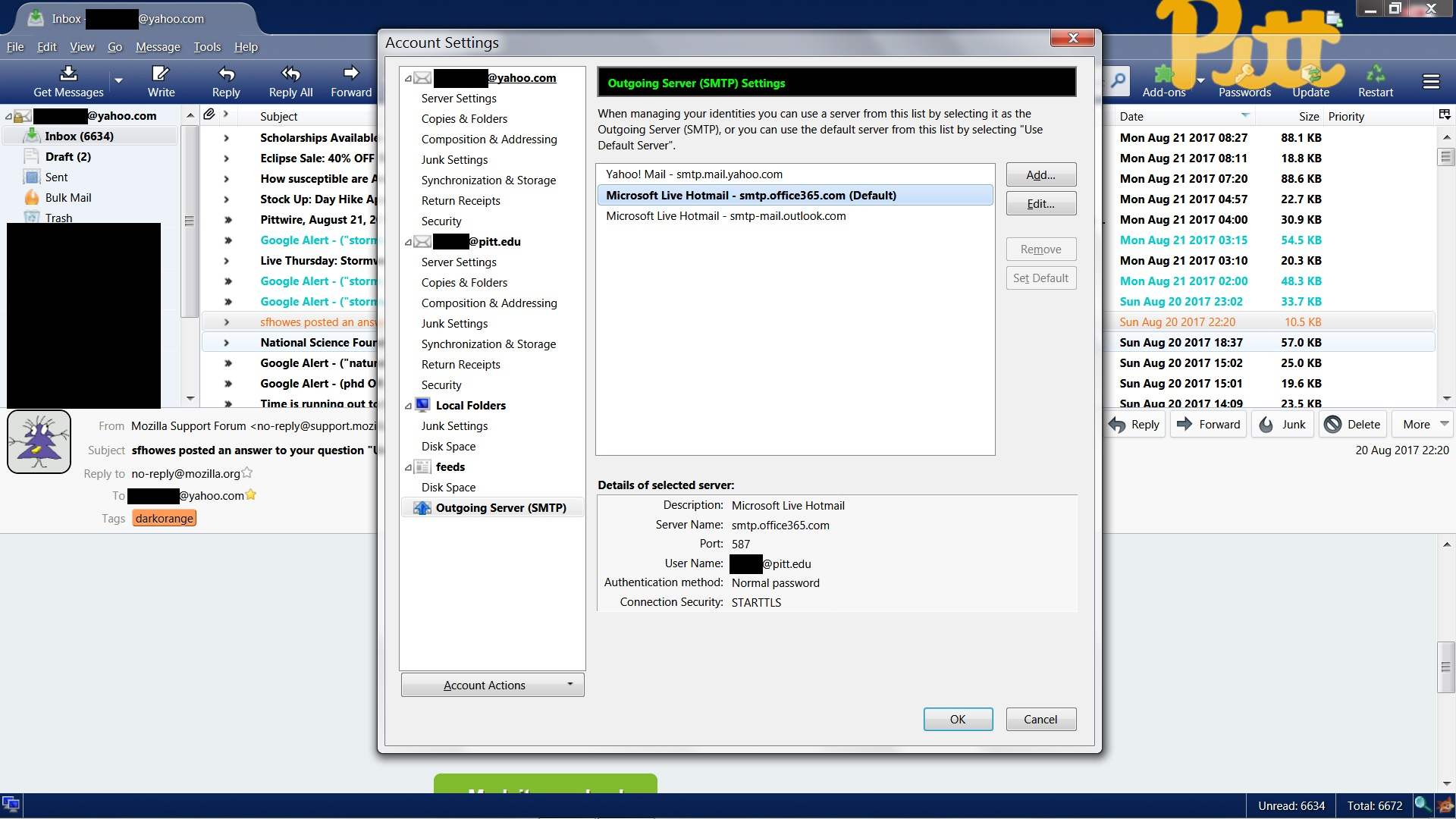
I checked the outgoing server settings as you suggested, and it seems that they are in order (see attached).
Novain'i missionFIGS t@
Nevermind. sfhowes, you were on the right track.
I have two different identities set up under the @yahoo.com account, one @yahoo.com and one @pitt.edu. The @pitt.edu identity was trying to send on the yahoo smtp server. Once I switched that back to the outlook outgoing server, it solved the problem
Thanks for the advice!