


where did my search bar go

just installed 29.0.1
Search Bar disappeared
All Replies (5)
Vahaolana Nofidina
Possibly your search bar reset off the address bar field, try this:
- Click the menu button
 to the right of your address bar,
- Click on 'customize' on the bottom left
- Drag the Icon titled 'Search' up to where-ever you want it.
Cheers
I tried to follow your advice, but there is no Search icon among the set in Customise on my screen. How do I recover the icon in order to use it?
I lost my Search Bar after my browser was "taken over" by something called MapGalaxy when I mistakenly obeyed an injunction to upgrade that software.
Mind uploading a screen shot like mine before? From after you hit the 'customize' button under the menu. I would like to see what you are seeing.
It might not be an icon that says 'Search'. It just could be a rectangular bar with an icon on the left side. Be aware also that it might not be a Google icon in the search bar, the icon will be what ever the default search engine is.
See my attached screenshot for reference.
Cheers!
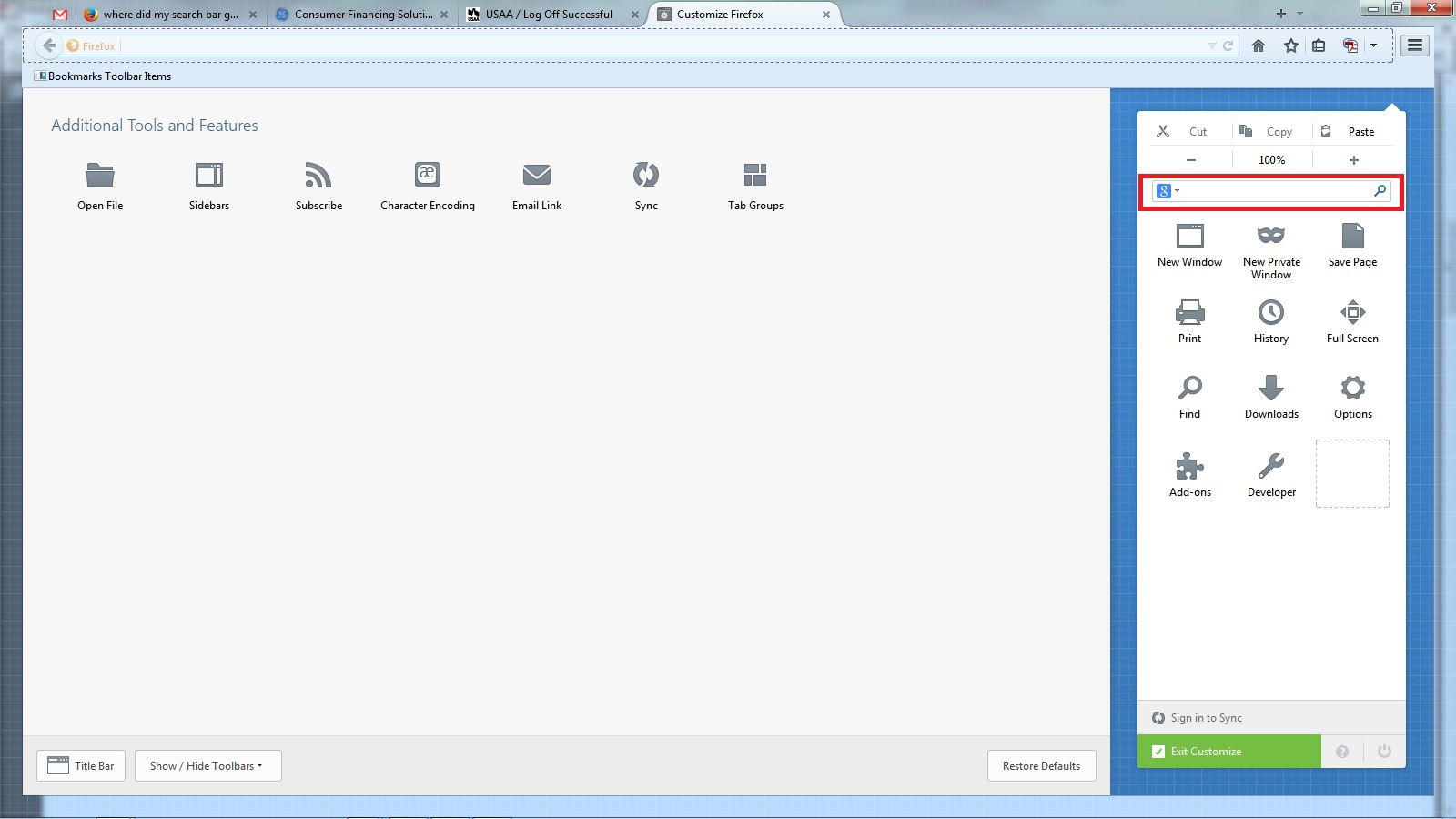
Mind uploading a screen shot like mine before? From after you hit the 'customize' button under the menu. I would like to see what you are seeing.
It might not be an icon that says 'Search'. It just could be a rectangular bar with an icon on the left side. Be aware also that it might not be a Google icon in the search bar, the icon will be what ever the default search engine is.
See my attached screenshot for reference.
Cheers!
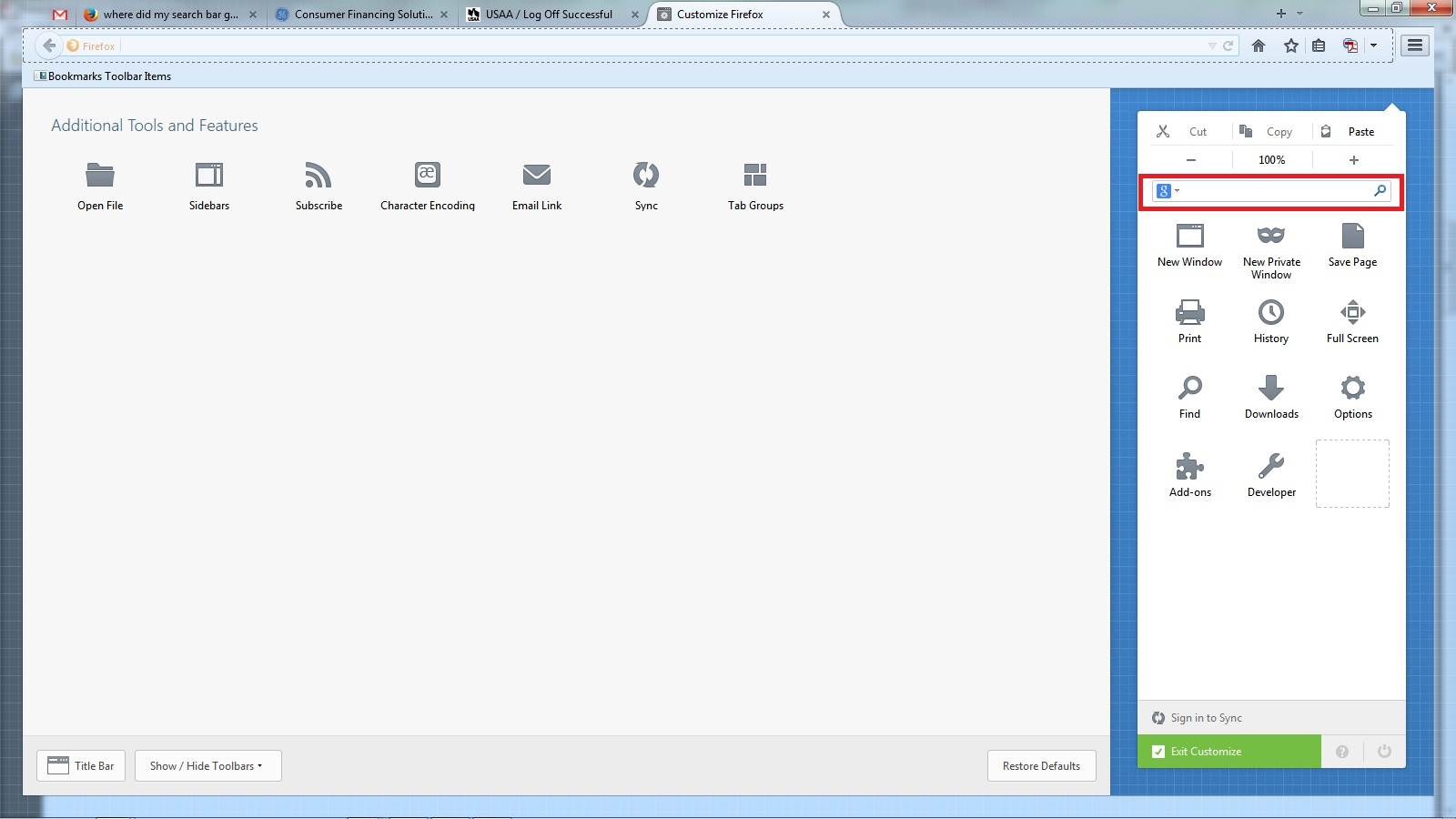
Found it. Little rectangle. Thank you.