


Open
pdf werden zweimal geöffnet in Firefox und Adobe Acrobat

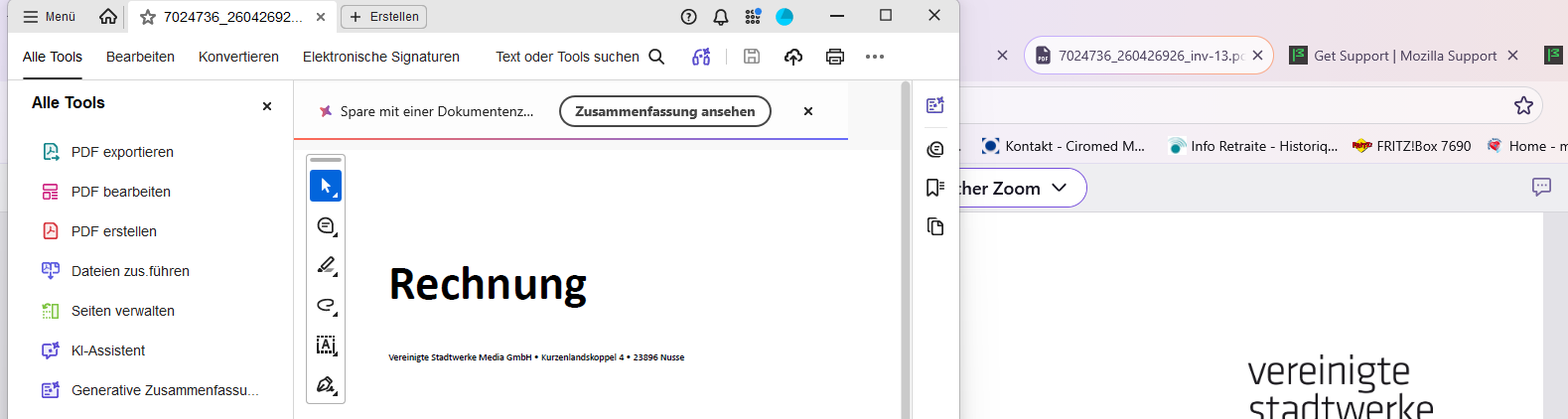
Ich öffne ein PDF File in Firefox. Er wird in Firefox angezeigt und sofort öffnet sich die Datei zusätzlich Adobe Acrobat. Das soll es nicht. Ich habe geändert: - in firefox im Menu download: PDF öffnen: Firefox - in Windows 11 Standard APP für PDF: Firefox - in Windows 11 Standard Browser: Firefox
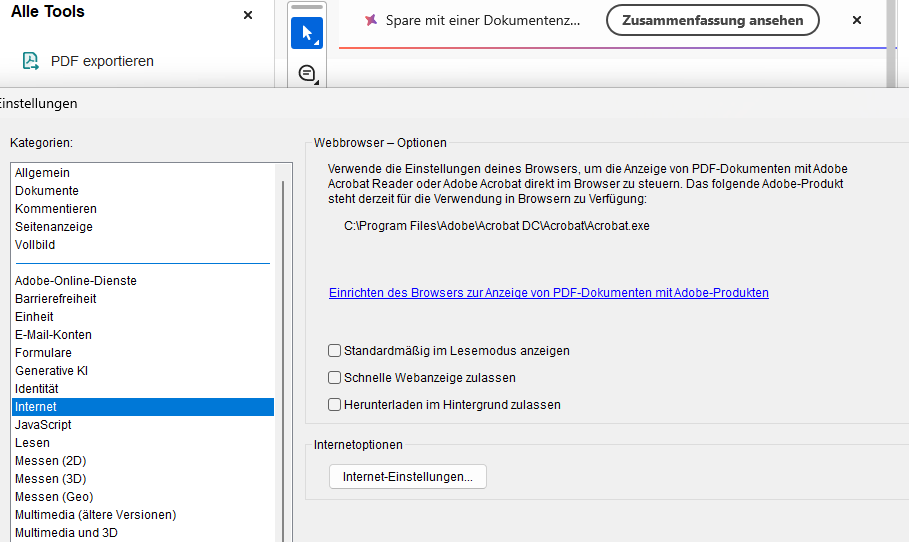
Ich weiss nicht, wo ich jetzt noch die Einstellungen ändern kann, damit sich eine PDF Datei nur in Firefox öffnet und nicht automatisch nochmal Acrobat.
Ich öffne ein PDF File in Firefox. Er wird in Firefox angezeigt und sofort öffnet sich die Datei zusätzlich Adobe Acrobat. Das soll es nicht.
Ich habe geändert:
- in firefox im Menu download: PDF öffnen: Firefox
- in Windows 11 Standard APP für PDF: Firefox
- in Windows 11 Standard Browser: Firefox
Ich weiss nicht, wo ich jetzt noch die Einstellungen ändern kann, damit sich eine PDF Datei nur in Firefox öffnet und nicht automatisch nochmal Acrobat.
All Replies (1)
Hi ebk29,
Apologies for replying in English, but you're currently posting in our English forum.
To get help in your locale language, please check out the Get community support article, which lists other available support forums and resources by language.
Thanks for your understanding.