


Sites layout
New Tab page Top Sites layout breaks at high UI scaling (150–170%). Tiles are pushed too far down and become partially off-screen. The grid does not remain vertically centered and does not scale properly with increased zoom or DPI scaling. At 170% scaling, several tiles are not visible without scrolling. i am use version 151.0.1 last i open browser an watch here
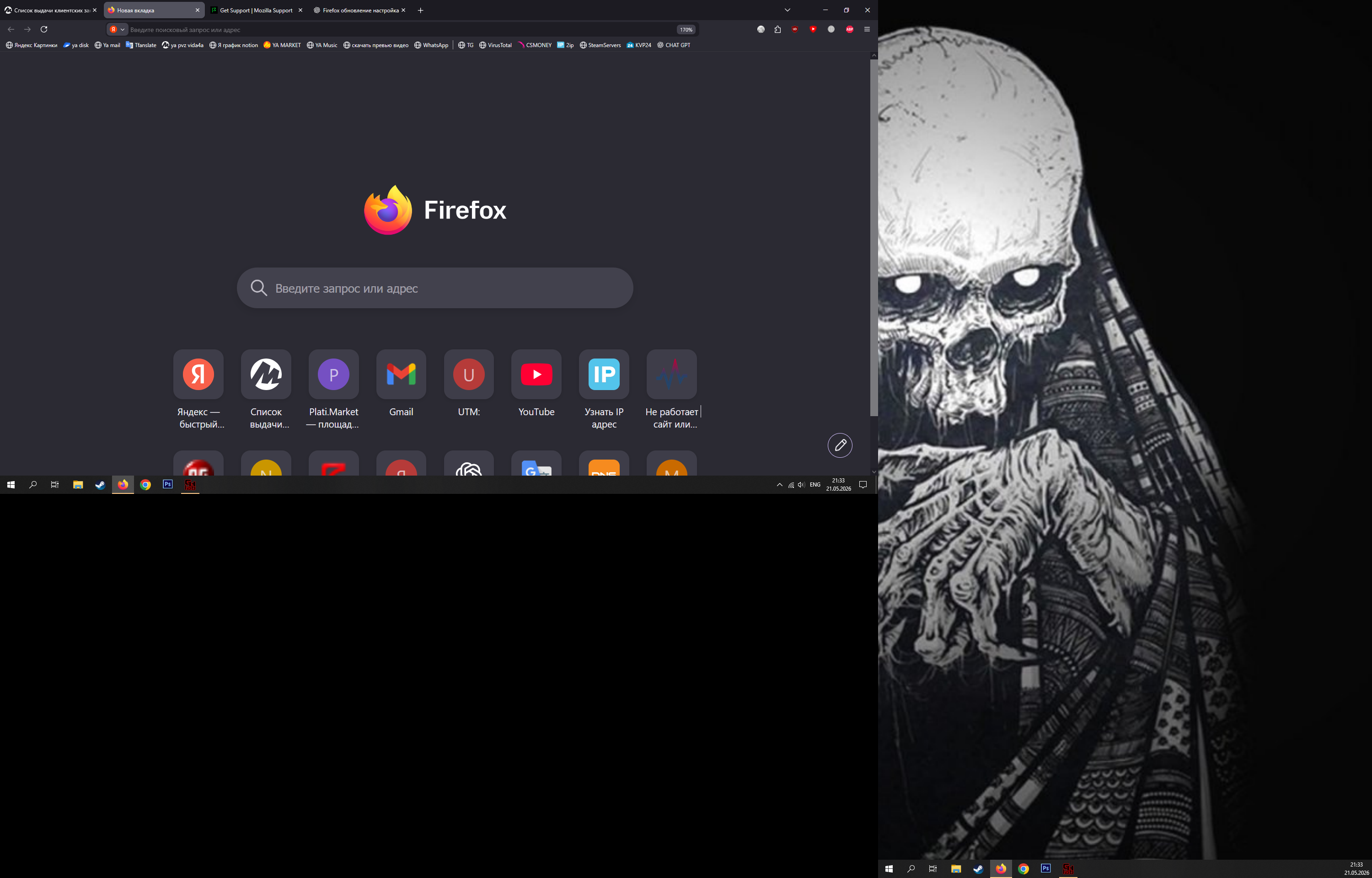
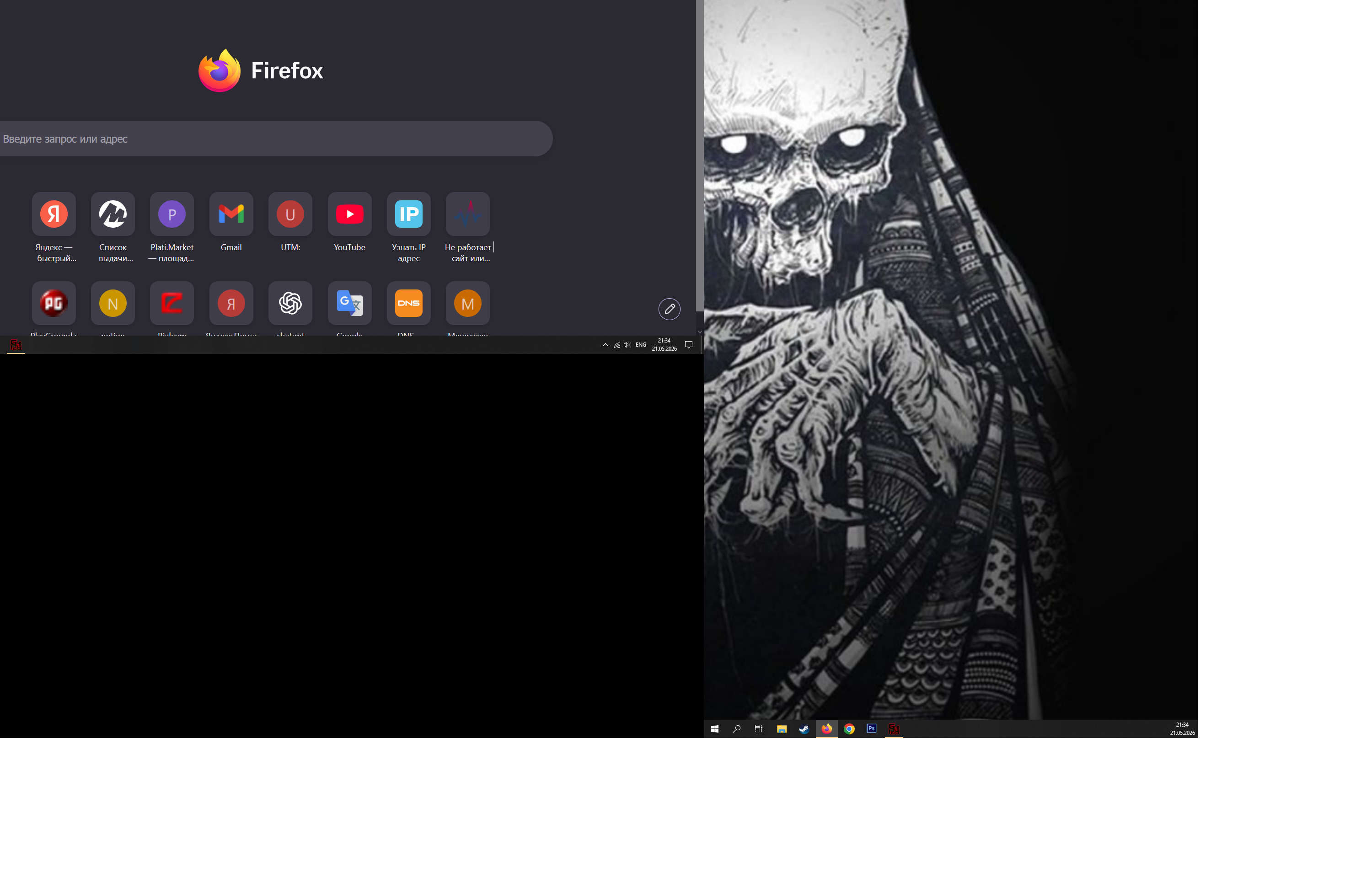
All Replies (1)
Hello
Maybe, is it, your question
To see, you can test, browser.newtabpage.activity-stream.nova.enabled
Try 1 - Go to configuration editor https://support.mozilla.org/en-US/kb/about-config-editor-firefox 2 - Enter a search term browser.newtabpage.activity-stream.nova.enabled You can double-click on the preference to set the value to false
This discussion thread https://connect.mozilla.org/t5/discussions/firefox-151-introduces-a-fresh-new-look-for-home-amp-new-tab/td-p/125715