


Thunderbird 115.10.1 (32bit)

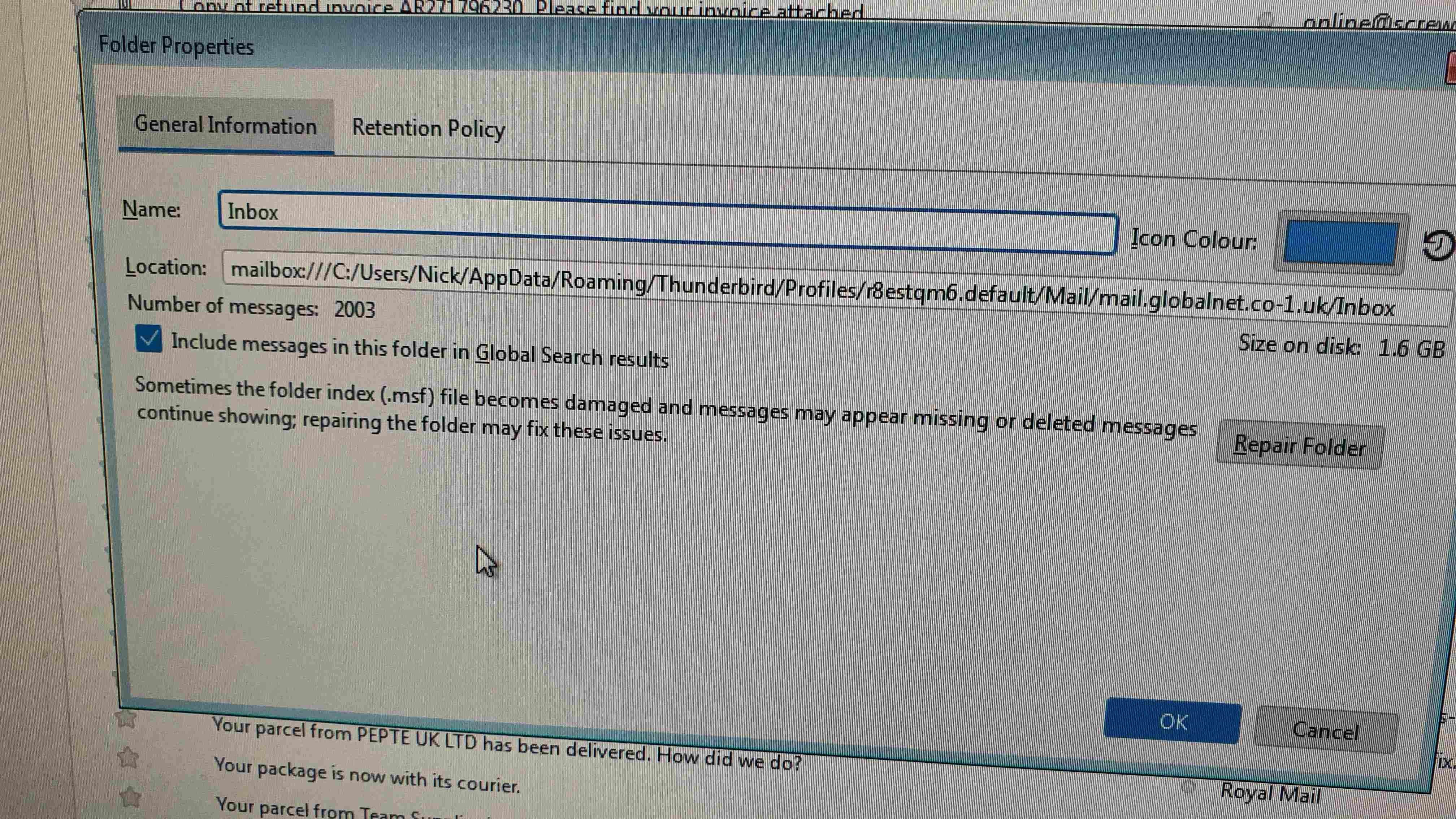
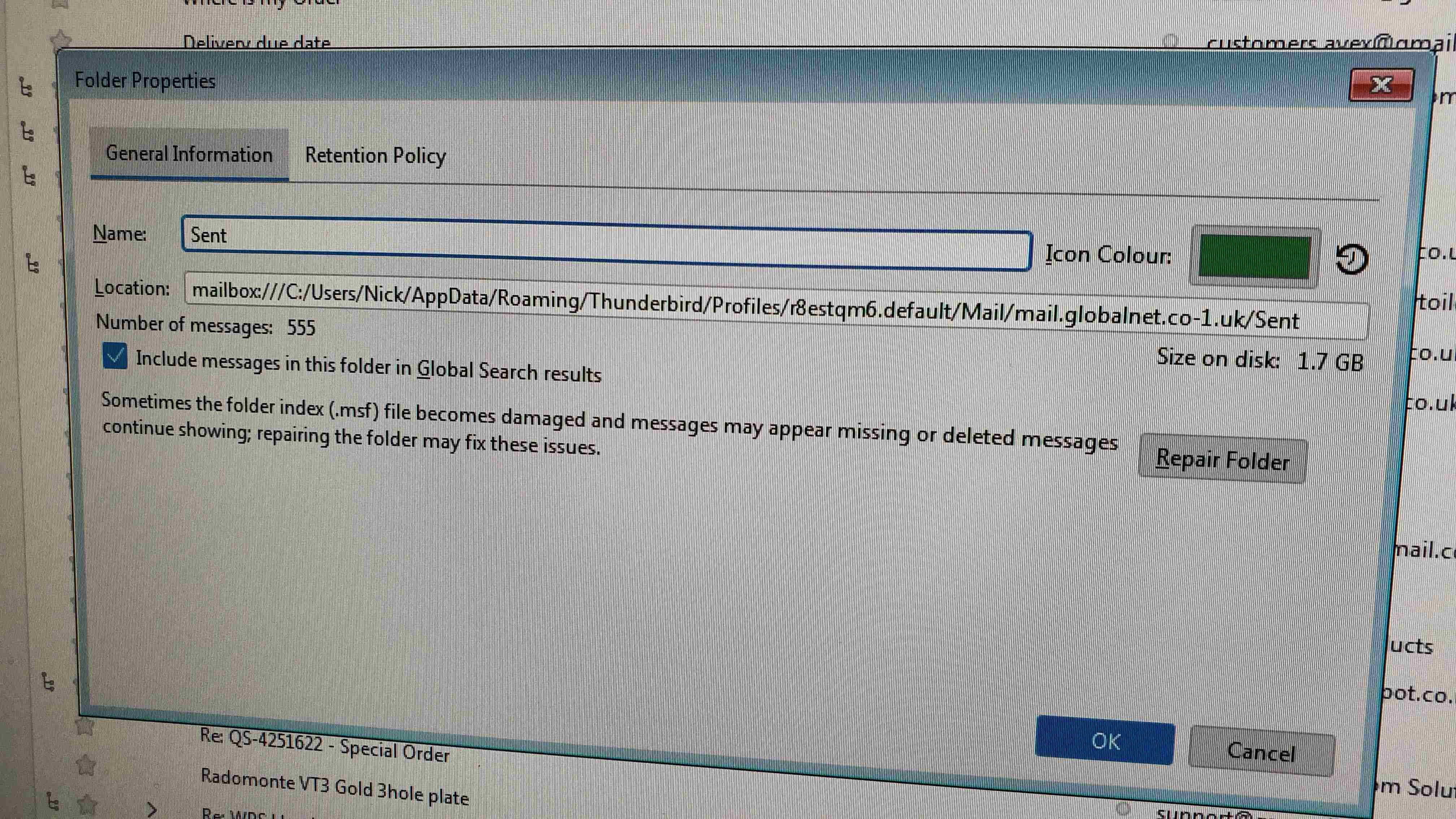
Dear Sir / Madam, I am still running a perfectly good Win 7 computer. My Mail Inbox & Sent Box have a huge number of Emails i have been trying to delete in batches. They initially go to my Deleted folder which shows the number of emails collected. I then empty the deleted folder. so far so good, except the huge file size in my inbox or sent box hasn’t changed! But the deleted folder is now showing empty! The emails i selected to delete seem to have disappeared, but i have not recovered any disk space! I am running out of disk space in C drive because i cannot seem to remove these emails. I have tried shutting down my computer & rebooting (i shut it down every night) this has no effect.
If i had a tool to open the sent / inbox file i could manually delete emails in old date order? Hope someone out there can help.
Kind regards Nick
All Replies (3)
Try this: - highlight the folder in thunderbird, rightclick and select compact.
What is going on? I have plenty of room on my C drive, yet Thunderbird is telling me that I am out of disk space. The prompt recommends that I compact files. I have tried that (File > Compact Folders) and nothing seems to happen. When I try to compact individual folders, nothing seems to happen. When I go into various folders and try to delete emails, the program won't let me. With plenty of space on all my drives, I don't understand why this is happening.
I have Windows 10 which I am not going to upgrade. I have Thunderbird 140.6.
Modified by Purebeads
Okay, rebooting my computer seemed to fix things for the moment. I usually just put the computer to sleep.
Modified by Purebeads