


New Google Maps does not work

The new Google maps does not work in Firefox. It just sticks at loading!
Any ideas as to who to get it to work?
All Replies (4)
Did you start from here? http://www.google.com/maps/about/explore/
I wasn't very patient and after clicking the Click here to start button I went around the page a few times. It took somewhere between 45-90 seconds to get the new maps page, and another 15-30 seconds to load the actual map tiles. I assume it was downloading something and will be faster in the future. At least I hope so....
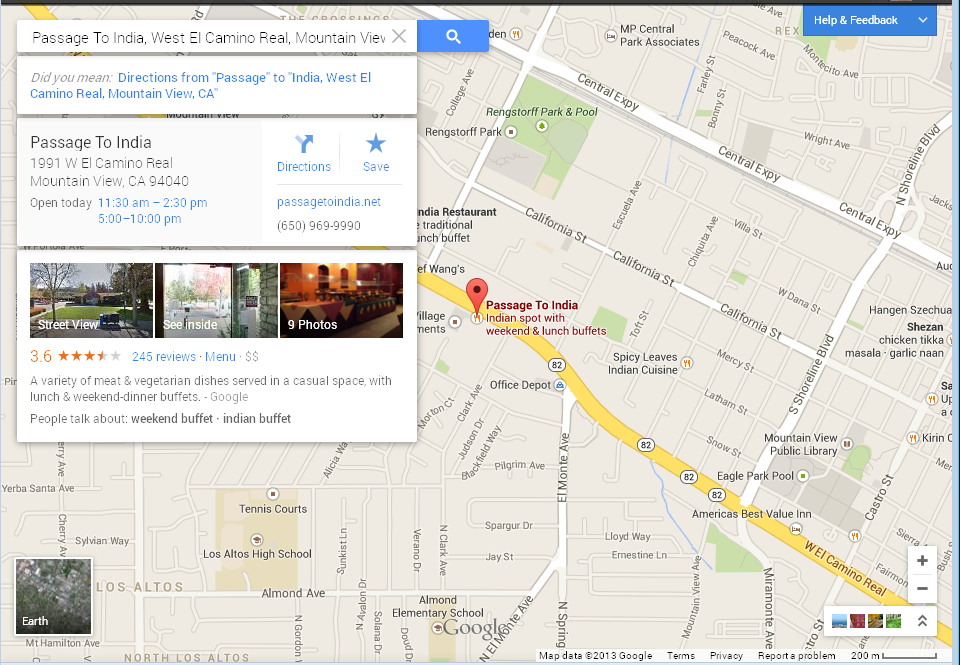
For me it will open a map relatively near my location, but I can't drag, can't search, can't zoom, or interact with the map in any way whatsoever.
Hi sladenmmatt, to see whether one of your extensions might be affecting the site, could you try the page in Firefox's Safe Mode? That's a standard diagnostic tool to bypass interference by extensions (and some custom settings). More info: Use Troubleshoot Mode in Firefox.
You can restart Firefox in Safe Mode using
Help > Restart with Add-ons Disabled
In the dialog, click "Start in Safe Mode" (not Reset)
Any difference?

I tried Google Maps, No problem.