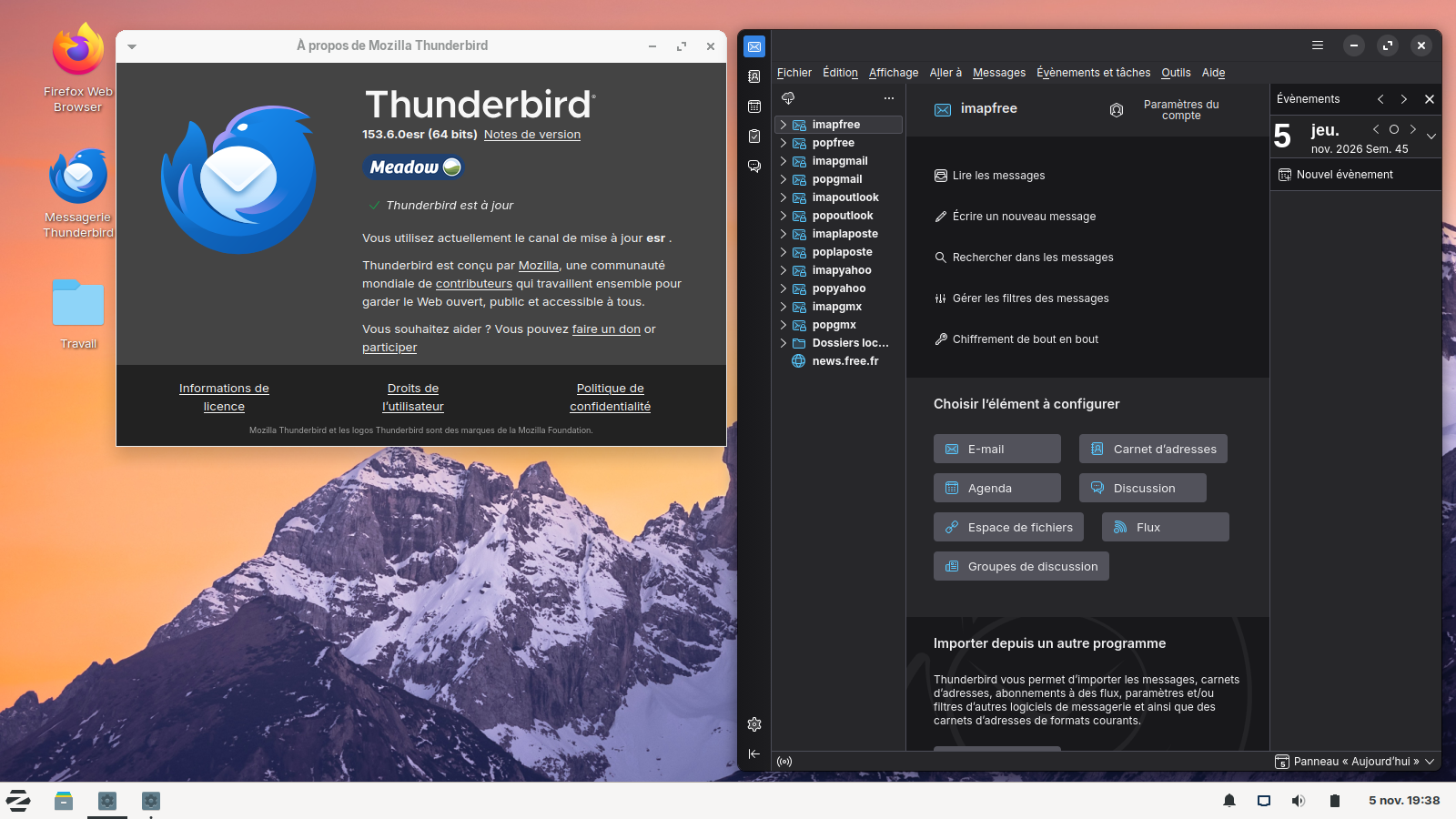
Access Denied You don't have permission to access "http://www.lowes.com/pl/home-accents/4294896167?" on this server. Reference #18.2ec84d17.1793895125.19f1497 https://errors.edgesuite.net/18.2ec84d17.1793895125.19f1497

11/5/26 I am running Windows 7 Pro (64 bit, Quad Core) on a desktop. Latest Firefox v. 115.44.0esr (64-bit). Latest Thunderbird v. 115.18.0 (64-bit). No VPN (but worked before). Security settings "off" (I have checked and checked -- hours and hours.)
I have been having Firefox browser authentication errors for months -- but suddenly now all the time on some websites. Examples are: Amazon -- OK. Ebay -- OK (sort of). Yahoo -- OK. Youtube -- OK. Lowes.com -- blocked (see above). Walmart.com -- blocked (same). Etc.
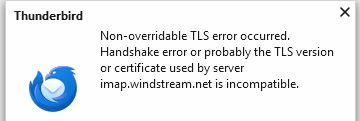
I have been having Thunderbird email authentication errors for months -- but suddenly now all the time. Can't log on to ISP email account (but I can in the browser). "Non-overridable TLS error occured." I have an Arch Linux desktop with Firefox -- works fine. The Arch Linux Thunderbird works fine.
This sucks. Time to change browser and email client? Please advise.
D. Stewart
All Replies (3)
For Firefox
The "Access Denied" message with a Reference # usually indicates that a website's security system (Web Application Firewall) thinks you are a bot or attacker rather than a normal user. Let's see whether we can figure out why.
Some possible issues to consider:
(A) If you are using a VPN when accessing these sites, try without the VPN.
You already ruled this one out, but for future reference: When you are using a VPN, your IP address is from a remote system used by many strangers. So if that IP address is temporarily banned due to someone else's activity, that also will affect you. If you need the VPN, try selecting a different server or exit node in your VPN software.
(B) If you have customized any privacy preferences that affect browser requests -- for example, modifying your "user agent" or referring site header -- you may need to undo those changes
Also, some add-ons may modify headers in a way that looks suspicious to these systems. We can't really tell how your browser identified itself to the problem site based on how it identified itself to this site, because add-ons are restricted in how they interact with this site. Based on the extension list you shared, none of them strike me as problematic. In case that list was incomplete, see: Review installed extensions.
(C) If you have Firefox set not to accept ANY cookies, that also could be a problem for some sites
(D) Maybe your requests are modified by an intermediary (such as a proxy server, your security software, or an interloper)
Although most people are not intentionally using a proxy server, Firefox may discover one set up in your system settings. Sometimes forcing Firefox to ignore those settings helps with weird connection issues. Here's how:
Open the Settings page using either:
- "3-bar" menu button > Settings
- (menu bar) Tools > Settings
- type or paste about:preferences into the address bar and press Enter/Return to load it
In the very tiny search box at the top of the page, type proxy and Firefox should filter to the "Network Settings" section of the page.
Click the Settings button, change the top setting to "No Proxy" and then click the OK button at the bottom of the dialog to save your change.
Any difference?
For Thunderbird
Could you post the second question separately on the forum where Thunderbird gurus are more likely to see your question: https://support.mozilla.org/questions/new/thunderbird/form
Bonsoir
A discussion thread https://support.mozilla.org/en-US/questions/1615535
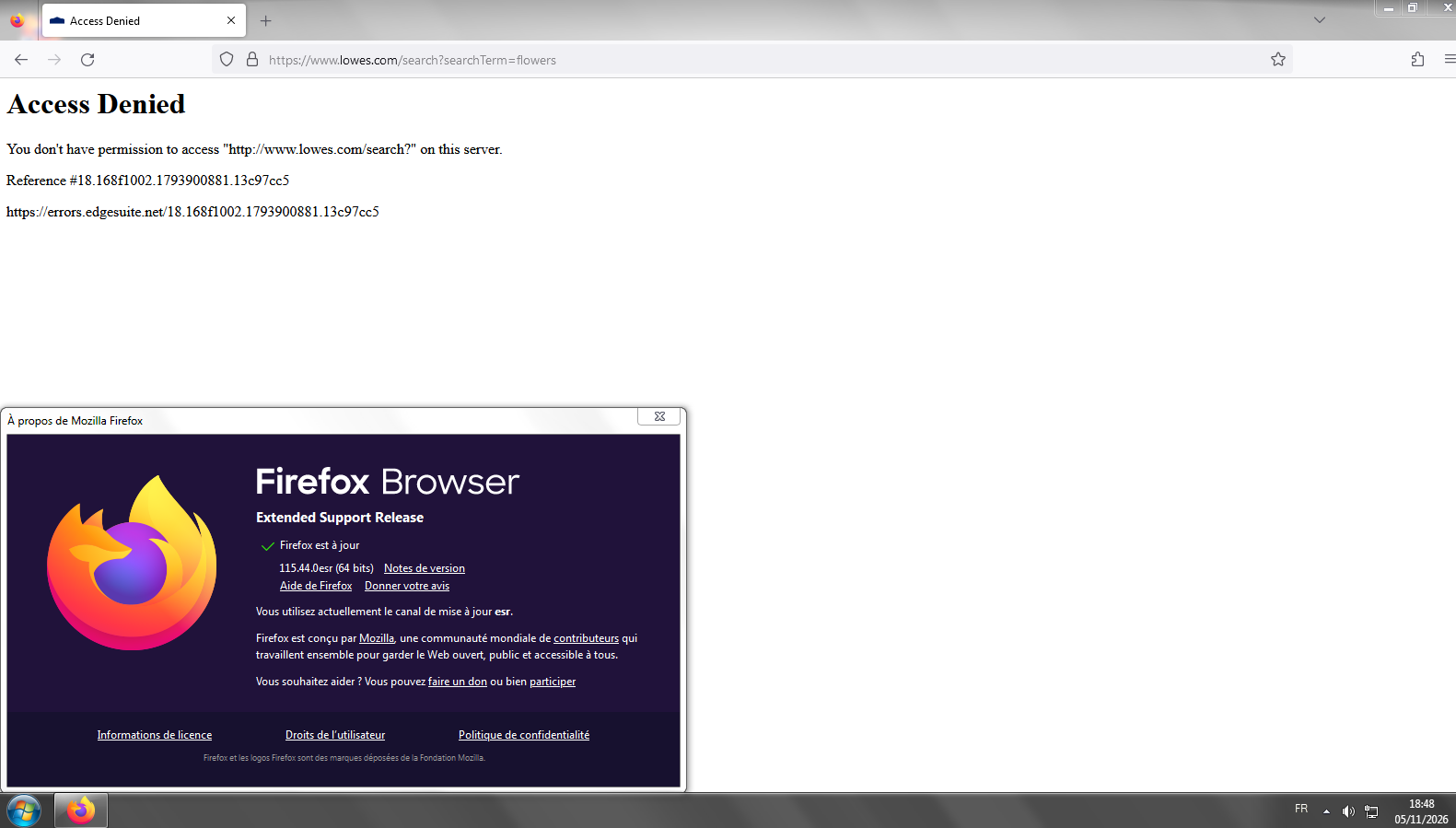
J'ai installé Linux en double-démarrage avec Windows7.
Install Firefox on Linux https://support.mozilla.org/en-US/kb/install-firefox-linux As for me, System Firefox installation (for advanced users), that's my installation.
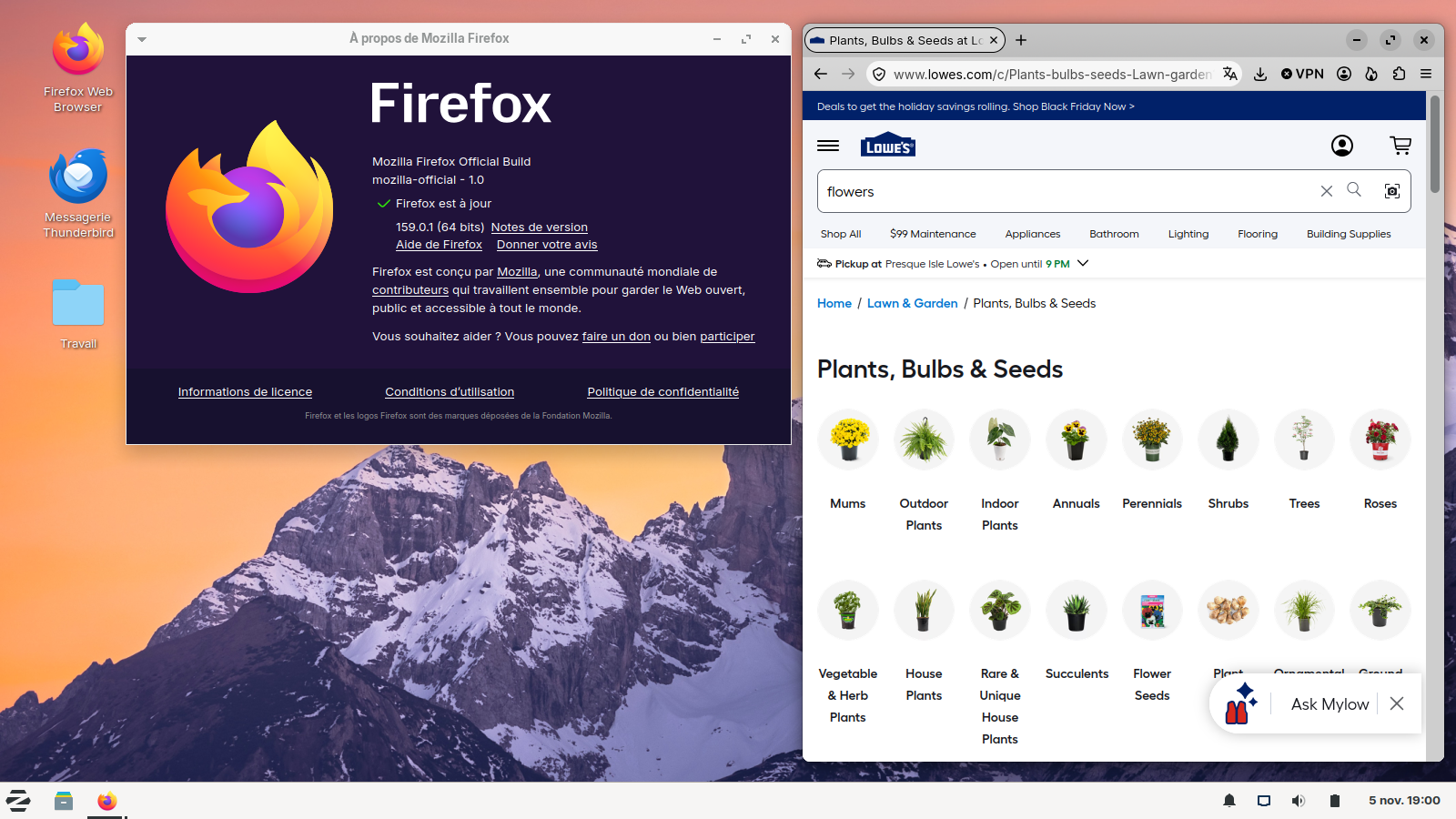
Install Thunderbird on Linux https://support.mozilla.org/en-US/kb/installing-thunderbird-linux As for me, System Thunderbird installation, that's my installation.