


Windows 10 reached EOS (end of support) on October 14, 2025. If you are on Windows 10, see this article.

Search Support

Avoid support scams. We will never ask you to call or text a phone number or share personal information. Please report suspicious activity using the “Report Abuse” option.

Learn More
Open

Firefox will not display COX main home pages.

jbr replied
Al6286

Firefox has stopped displaying the COX home page at https://www.cox.com/residential/home.html?campcode=redir-myc-hom . I can see the back pages if I connect to them from a link, but the home pages does not display. All I get is a error that says, "Oops something is wrong. Please try again later. And a circle that just "buffers" constantly. If I connect though a book mark to the payment page or one of the other pages I can see it. The error used to start for a minute when I turned my computer on and correct itself but now it is permanent.

Cox is telling me that it is a Firefox issue and I should get "another browser". But there is nothing better then Firefox. Everyone else works, even Google and Yahoo, just not COX.

Thanks.
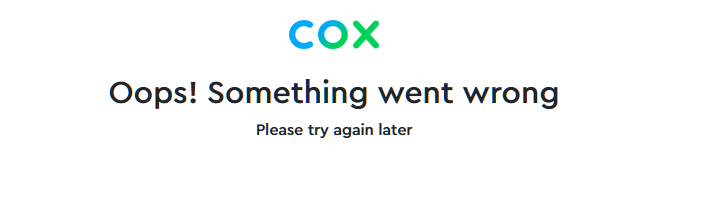
Firefox has stopped displaying the COX home page at https://www.cox.com/residential/home.html?campcode=redir-myc-hom . I can see the back pages if I connect to them from a link, but the home pages does not display. All I get is a error that says, "Oops something is wrong. Please try again later. And a circle that just "buffers" constantly. If I connect though a book mark to the payment page or one of the other pages I can see it. The error used to start for a minute when I turned my computer on and correct itself but now it is permanent. Cox is telling me that it is a Firefox issue and I should get "another browser". But there is nothing better then Firefox. Everyone else works, even Google and Yahoo, just not COX. Thanks.
Attached screenshots

All Replies (1)

They are using human verification service that can make decisions of its own (I can pass just fine) — sorry there's no better answer than… try again later:(

You can try in Private Window or restarting into Troubleshoot Mode (from Help menu) to see if anything changes, but it's mostly between your ISP and their security vendor, while they sniff around the browser features:/

Ask a question

You must log in to your account to reply to posts. Please start a new question, if you do not have an account yet.