


After the lastest update all of the folders I've created and emails within them are missing

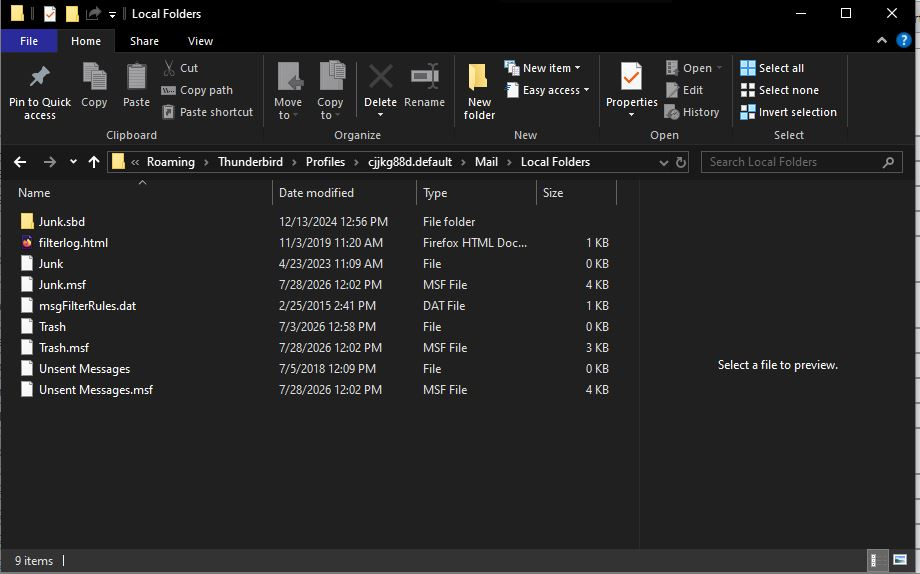
Thunderbird just updated and the next time I opened it all of the folders I created and the emails I'm storing within them are missing. I found my profile as directed. I'm not sure if I have a backup of it. I've included the screenshot as you ask for. I know that those folders and emails are there as I was playing around with the the 3 lines > View and when I moved between the different choices I saw my folders/emails are all in there.
Any assistance you can provide is appreciated!
All Replies (4)
Thunderbird just updated and the next time I opened it all of the folders I created and the emails I'm storing within them are missing.
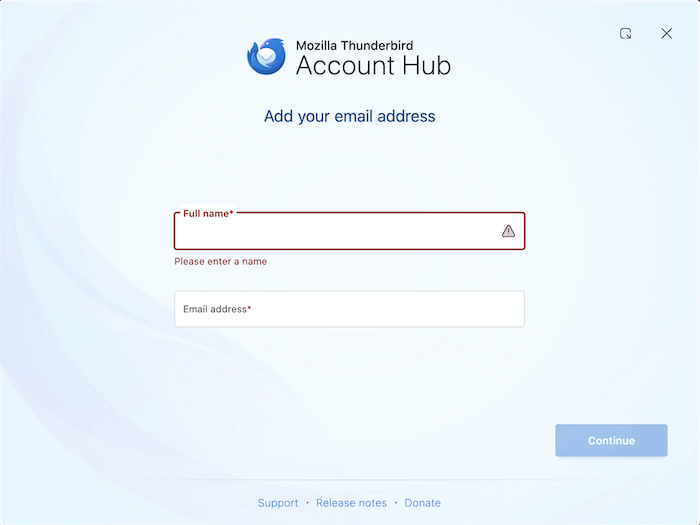
Please show a screen shot of the actual start page when you launch Thunderbird. Does it look like in my attached picture?
Thanks for your prompt reply and for helping me!
No I don't open to a screen like that. It goes to a normal email page. I don't think I ever saw a screen like that (maybe when I first installed it but that was about 15 years ago).
BTW, I have 2 different email addresses, the 2nd one is where I had all of my folders. I didn't create any "Local Folders". So "Local Folders" has and never had anything in it.
Here's a screenshot of my opening screen. I blurred it for privacy.
Unfortunately your screen shot is too much blurred and unusable. There are other means to anonymise screen shots or parts of them. Since you wrote " I was playing around with the the 3 lines > View" I think that your issue has something to do with the App menu button ≡ > View in your Thunderbird main window (first image) Can you remember what you did in the following "View" popup box (second image)? Most users do not remember the suite of their actions, so we might still need an anonymised screen shot, somewhat like in my third image.
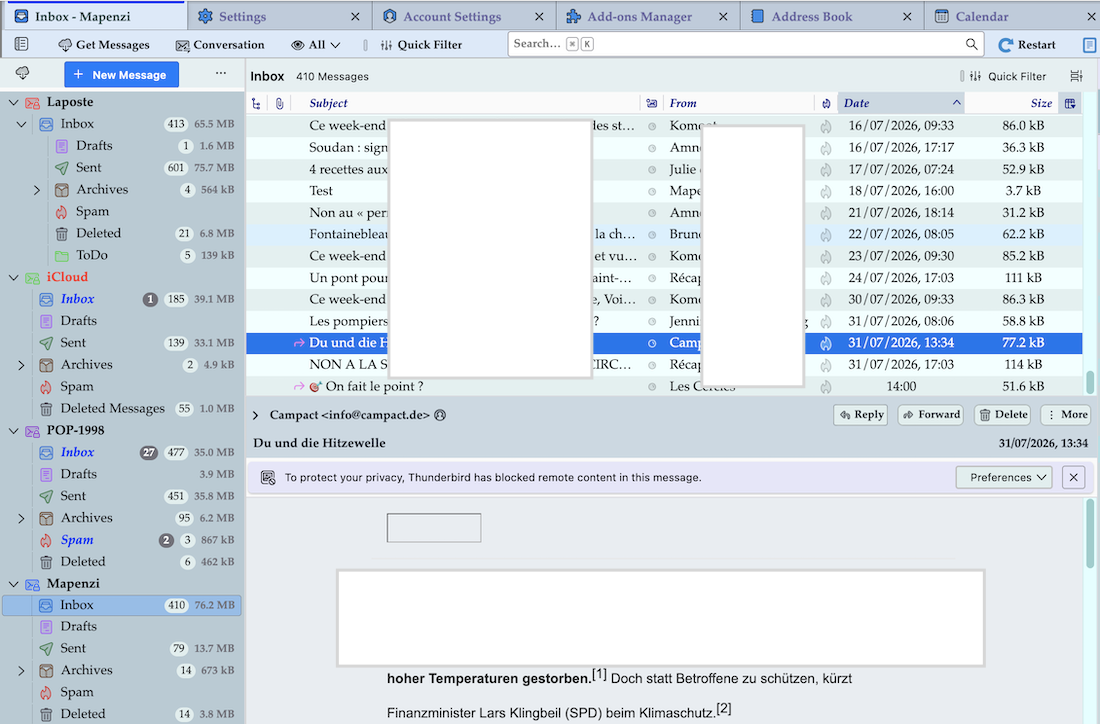
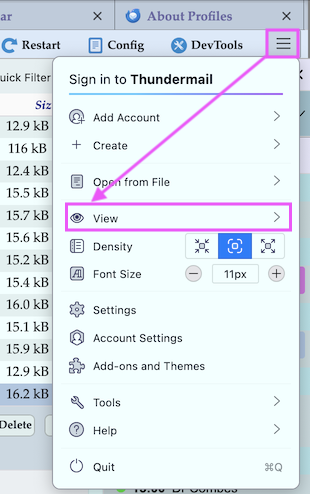
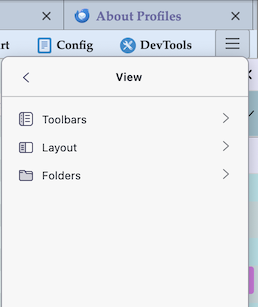

Right click on your 2nd email ( where I believe folders are missing ), and then click on subscribe.
Verify if all your folders are there and if they are not checked, then check them..