


write & edit email Firefox.

i cant write & edit email .How to reset & enbable email editor?
All Replies (6)
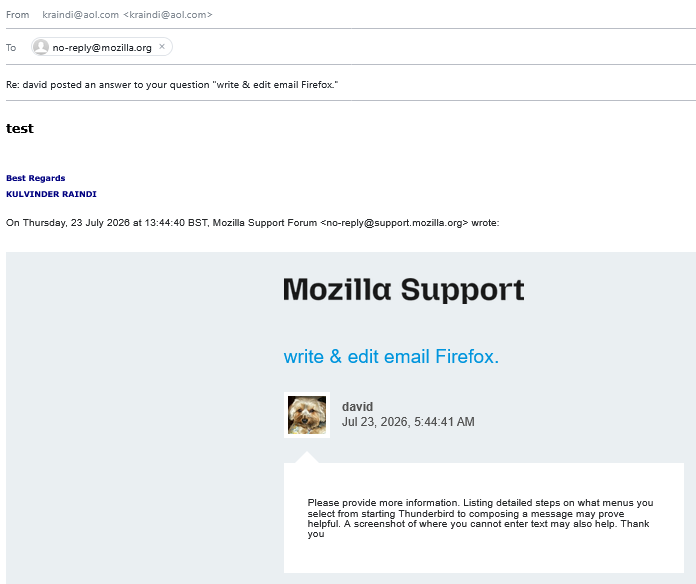
Please provide more information. Listing detailed steps on what menus you select from starting Thunderbird to composing a message may prove helpful. A screenshot of where you cannot enter text may also help. Thank you
hi using firefox browser to access yahoo/aol email see attached screenshot. when i write email normally i highly the textr to edit/change colour/size etc,. soon as i press one of the options to edit , the highlighting dissappears & the only thin that works is to make highlit text bold or unbold. when i use Chrome to access my yahoo; it works fine (but i dont know how to transfer bookmarks from firefox to chrome browser) rsvp
I am still unclear. Please list the exact keystrokes from the time you see the message in inbox until you are in the compose window to enter a response.

This is a Thunderbird Forum not Firefox forum.
Firefox forum is here : https://support.mozilla.org/en-US/products/firefox/support-forum
Modified by Michel T

You are in the Thunderbird forum. You will want to ask this question in the Firefox forum: https://support.mozilla.org/en-US/questions/firefox
If a moderator sees this message, they may transfer it to the Firefox forum for you.
hi; when accessing AOL or Yahoo mailboxes from Firefox. I normally write email/reply & edit before sending. for example highlighting or making some letters bigger./bold/diff colour for emphasis. Since ~ 1month ago this has stopped. i msut now copy to word doc/ edit, then copy & paste back into email then send. When using Opera or edge it is ok. why was this done??? no reason i can see Also if i access my yahoo email box from edge that also works perfectly you dont need any screenshots as issue is explained. maybe it is some kind of conflicting setting in firefox?
rsvp