


Websites load slow or not at all despite fast internet connection
I find that my desktop browser firefox is very slow or doesn't work at all on a lot of websites like amazon or fortnine.
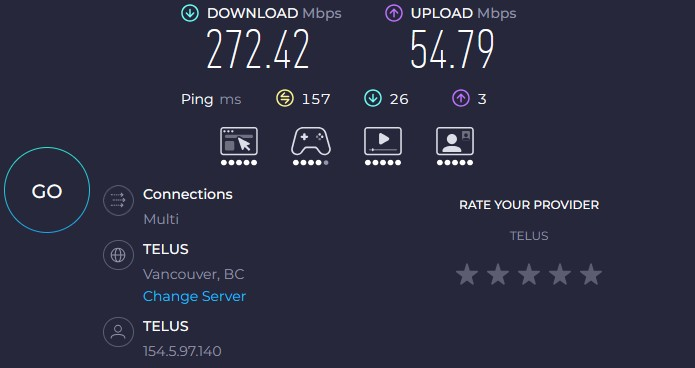
My internet connection and computer are not the issue: 270Mbps (wired connection) Processor AMD Ryzen 7 9800X3D 8-Core Processor (4.70 GHz) Installed RAM 32.0 GB (31.1 GB usable) Graphics card NVIDIA GeForce RTX 4070 Ti SUPER (16 GB) Storage 3.58 TB of 10.92 TB used System type 64-bit operating system, x64-based processor (Windows 11)
My old PC and my mobile phone runs these website fine.
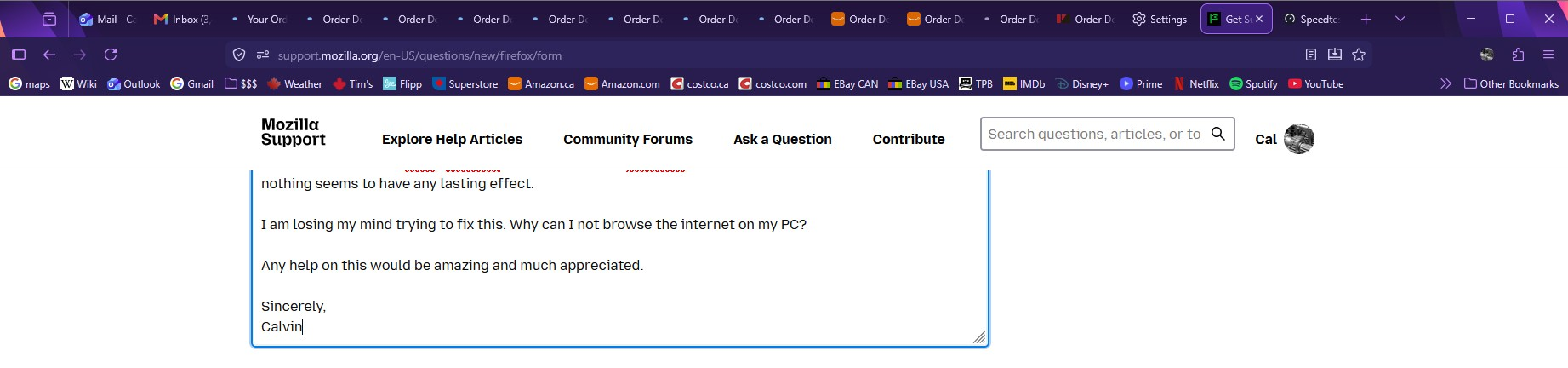
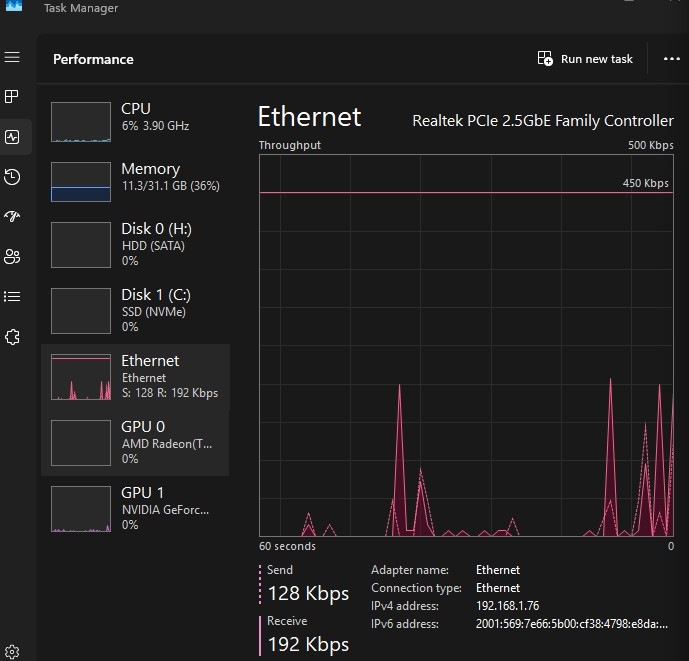
Sometimes the website will work for a moment, but stop and just load for ever after I open a new tab or clink a link. My task manager doesn't show any ethernet usage despite the tabs indicating they are trying to load. Refreshing the tabs does nothing and no matter how long I leave them they don't load. All my drivers, OS and programs are up to date. I have disabled my enhanced tracking protection and I don't have any adblockers. I have tried using the CMD "ipconfig -renew" and using ccleaner to clear out my cookies and cache but, nothing seems to have any lasting effect.
I am losing my mind trying to fix this. Why can I not browse the internet on my PC?
Any help on this would be amazing and much appreciated.
Sincerely, Calvin
All Replies (32)
I am located in the Vancouver BC area (Surrey).
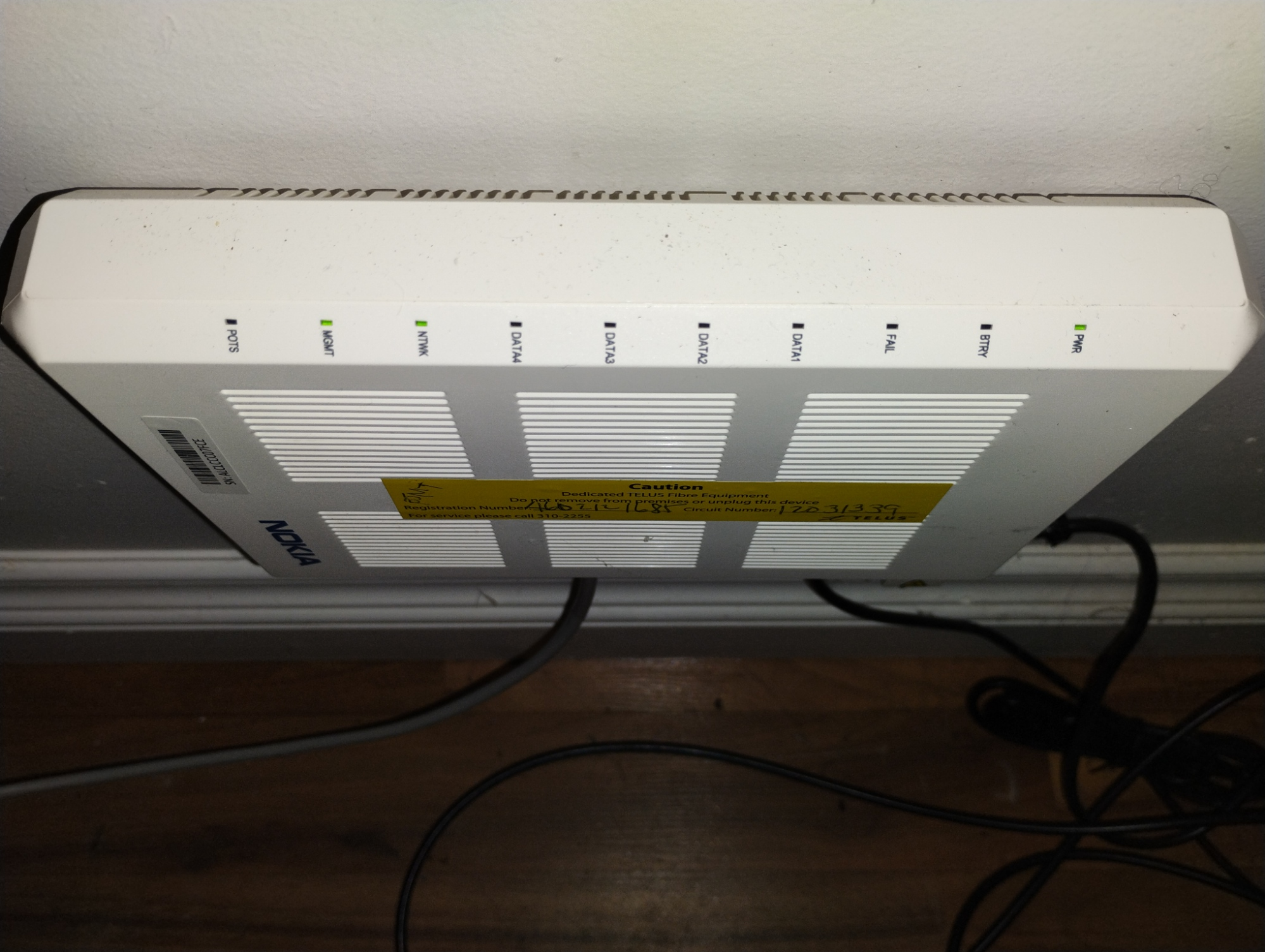
My box that turns fiber into ethernet was original equipment in the suite I rented. It nokia, here are some pictures of it.
Still need to call telus, I will do it today.
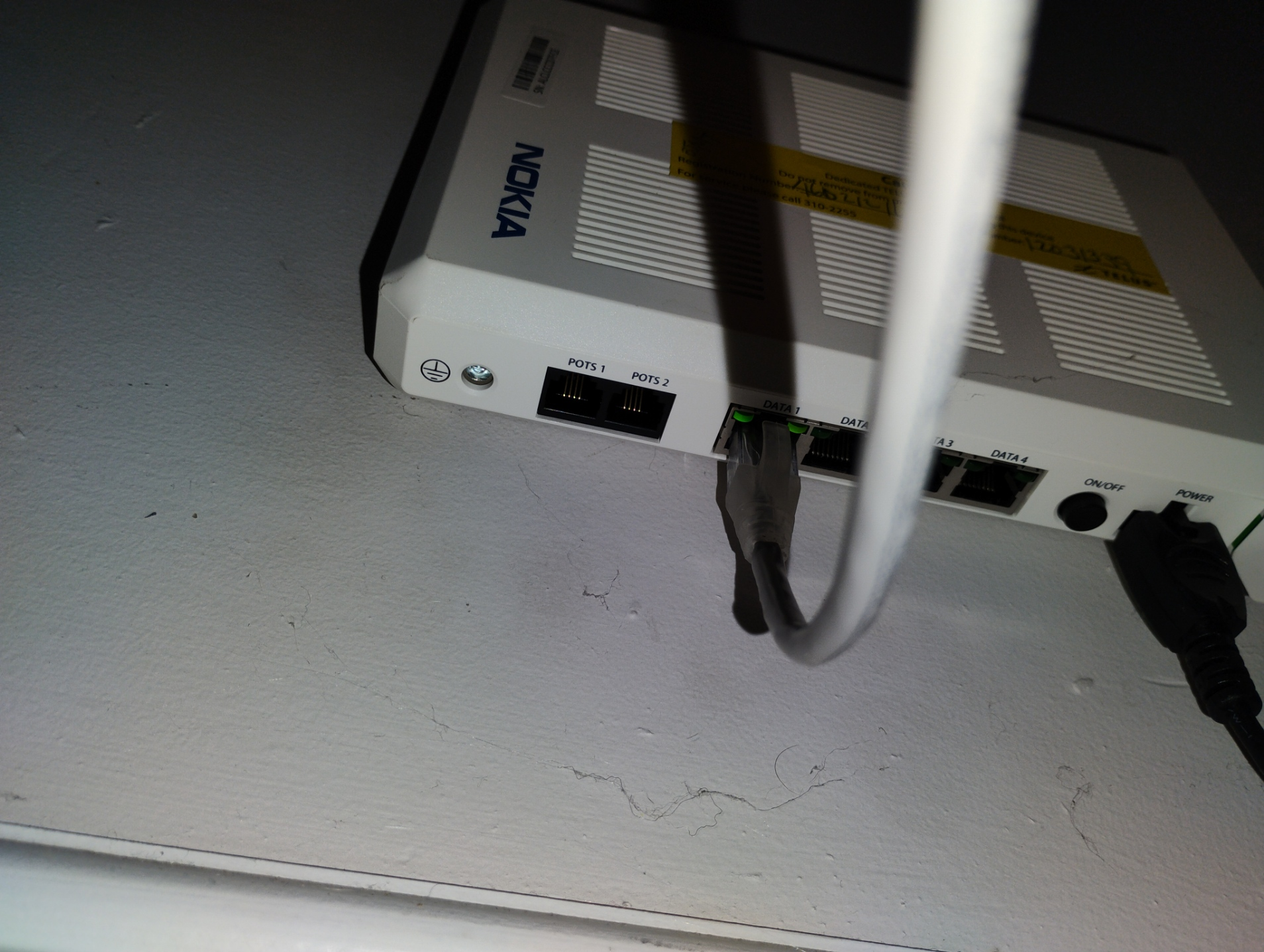
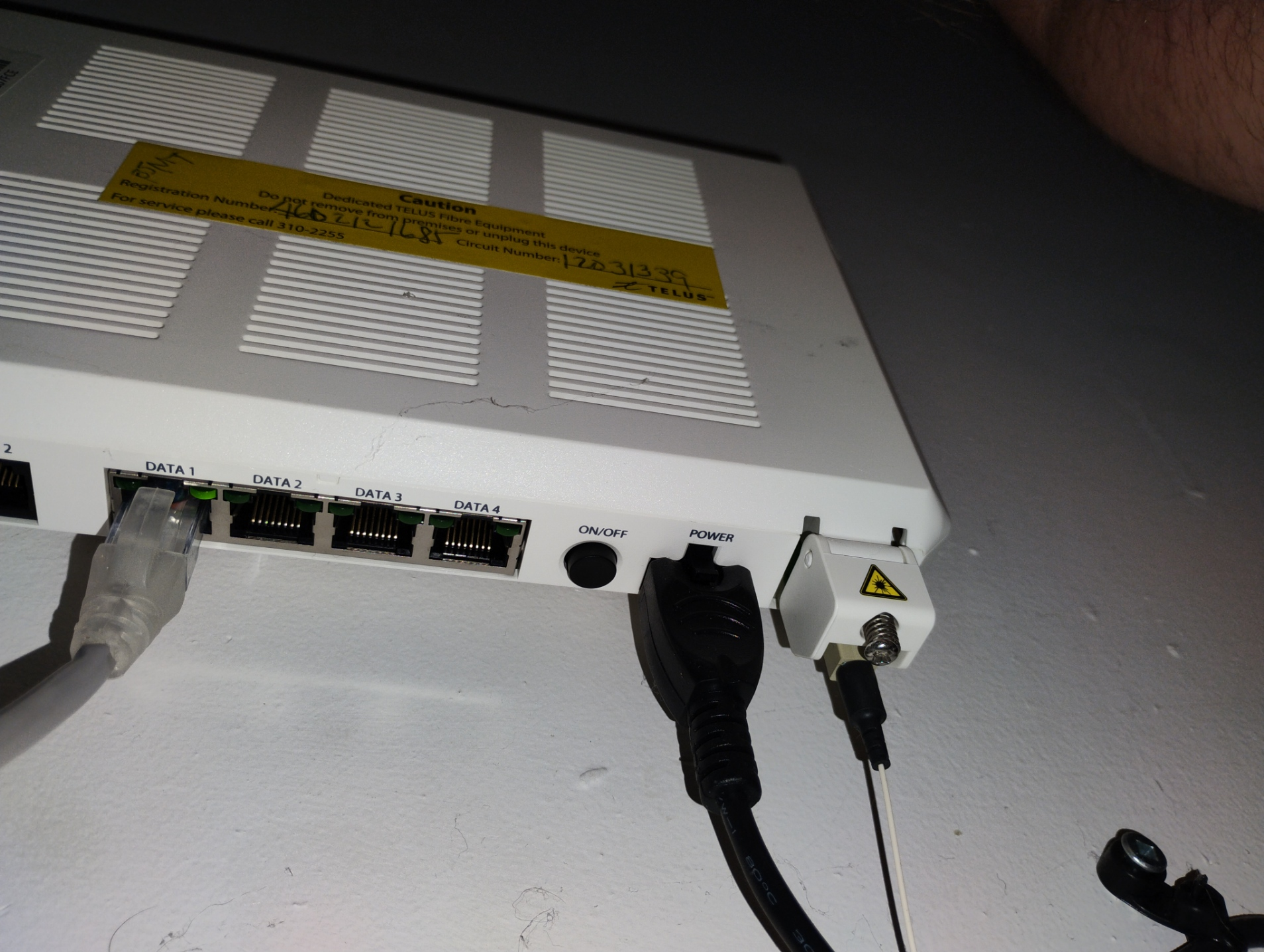
I doubled checked and ran the Netsh winsock reset again and still no dice regarding loading amazon.
ya your ISP has to do with your provisioning as far as the upstream bandwidth is concerned most likely. If your issue is software or hardware that is to be determined by your ISP.
Amazon not loading? I guess I missed that, If its just amazon and nothing else at this point we are making some headway.
If it was me I'd log out of my amazon account clear all cached data in the browser and do it manually not just running Ccleaner or some other utility but through Firefox. Clear history from privacy and security as well as cookies and site data, deleting amazon shortcuts, When attempting to navigate to amazon be mindful of your extensions such as a popup blocker or cookie blocker as they will interfere and sometimes need to have new rules set which actions to allow.
Are you getting a message on the amazon website or a popup message 404 error or anything?
Good Luck Cal!
Modified by Arniceous
Cal one more thing to consider, you might clear your extension rules or search for Amazon as it may be blocked. Wouldn't hurt to check after the above tasks are completed.
The Amazon tabs just try to load for ever and then usually give up after long enough and only the banner is visable, or some random detail on the page, but nothing significant. No error message. I don't have any extensions installed.
I spoke with my ISP and they restarted my boxes from their end. It worked briefly after that. But back to the same problems as soon as I hung up the phone.
Modified by Cal
Maybe your ONT needs flashed or replaced. Ide get your isp to swap it out. Worked temporarily meaning what actually? You're upstream speed?
In regards to Amazon, have you tried from another computer on the same network? Or another browser on that pc?
Also, try turning off enhanced tracking protection in Firefox security for Amazon for test purposes temporarily.
Your Browser should read https: & amazon.ca
Modified by Arniceous
Worked temporarily as in I could load all the amazon tabs I wanted and they loaded instantly with no load times at all.
I took your advice and added amazon to the exception list for enhanced protection. I guess when I deleted all my cache and everything it removed it because I had done that in the past.
It looks like the combination of my ISP resetting my boxes and the addition of amazon to the enhanced protection exception list has sorted me out. It is back to loading everything right away all the time.
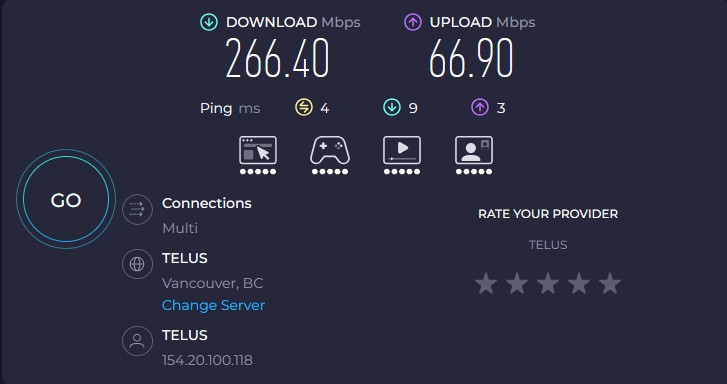
RE upload speed, despite the reset I am still not symmetrical. So i should probably follow up with my ISP regarding the ONT or their poor quality modem/router
Modified by Cal
FYI - Steps taken up to this point
1. Clear out caches
2. run these command prompts and restart when required: -sfc /scannow
-Netsh winsock reset
-netsh int ip reset
3. Ensure DNS is set to cloudflare
4. ensure website EX/ Amazon is added to enhanced protection exemption list
5. Unplug internet boxes and wait 1min or so before plugging them back in
6. call ISP and have them check and reset your boxes from their end.
7. ISP equipment is usually poor quality, have them swap out your ONT, modem & router as required.
Modified by Cal
Please feel free to add some more detail.
I really appreciate your support Arniceous & jbr.
Thank you and have an excellent life :)
It hasn't actually fixed the issue like I thought.
I closed mozilla and reopened it, went to amazon and tried opening up some tabs, but I am back to them not loading.
I will have to reach out to my ISP again and sort out my boxes.
Generally the only thing that's puzzling from the OP is that an old PC is working as expected. It's probably running the same profile or similar config, having similar browser and networking stack versions, same user accounts, possibly same fingerprints when looking in from the outside from the CDN side to the residential/NAT location — so I don't see offhand how there would be an actual difference in protocols, name resolving, TLS handshakes, bot protections… the kind of things that could have impact on challenging or stalling the connection — these two behind the same home network should just appear like for like.
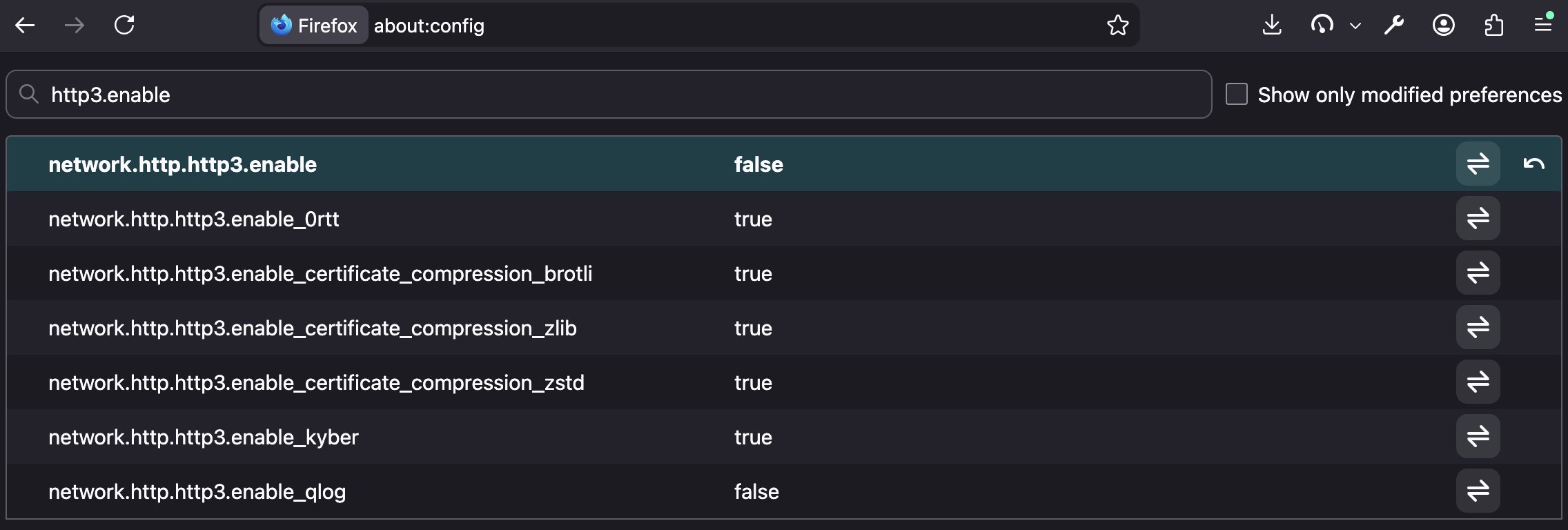
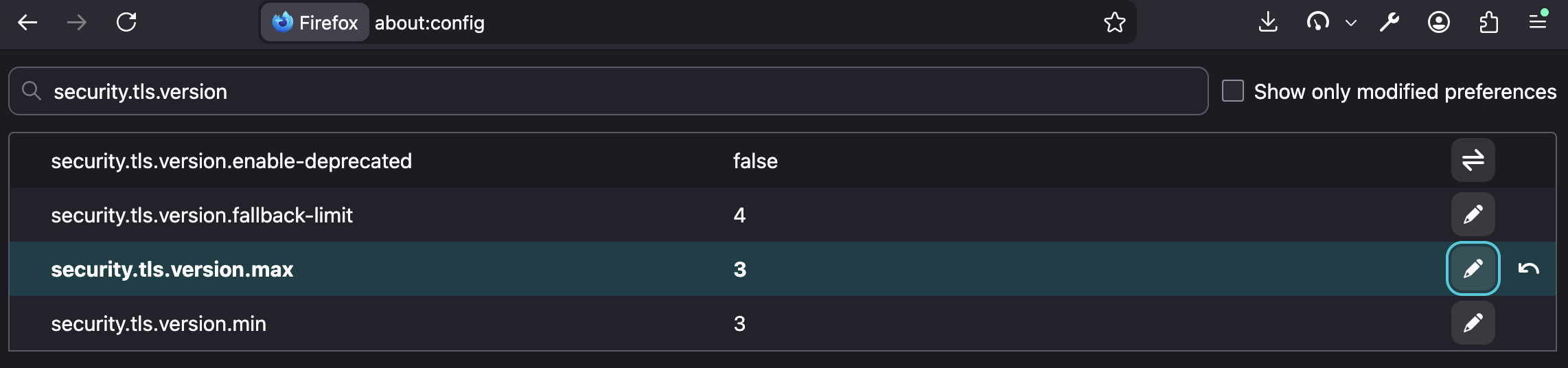
FYI usually forcing other protocols for diagnostic purposes can have results, so I'm adding two prefs here to try just to see how the line looks afterwards, but please don't use these if you don't have to (or you might end up here in a few weeks with broken YT or something;D) and if they have no impact don't forget to flip them back (the second is a superset of the first, so just try the first, and if no change the second then separately):
Yes it's pointing to their equipment they have you using, I get this a lot from different customers experiencing poor performance from equipment that should have been tossed in the trash and new equipment purchased for their customers. Isps are notorious for this. First things first replace your Hardware in the house. They should roll a truck for free and not subject you to a self-install. Make sure the technician that comes out tests your connection for symmetric internet speed you pay for. If he gets the speed on the street or at the mpo there could be a problem with your line causing errors but that's another story let's see if your equipment swap solves the issue. Once the technician gives your new Mac address to Cust support and your speeds return to the way they should, have him test out amazon as well. Circle back when you get to the next step, I'm curious about the EQ now :D