


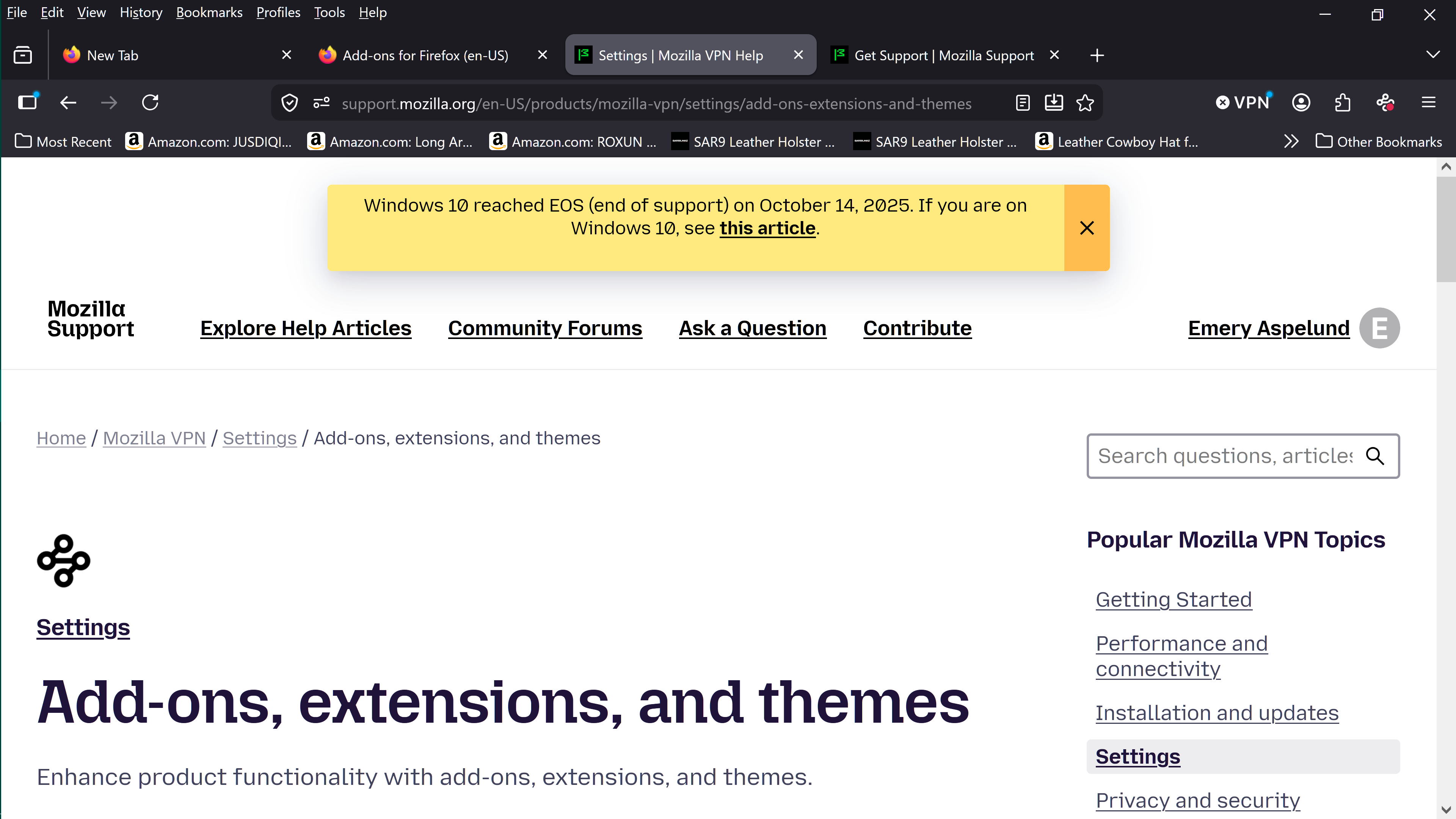
the icon is in the toolbar but always a red dot, not green

all the routes off the icon lead to "installation and download links" have done both actions with the same result of red dot and NO access to the free vpn...frustration is gaining steam! I have found the button to turn vpn on and off but even closing the browser after closing nor leaving it on has helped activate the service!!!
Please help, old but not too ignorant!!
All Replies (1)
Hey Emery, I believe the confusion here is that you're referring to Mozilla's VPN (where you see the red dot) while the free VPN is on the right of your URL bar, where it says VPN and has an x button next to it. That's where you click to get the free VPN. Here is an article explaining the difference: https://support.mozilla.org/en-US/kb/built-in-vpn
Let me know if you have any other questions