


Quickbooks Point of Sale 18 Seeing Thunderbird

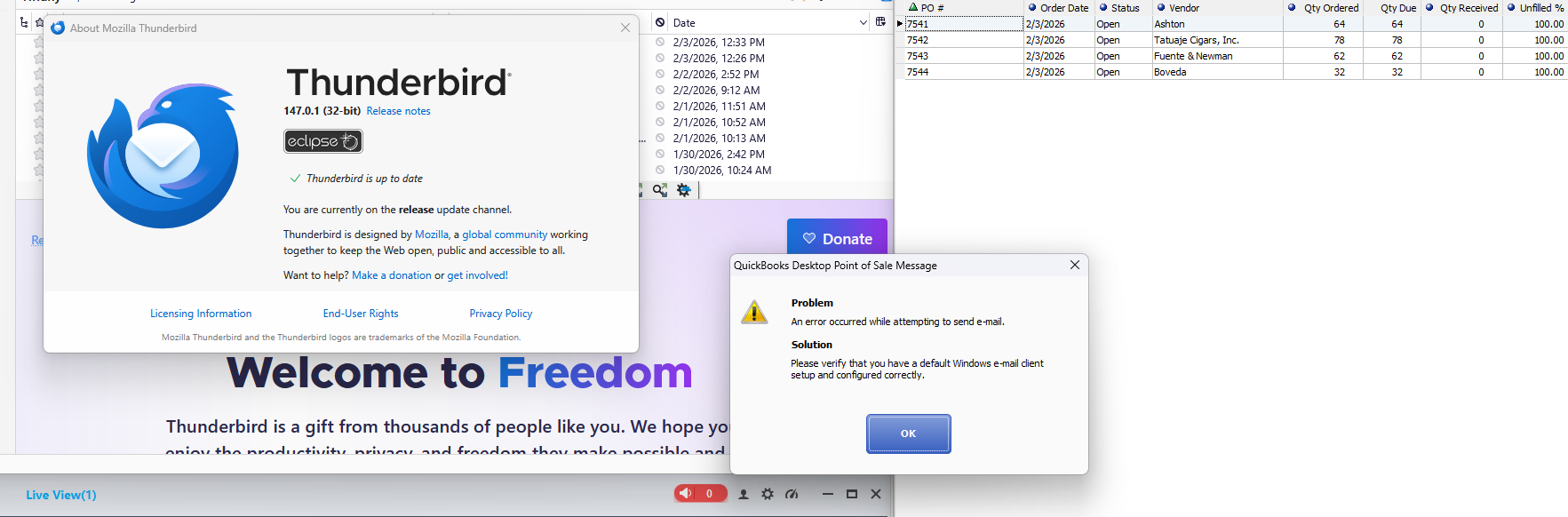
I used to have Windows 10 and was using Thunderbird with Quickbooks POS 18 and if I wanted to send an email in Quickbooks like a purchase order or receipt, it would open up a mailto window in Thunderbird with no issue. I've moved to a Windows 11 computer with the same profile running a 32bit version of Thunderbird, set as my Windows default mail client, even in the registry I've set it there but Quickbooks says I don't have a default email client setup. I've exhausted every search over the internet trying to fix it. Any ideas?
All Replies (1)
I just fixed this following the below instructions on a Google search for anyone else having this problem
Open the Registry Editor by typing regedit in the Run dialog (Windows Key + R) and clicking OK. Navigate to HKEY_LOCAL_MACHINE\SOFTWARE\WOW6432Node\Microsoft\Windows Messaging Subsystem. In the right-hand panel, check if a String Value (REG_SZ) named MAPI exists. If it does not exist, right-click in the blank space, select New > String Value, and name it MAPI. Double-click the MAPI string value and enter 1 in the Value data field, then click OK. For comprehensive MAPI support, some sources also suggest adding a MAPIX string value with a value of 1 in the same location. Close the Registry Editor and restart the application (or your computer) for the changes to take effect.