


GMX IMAP Login Failure

For 3 days, I haven't been able to access my GMX email account. It tells me every time "Login to the server imap.gmx.com with username '[edited from public] @gmx.com' failed. I hadn't changed anything beforehand and all the entered data is correct. My other accounts like gmail, yahoo, works just fine. Tried installing older versions and still no success. Outlook app works fine either. I'm pretty sure that GMX mail server made some changes that Thunderbird is missing. Please verify.
Best regards
Nilson Xavier
Modified by James
Chosen solution
I've tested today and connection and login was just fine. Definitely GMX made some changes again and started working again.
Read this answer in context 👍 0All Replies (10)
maybe, if you post complete error message and screenshots of incoming and outgoing server settings panes, that will be enough information to get suggestions
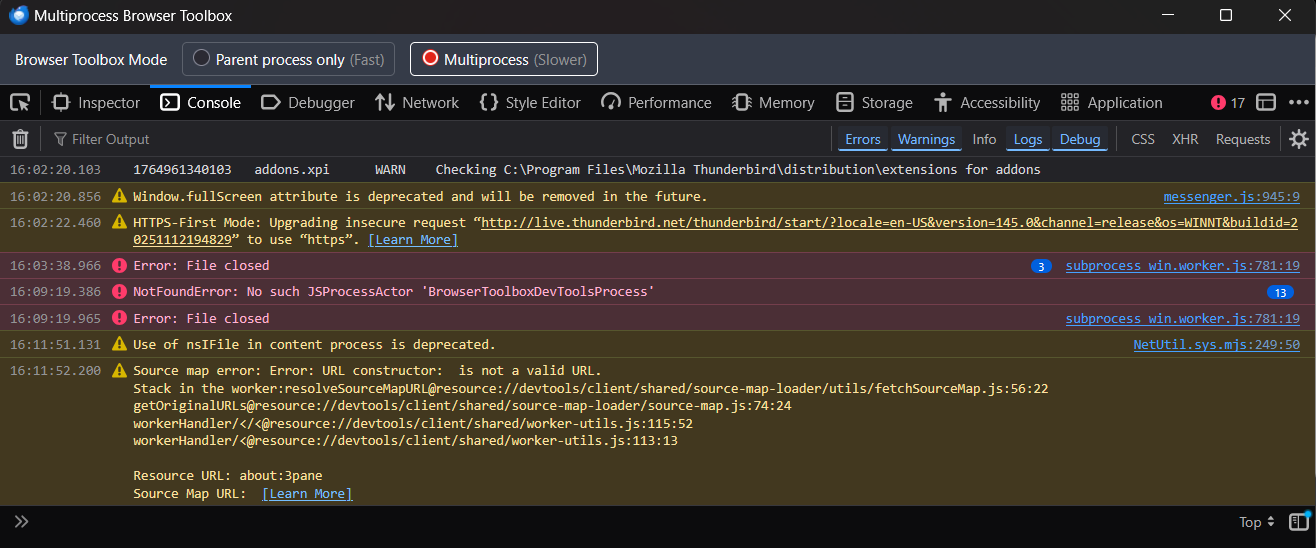
Here is some screenshots attached from connection error. Could you create an gmx mail account and then test it ?
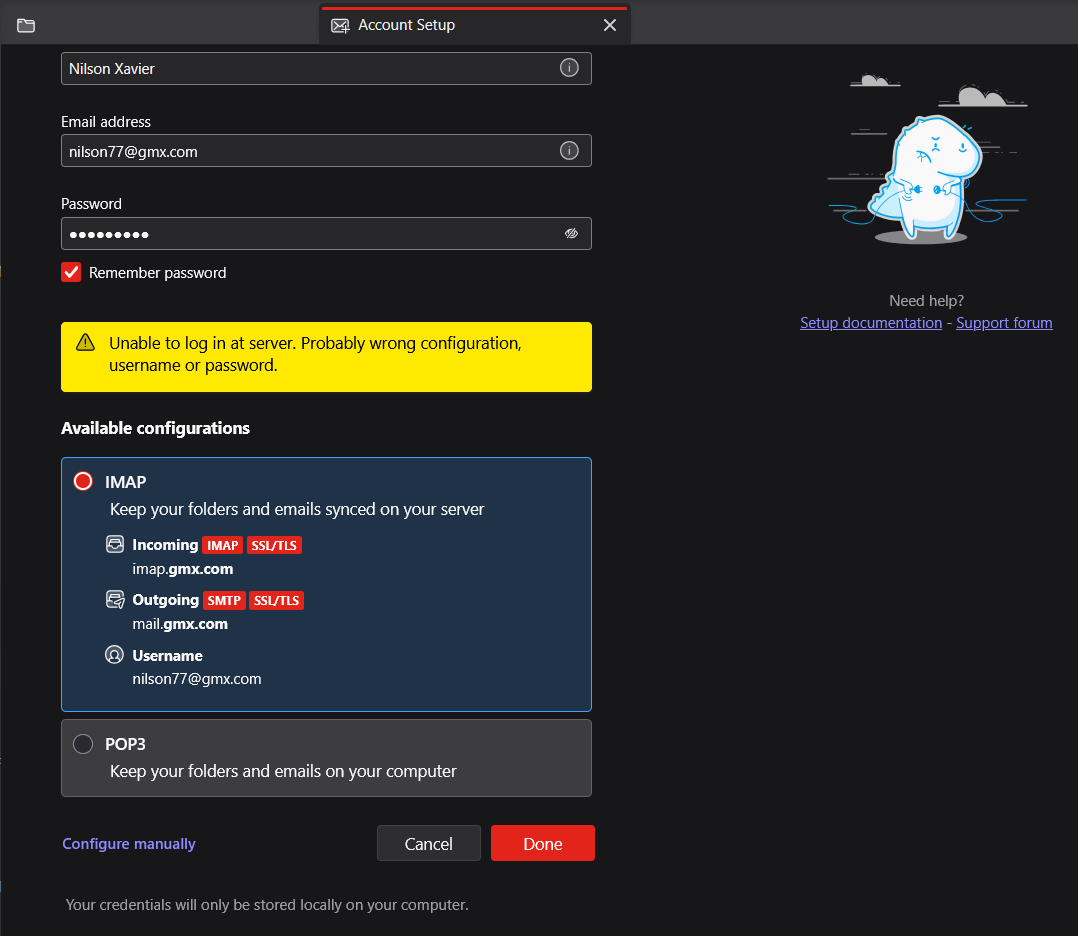

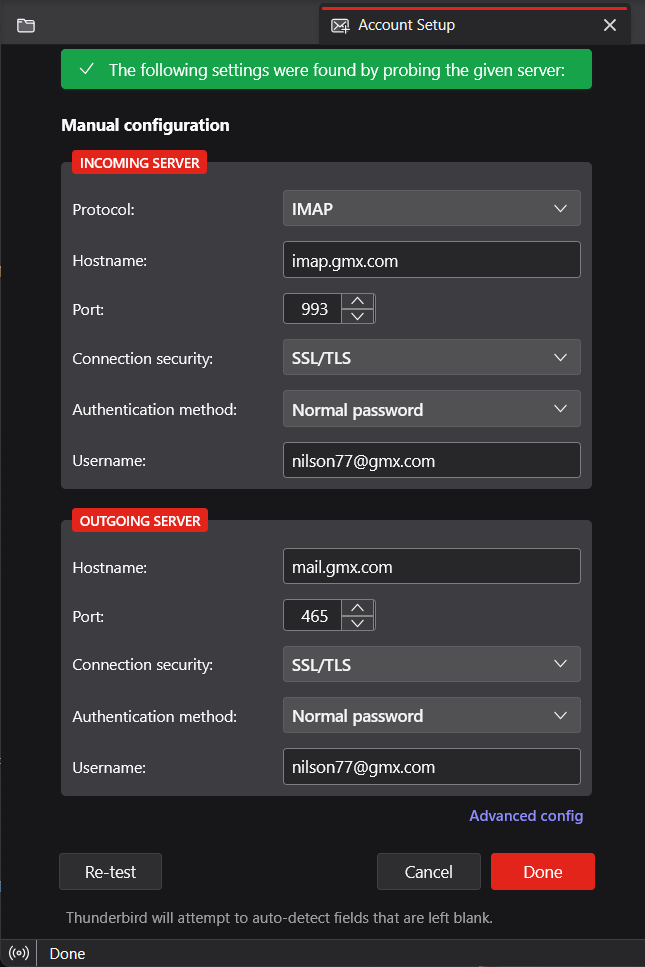
I normally omit password during setup. also, my gmx account uses 587 and STARTTLS for the SMTP server.
Even omitting password, still got same error. Thunderbird team must fix this bug from GMX server changes.
I don't think there's a bug, as many users regularly set up GMX accounts. I will see if I can get another pair of eyes with more technical knowledge to look at this.
Chosen Solution
I've tested today and connection and login was just fine. Definitely GMX made some changes again and started working again.
@David asked that I look in on this topic. But there is little to be done as it has worked itself out.
Just a couple of observations after the fact.
I do not think any of these errors actually relate to the account setup.
So we are essentially back to the rather bland as the entire basis of trying to workout what went wrong.
And the observation that these error occurred on Thunderbird V145.0 The Thunderbird 146 release notes have a lot of updates to the account hub. https://www.thunderbird.net/en-US/thunderbird/146.0/releasenotes/ as this version was released on the 9thDecember I would expect an automatic update to occur after the date of the last post here, but I have noticed this forum appears to be stuck on US pacific time so it might be that your got that update overnight and it fixed the issue.
It is also possible that your antivirus got a message from home that fixed the general issue by getting it's firewall out of the way, or you had your VPN turned off and it was on the day before. I have not heard of a VPN causing issues with GMX up to now, but it can be an issue with Google properties, Microsoft and Yahoo ones. Not having heard of it might just mean GMX a late to that particular party or it really does not matter to them. I do not know
For future reference and for anyone that stumbles onto this topic, to troubleshoot the account setup process you need to set hidden preferences in Thunderbird's Config Editor to get some information about what is happening under the covers. I documented them here about 5 years ago and really have not looked at the issue since.

I'm new to Thunderbird. GMX is the first account I've set up and I was getting the same authentication error (Unable to login at server ...). A bit about my GMX account configuration: I set up 2FA and created an app password in GMX prior to setting up the account in Thunderbird. I noticed GMX's documentation on setting up Thunderbird doesn't mention this, but there is a setting in the webmail interface to "Enable access to this account via POP3 and IMAP" Once I clicked this box, I was able to authenticate through Thunderbird and access my emails.
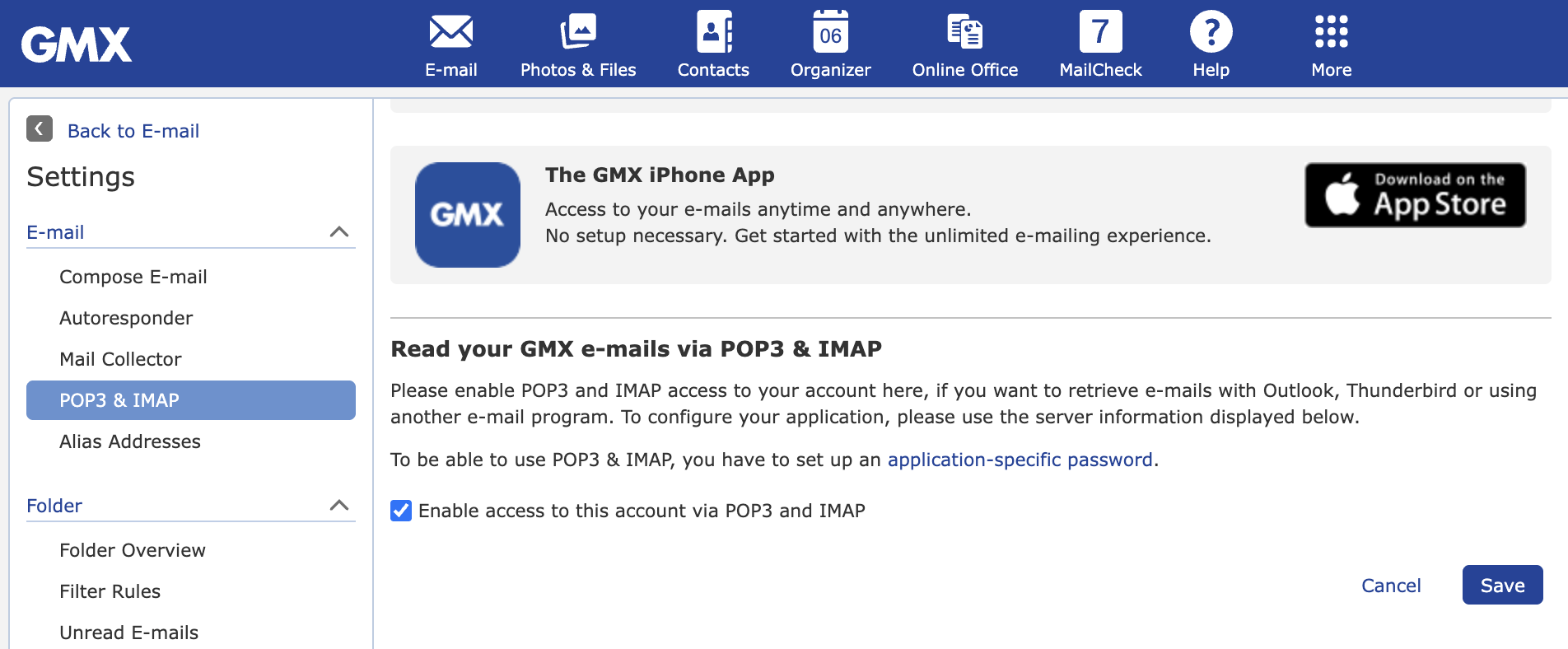

Well folks, it looks like I now have this issue with not being able to connect to GMX. I noticed this about two weeks ago that I seem to be lacking emails being received. (currently 03/29/2026). I am running Thunderbird 140.9.0esr (64 bit) (not sure what the 'esr' is.) Anyway, I have tried everything that I can find on the web along with my rather extensive knowledge of setting up emails on Win11 machines (and Linux). I am able to access my email on the GMX web site. And, the 'allow' is set in my email account. When this started to happen a few weeks ago I am not sure of any updates to Thunderbird or GMX but did have an update for Win11. As mentioned by the person that started this thread, I can get emails from gmail and a private email server for our HOA. I downloaded eM Client and tried to set up the email account in this app - same result - errors in validating my GMX email account. Thoughts?

Same situation here,. I do not have extensive knowledge and GMX is my main email account. I tried all the suggestions I could find online without success. Any ideas? Thanks