

This thread was archived.
Please ask a new question if you need help.

Archived
Wells Fargo sign on not working - 109.0

Prior to the most recent Firefox update (109.0), I was able to sign on to my account on the Wells Fargo website. https://www.wellsfargo.com/ Now after updating, Firefox is not allowing a sign on. Other browsers work fine.
Prior to the most recent Firefox update (109.0), I was able to sign on to my account on the Wells Fargo website. https://www.wellsfargo.com/ Now after updating, Firefox is not allowing a sign on. Other browsers work fine.
All Replies (1)

Did you try with Firefox in Safe Mode? https://support.mozilla.org/en-US/kb/diagnose-firefox-issues-using-troubleshoot-mode#w_how-to-start-firefox-in-4troubleshoot-modesf5safe-modesf
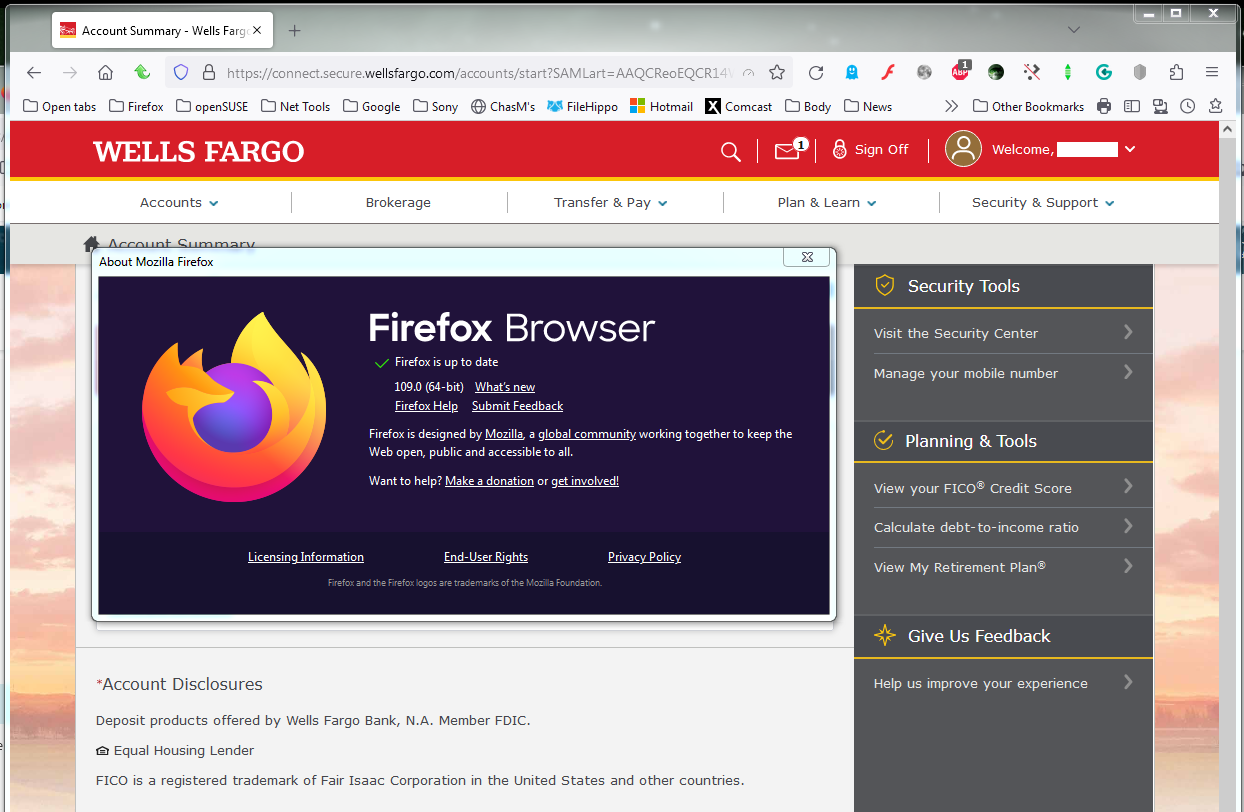
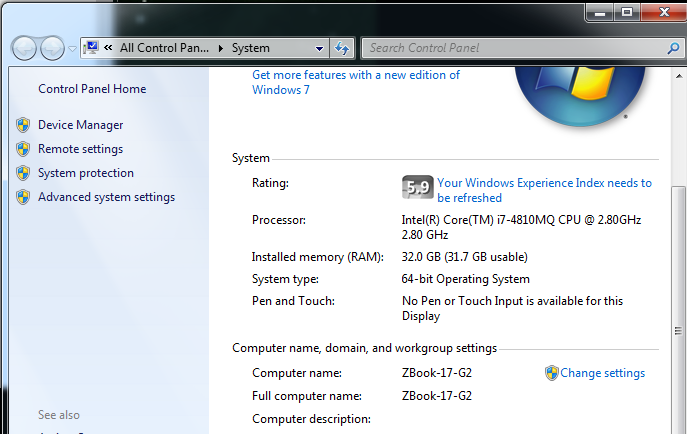
I have no issues with the current browser. see screenshot You will need to provide more detail and show us something, but block your data.
Modified by jonzn4SUSE