


adblocker

Is it really impossible to turn off my adblocker for certain sites?
All Replies (8)
What kind of adblocker?
Turning off is a very common option, almost every one has it.
I don't know whick adblocker I am using. Cannot find it
Hi graverholt,
You can check your adblocker by visiting your extension menu.
- Click on menu icon.
- Click on Add-ons.
- In left pane, you will see Extensions where you will find your almost every extensions.
- You can manage those extensions from there.
Hope it works. Thanks !
I have these here:
Can you please attach screenshot in Reply Section ?
Why will it not show my picture?
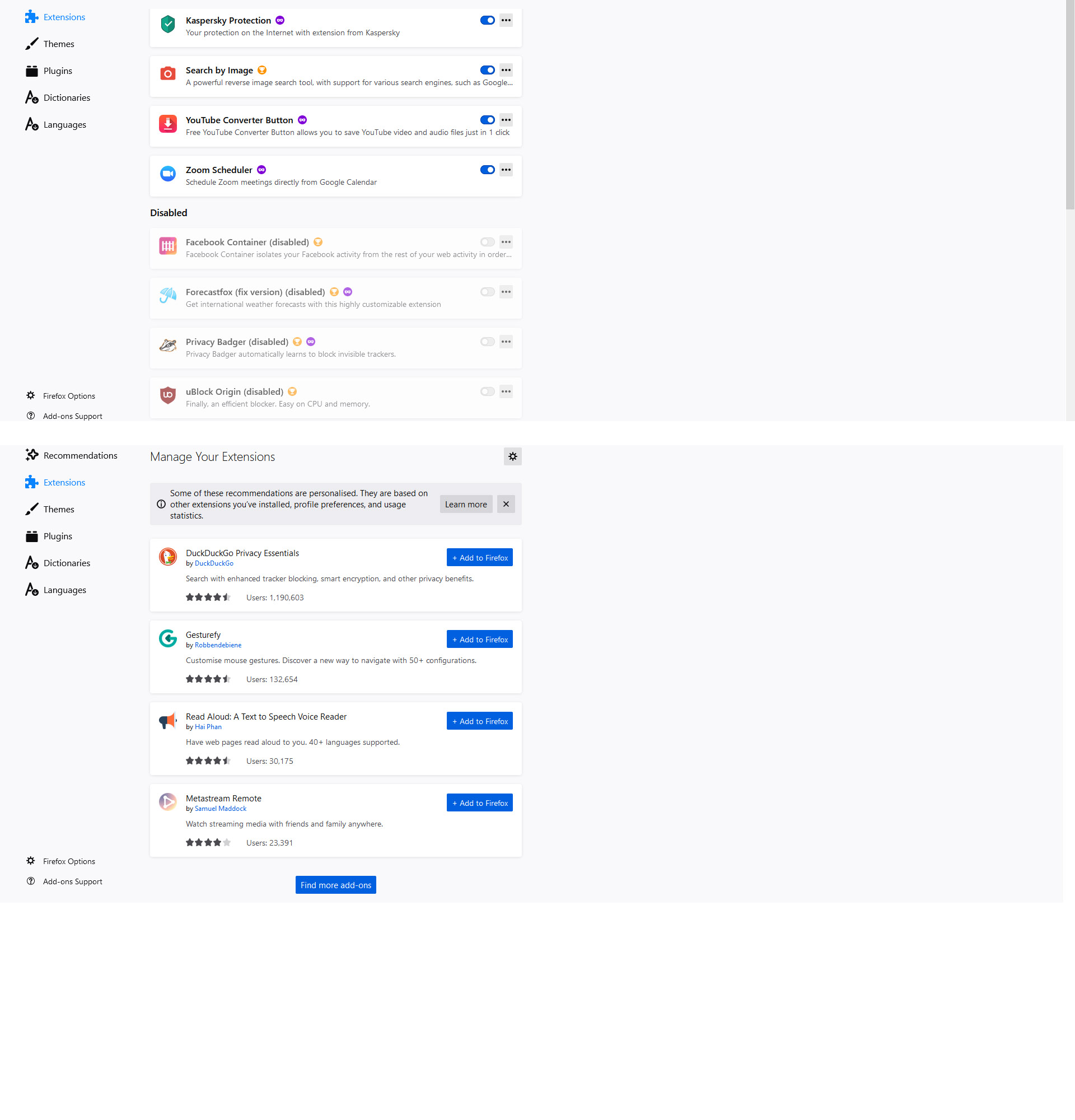
It's uBlock origin, but now it's completely disabled.
To turn it off for a specific website, just click its dark red icon, and then click the blue button with a tooltip: Click to disable uBlock₀ for this site. (Ctrl+click to disable uBlock₀ only on this page).
Modified by TyDraniu
Firefox shows a blueish highlighted shield icon at the left end of the location/address bar in case Tracking Protection is blocking content. You can click shield icon for more detail and possibly disable the protection. You can check in the Web Console what content is blocked.
- "3-bar" menu button or Tools -> Web Developer
- https://support.mozilla.org/en-US/kb/enhanced-tracking-protection-firefox-desktop
If you use extensions ("3-bar" menu button or Tools -> Add-ons -> Extensions) that can block content (Adblock Plus, NoScript, Disconnect, Ghostery, Privacy Badger, uBlock Origin) always make sure such extensions do not block content.
- make sure your extensions and filters are updated to the latest version
- https://support.mozilla.org/en-US/kb/troubleshoot-extensions-themes-to-fix-problems