このスレッドはアーカイブに保管されました。
必要であれば新たに質問してください。

Solved
アーカイブに保管済み
How do I change Firefox NOT to be my default browser??

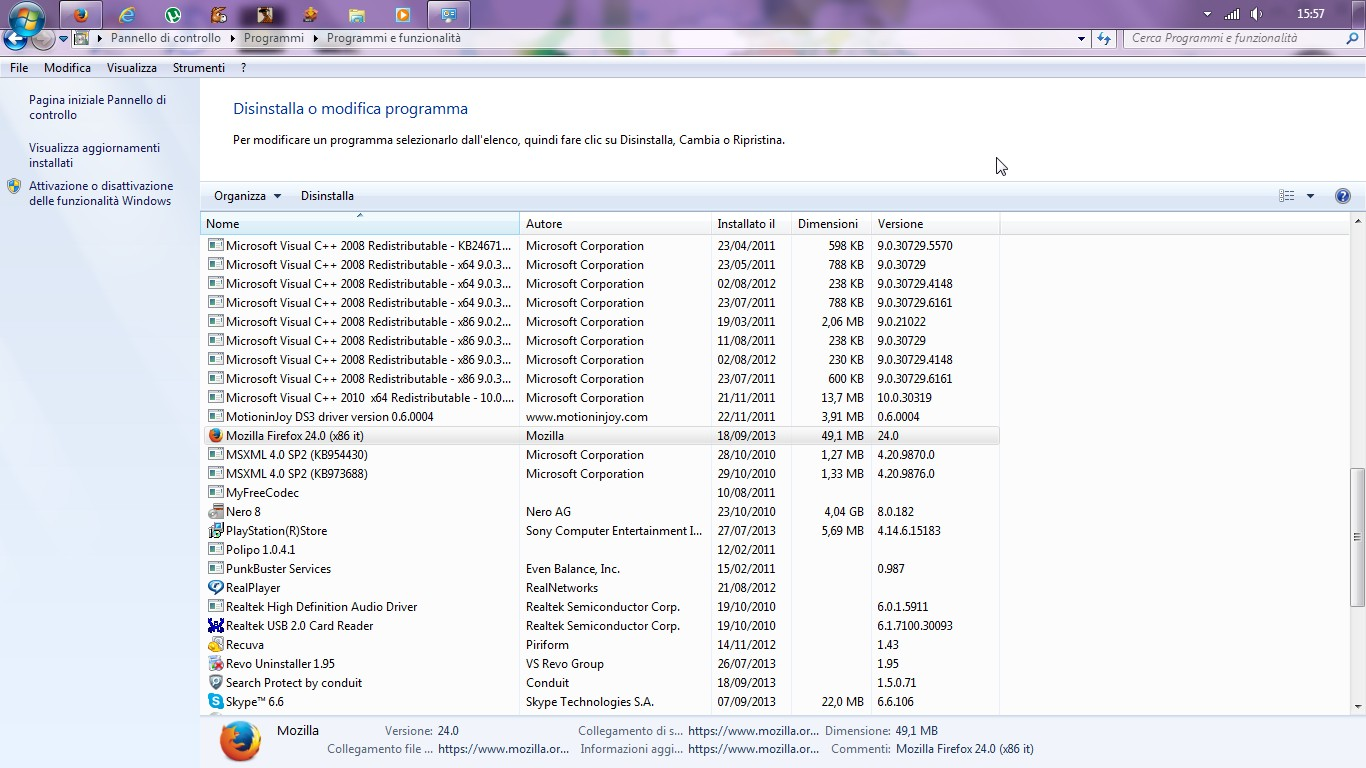
How I do I do this if firefox is already installed? How do I uninstall it?
How I do I do this if firefox is already installed? How do I uninstall it?
すべての返信 (1)
選ばれた解決策
You have to go in the installations and applications on your computer. Follow the steps: 1. Click Start and then go to the control panel 2.Choose installations and applications 3. look for Mozilla Firefox in the list and then click on the uninstall button Get it?