


message to David

David, Just so you know there is no error message with my problem of not being able to send email Ray Lage
すべての返信 (4)
You should pick a thread and post your replies in the thread instead of creating a brand new support forum thread for each reply.
To post a reply in a thread scroll down to the Post a Reply box, type in your reply then click on Post Reply.
As you can see you have six threads with no replies https://support.mozilla.org/en-US/user/college/questions in your profile https://support.mozilla.org/en-US/user/college/
David, I did what you suggested but it did not work. I checked the servers in security and if I pick SSL/TLS for incoming and outgoing the test on them said it connected and gave me a check mark showing they were happy with the connection. For now on I will reply to anything that you send. I did not know about this option of replying. If sending worked I would reply to your email messages but since it does not work I will do it this way. Let me know what else I should check. Just so you know there are no errors showing.
Thanks Ray Lage
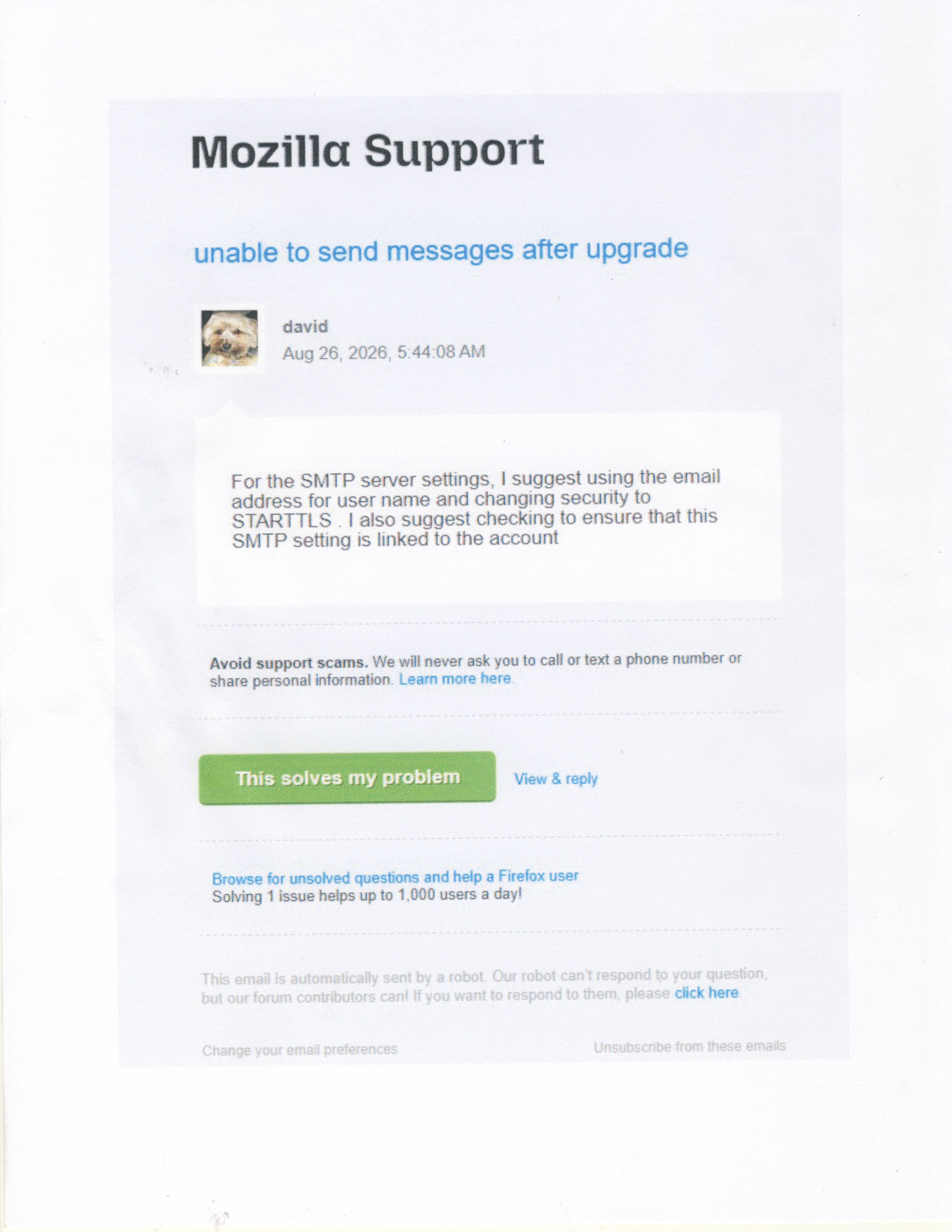
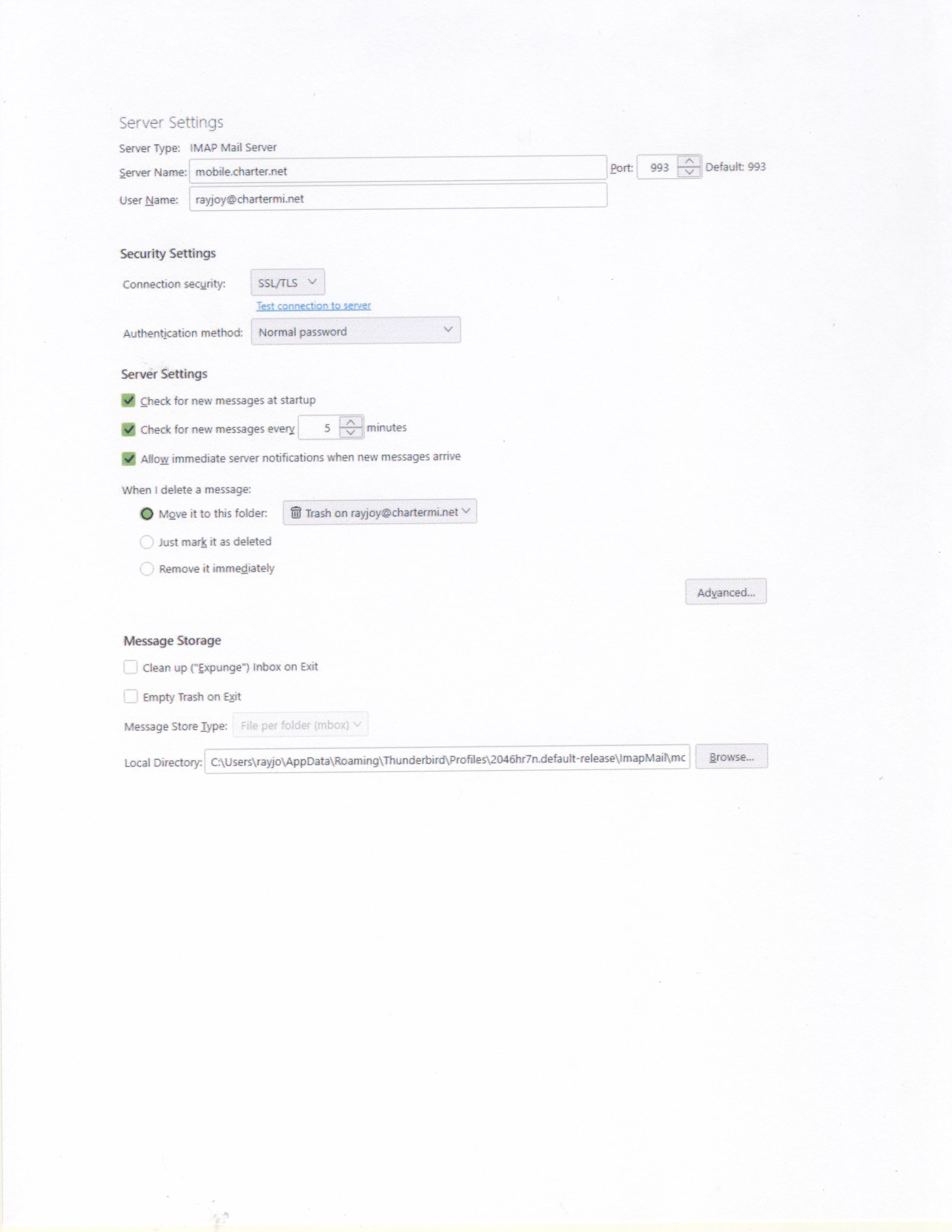
David, I did not know that I could reply to what you had sent. I will no longer send a new message. I tried setting the servers to STARTTLS but that did not work. I also made sure that the username was our email and it was ok. SSL/TLS seems to be our STMP because it tested fine. I still cannot send so tell me if I should check anything else. Ray Lage
There has been a rash of charter.net problems in past few days, none of which were caused by thunderbird and many resolved by themself. I suggest you contact the email provider to verify exact email settings.