Open
how do I get the history and bookmark drop down menus at top of screen

how do I get the history and bookmark drop down menus at top of screen
how do I get the history and bookmark drop down menus at top of screen
すべての返信 (1)
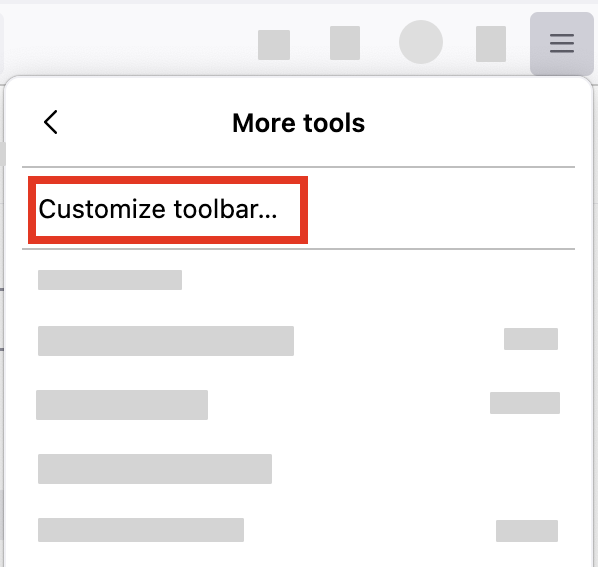
- Click the menu button
 in the top-right corner, click More tools, and choose the Customize toolbar… option.
- A special tab will open that allows you to drag and drop items, in or out of the overflow menu and the toolbar.