


Restoration of firefox data

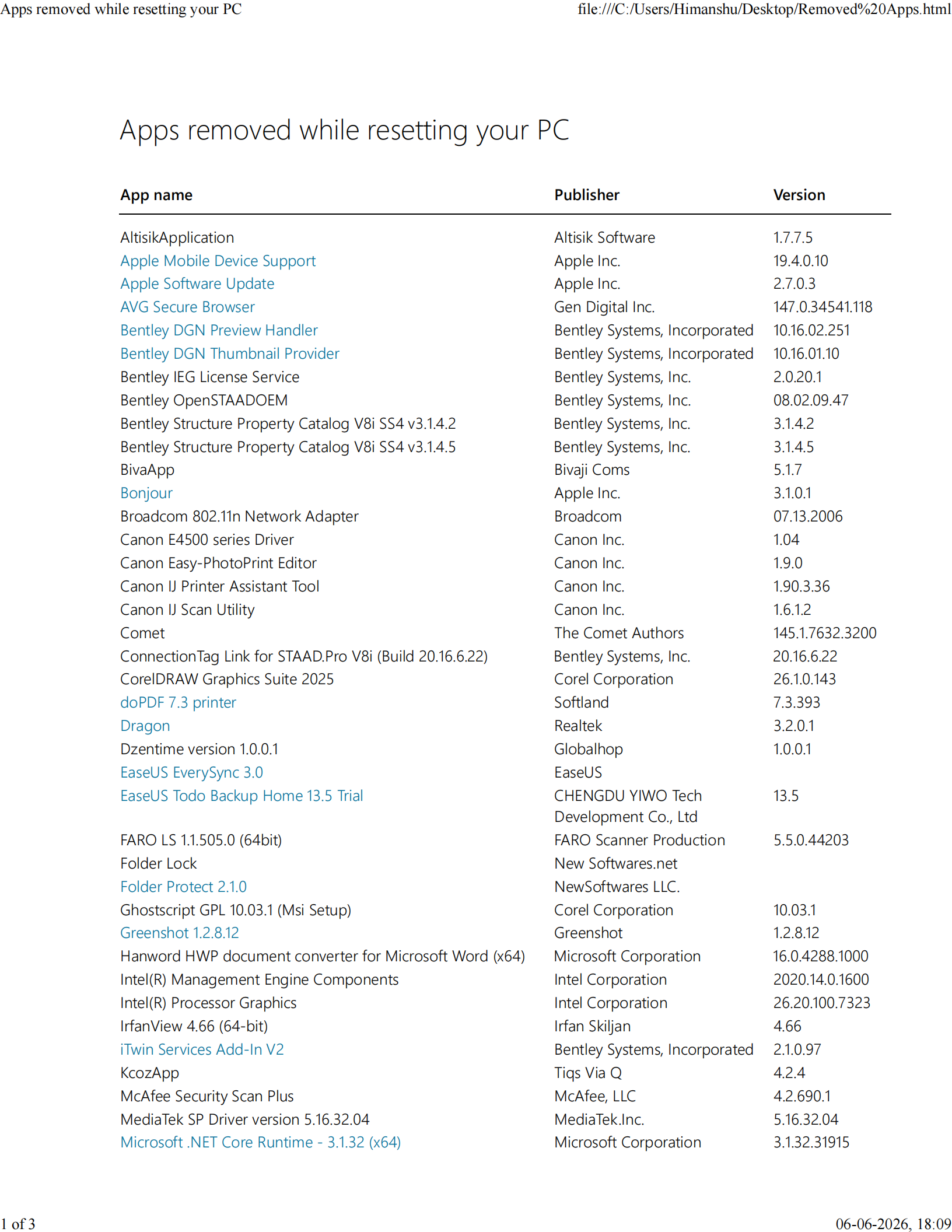
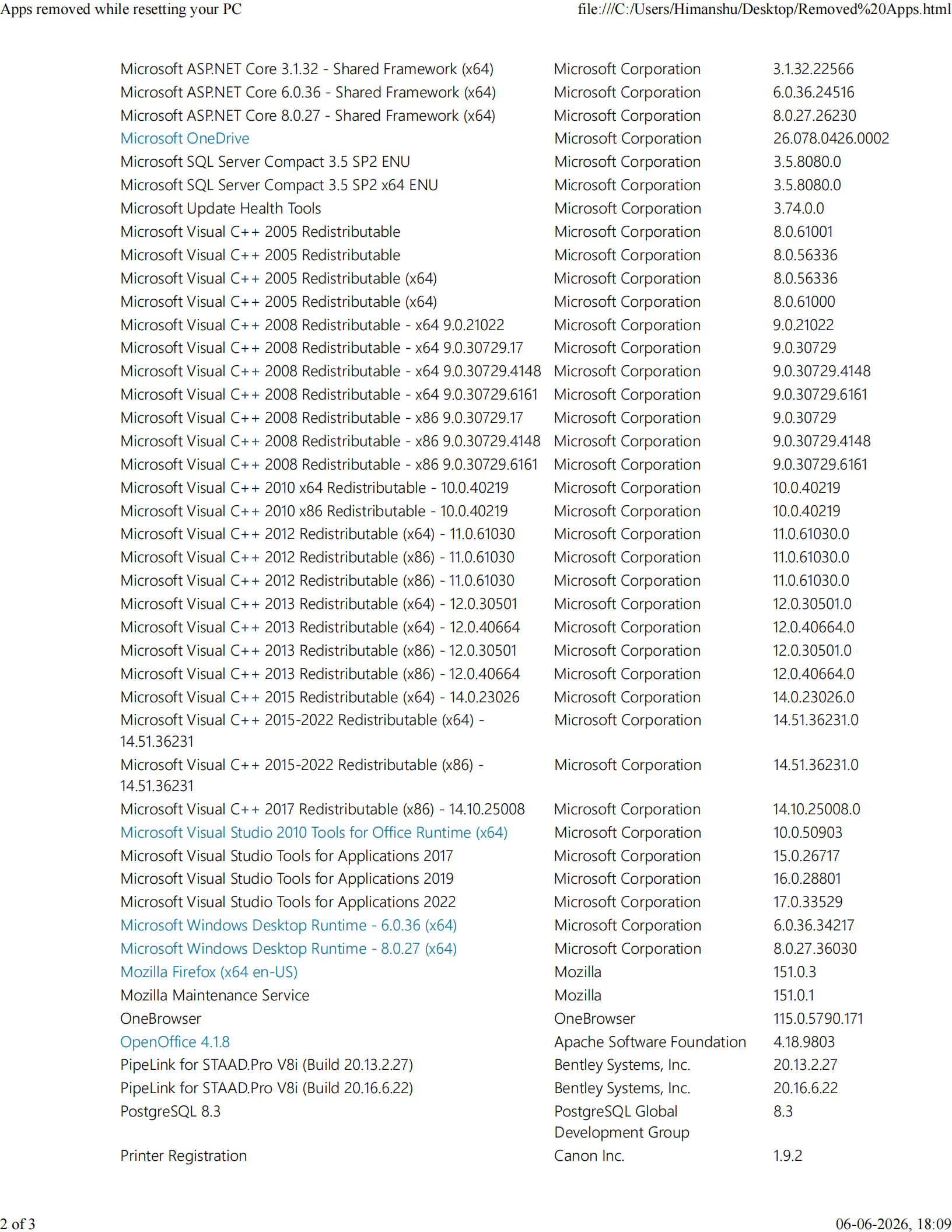
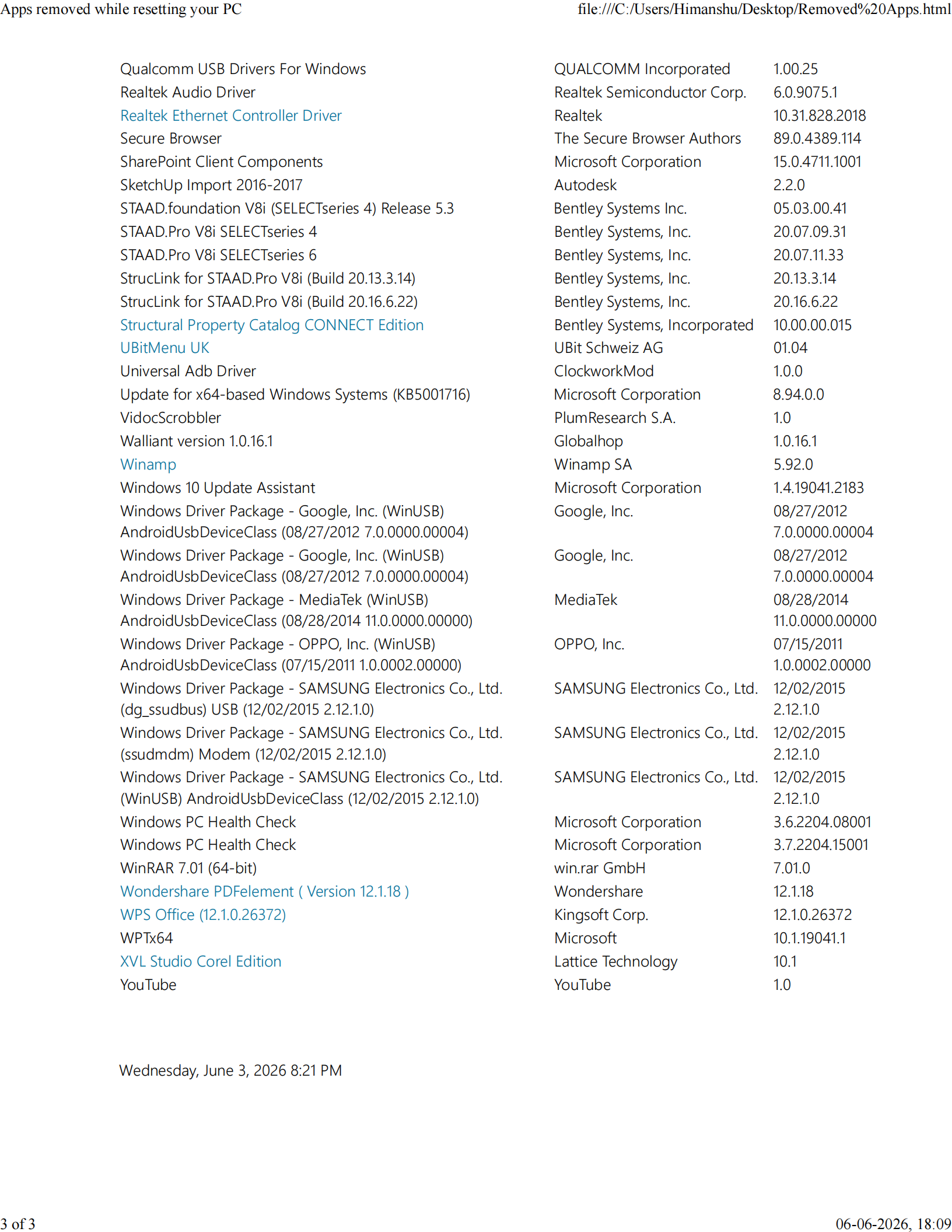
Greetings and Good evening Windows was reset on 03/06/2026 due to problem. Option chosen was removal of Apps only No data was removed When Mozila was opened on 03/06/2026,It had all data since 2021. It was already registered with -removed-@gmail.com. Still history and bookmarks from 2021 were not restored. On 02/06/2026,0ne drive back up was also initiated. Please guide me as how to restore this.
Thank you Regards Himanshu Kotecha
email removed by Isaac H
この投稿は Isaac H により に変更されました
すべての返信 (1)

Dear Himanshu Kotecha,
I've seen this issue before, please see the quoted text below and see if it works:
jscher2000 - Support Volunteer said
ljzim saidI reset my computer, which meant reinstalling Windows 10, but I retained my personal settings and/or data.Did Windows create this folder:
C:\Windows.old
If so, try:
(1) Set Windows to show hidden files and folders: https://support.microsoft.com/en-us/help/14201/windows-show-hidden-files
(2) Explore up this path:
C:\Windows.old\Users\your-username\AppData\Roaming\Mozilla\Firefox\Profiles\profile.folder\bookmarkbackups
Do you find any recent files there? They could be restored using the Restore feature, but it will be easier if you copy one or two of the files to the desktop for quicker access.
See: Restore bookmarks from backup or move them to another computer
You'll use the "Choose File" option.
Please let me know if this works, or any of the steps are confusing, and I'll get back to you.
Many thanks for getting in touch, Isaac