Firefox won't play audio files.

Firefox will not play any audio-only files. It can play videos with audio just fine, but when using a website that plays an audio file directly, nothing happens.
すべての返信 (3)

Example please. Windows home or pro? What security software are your running? What happens on this site? https://webbrowsertools.com/audio-test/
この投稿は jonzn4SUSE により に変更されました
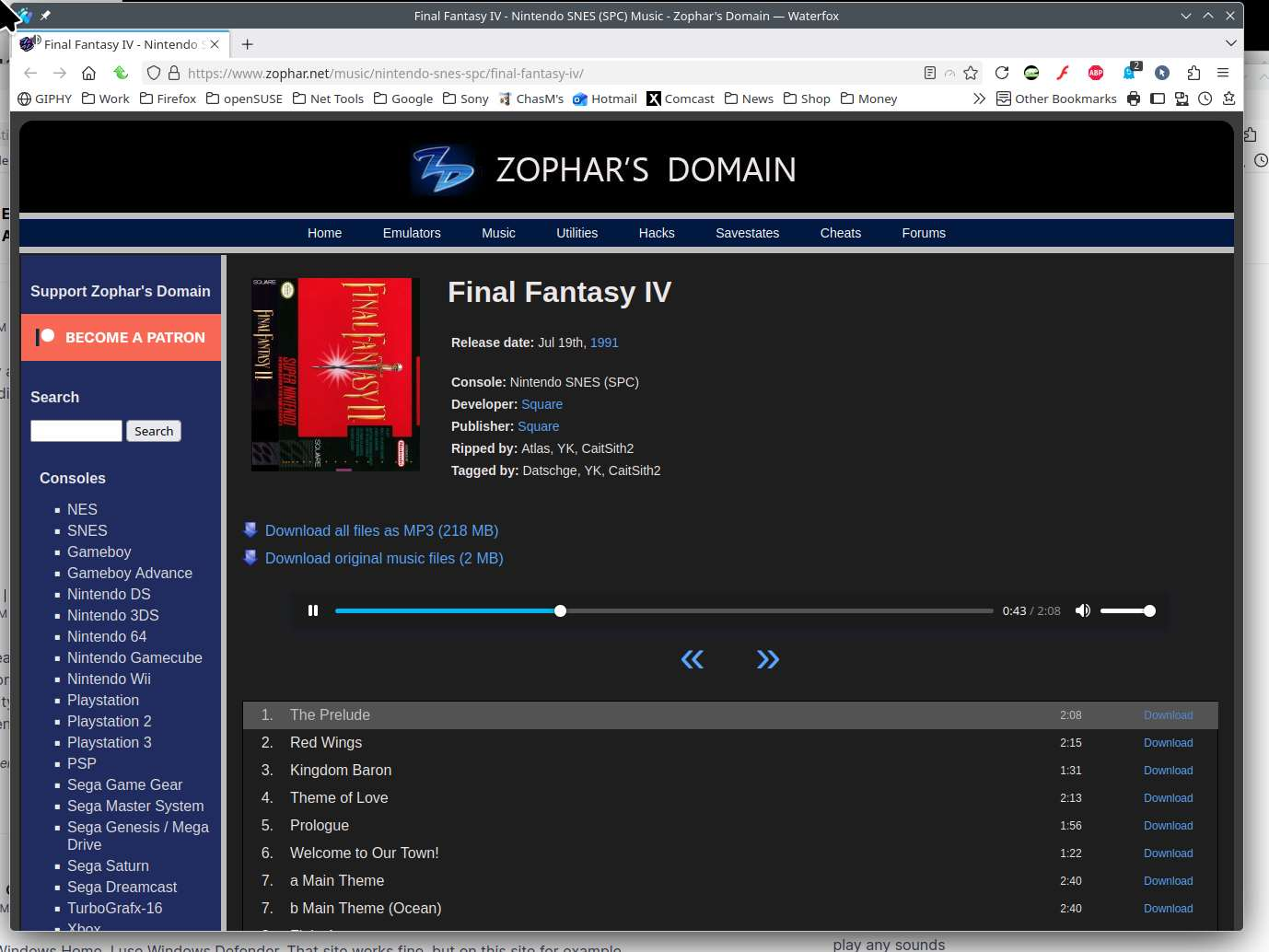
I am using Windows Home. I use Windows Defender. That site works fine, but on this site for example (https://www.zophar.net/music/nintendo-snes-spc/final-fantasy-iv/) nothing happens when I click the "play" button, can't move the progress bar, and it is stuck at 0:00/0:00
Site works for me. see screenshot Did you try Firefox in Troubleshoot Mode? https://support.mozilla.org/en-US/kb/diagnose-firefox-issues-using-troubleshoot-mode#search104