


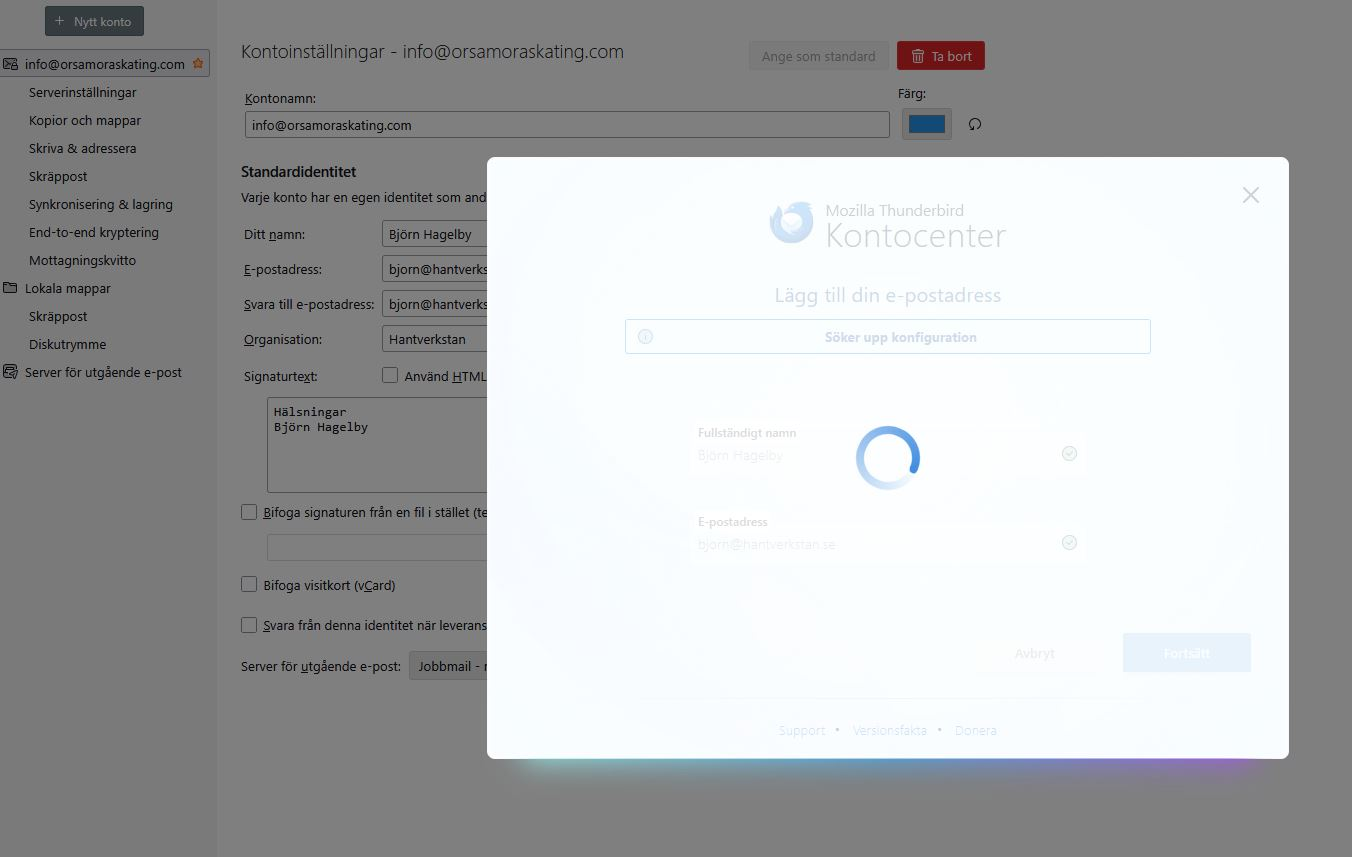
Mail on Android (desktop account hub)

Hi I have had a Samsung-Xcover and now a Samsung S1. In the first one I had Thunderbird with two accounts that worked good and also importet mails from the mailboxes in my computer (not Firefox). Now I'm trying to get the two acounts visible on my new phone but only one appears. When adding a new account the app is circeling without stopping. That one that are ok is: info@orsamoraskating.com That one I want to add is: bjorn@hantverkstan.se
Is there a possibility to do the settings manually? I got all the settings.
BR
Björn Hagelby Mora/Sweden
この投稿は Wayne Mery により に変更されました
すべての返信 (2)

1. Here is Thunderbird for Android Community Forum. You should post your question in Thunderbird Community Forum instead: https://support.mozilla.org/en-US/questions/thunderbird
2. The following link might be helpful: Unable to Add New Email account to Thunderbird https://support.mozilla.org/en-US/questions/1525906
Björn, your screen shot is the desktop (not phone) account hub. This has known issues. You can disable the hub in Thunderbird Settings.
Does that solve your problem?