


Can't send messages.

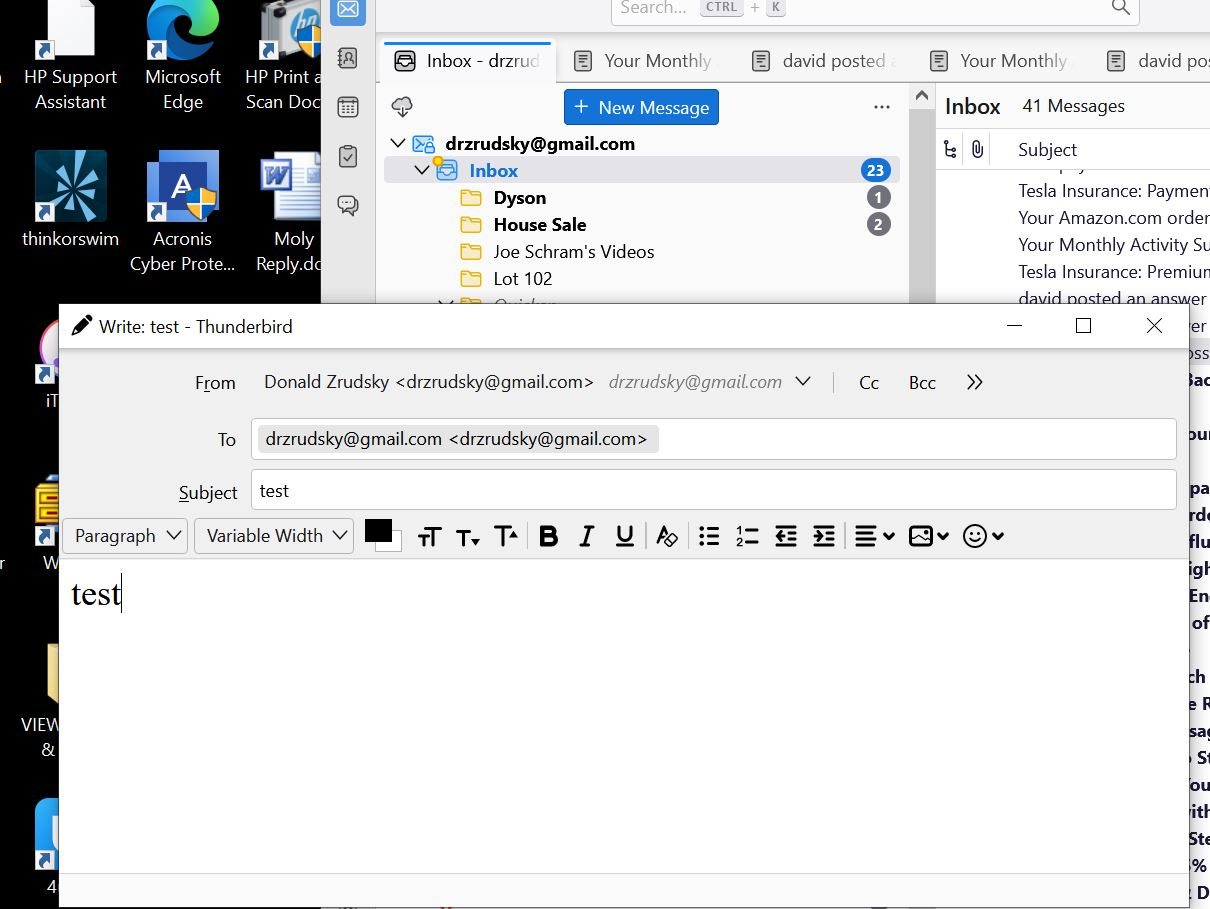
Can't send messages. I get the new message widow. I type in sender email address, title, and the message, but the is no send button!
すべての返信 (5)
While in the composition window, click View>toolbars> and tick 'composition toolbar' If you don't see the View on menu bar, click the alt key.
I couldn't find the 'composition window' When I clicked on View I got: menu bar Spaces Toolbar Status Bar customize... Am I missing something? I have used Thunderbird for over 10 years & this has never happened to me before.
Click the 'new message' button. That opens the window to compose a message.
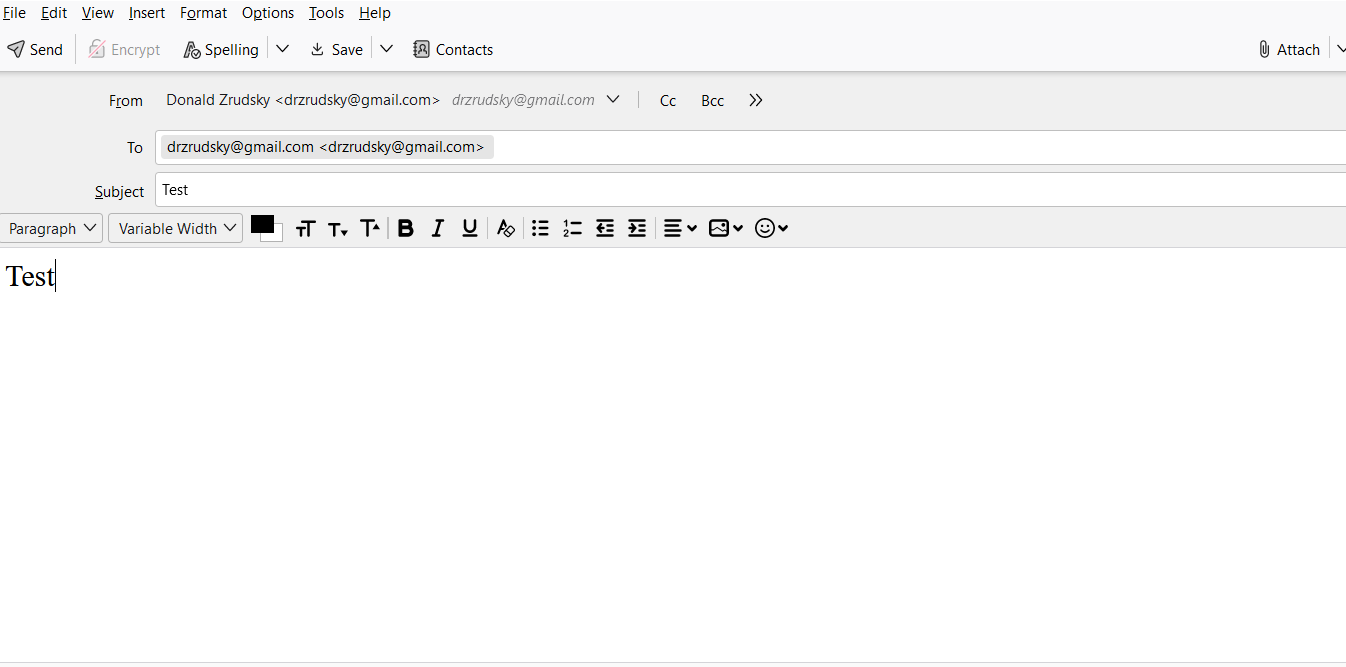
Notice the two images: one is HPcomputer.JPN (This has the problem), the other is lap Top.PNG (this one works & I was able to send the text message to myself.) The HPcomputerJPN has no send button & no File Edit etc field in it ! Without that field as a part of the Send Message, I was not able to perform the commands you suggested.
what happened when you pressed the alt key when in window to write mail? The menu bar should have appeared. F10 can also be used.