


Firefox opens a new tab when i launch the browser

I've recently switched from Brave and I've noticed that Firefox opens a new tab whenever I launch the browser instead of resuming to the previous tab I was on before closing it, I've tried to set the pinned tab as the default home tab but it just launches it in a new tab instead of opening the pinned tab. Is there a setting to disable this?
すべての返信 (5)
Hii O², Please follow this steps-
You might be accidentally triggering the 'tear-off' feature to move the tab to a new window by slightly dragging the tab down if you click.
In Firefox 74 and newer there is a pref on the about:config page to disable tear-off and prevent moving the file accidentally to a new window.
browser.tabs.allowTabDetach = false There is still "Move Tab -> Move to New Window" in the Tab bar context menu to use this feature. You can drag the tab back to the Tab bar in the original window to undo the 'tear off'. Firefox will automatically close the now empty window.
You can open the about:config page via the location/address bar. You can accept the warning and click "I accept the risk!" to continue.
Ref link - [https://support.mozilla.org/en-US/kb/.../about-config-editor-firefox]
Thanks & Regards -Arman Khan
After further searching i found another user having a similar problem as me 2 years ago, is this a feature that can't be disabled?
この投稿は O² により に変更されました

Open Firefox and click on the hamburger menu (three horizontal lines) in the top right corner.
Click on "Options" in the dropdown menu.
In the left sidebar, click on "General."
In the "Startup" section, select "Restore previous session" from the dropdown menu next to "When Firefox starts."
Close the settings tab and exit Firefox.
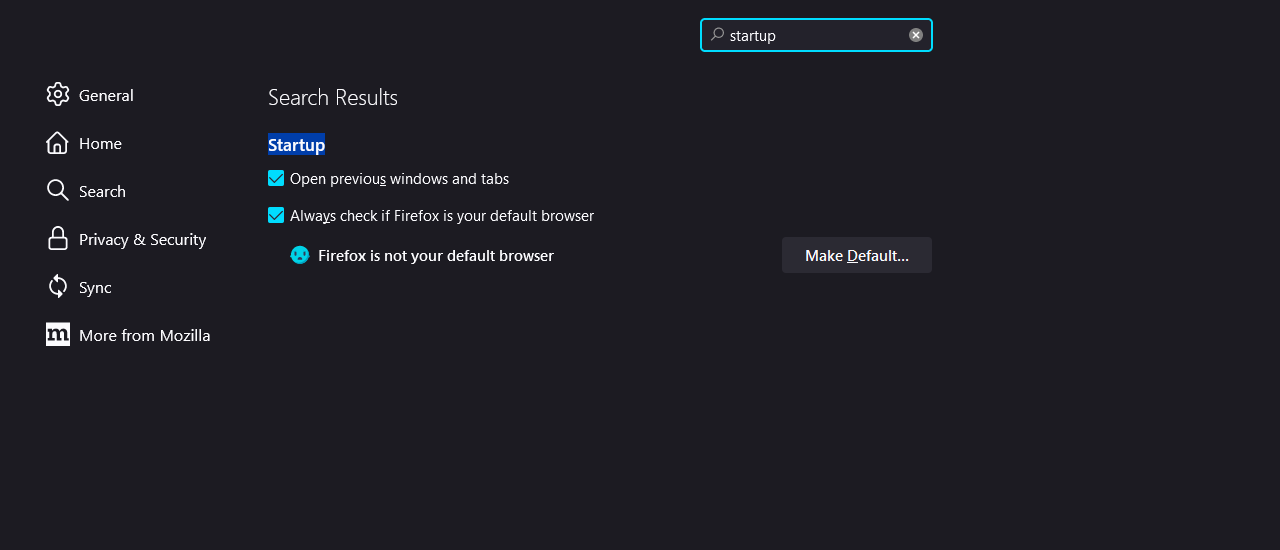
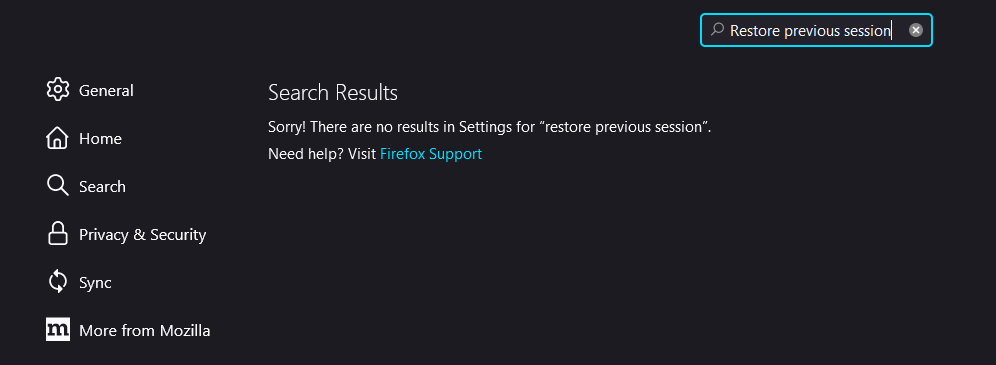
It seems that I don't have the "Restore previous session" an image is attached below.
この投稿は O² により に変更されました
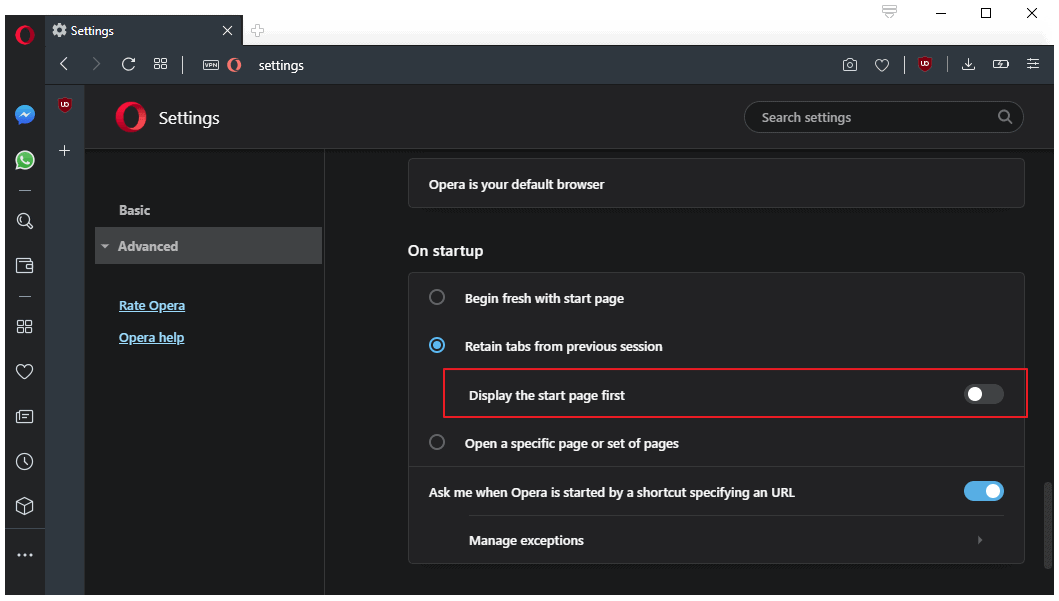
Opera seems to have a setting to disable this, is there something similar on Firefox?
この投稿は O² により に変更されました