


Google Calendar: Can No Longer Sign In
Previous to the current Thunderbird update(s) (v 102.9.0), I was able to use an add on like Google Calendar Plugin or similar to access my Google Calendar through Thunderbird.
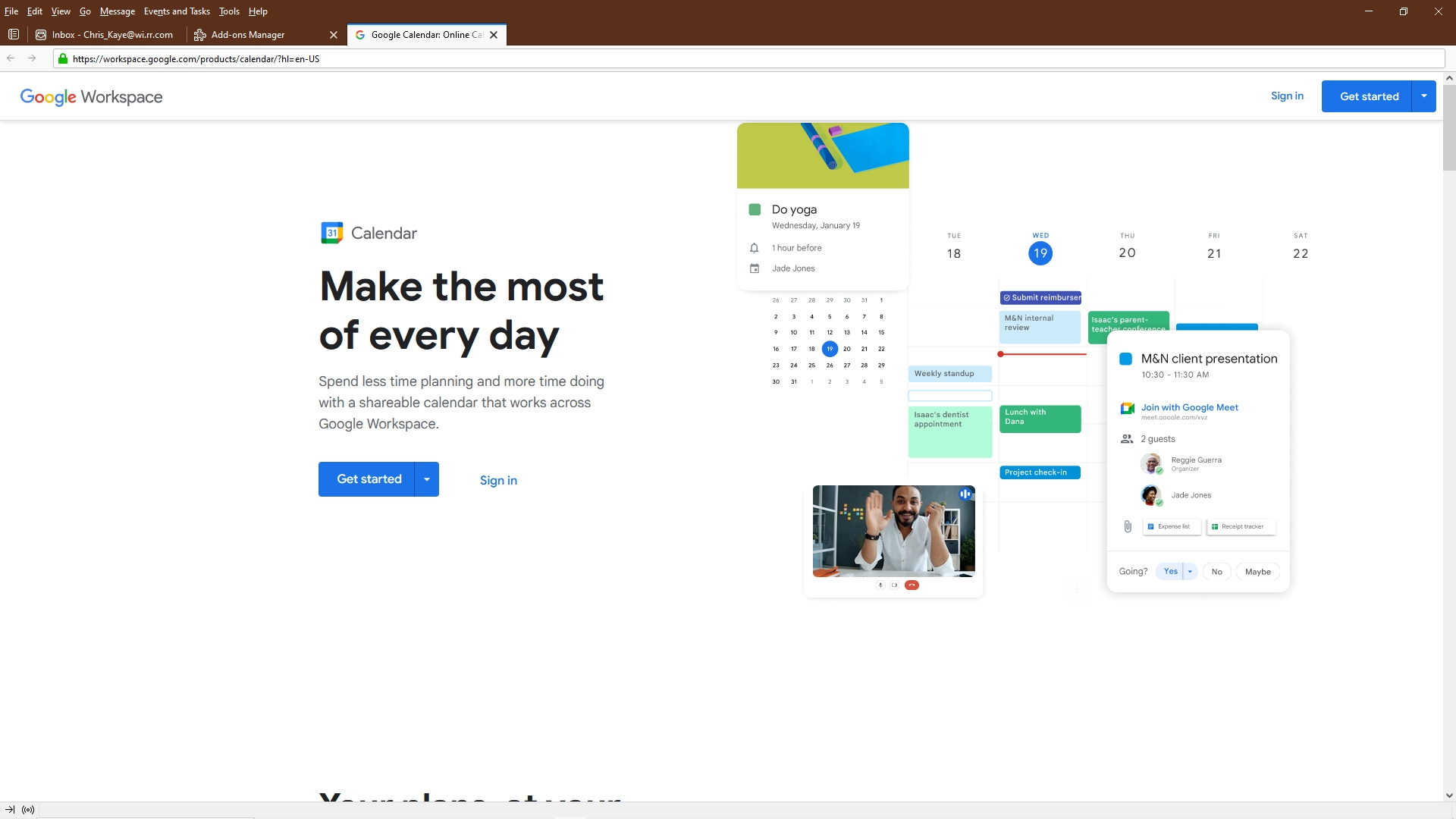
Now, when selecting any such add on, the Google Workspace page appears, offering two options, "Get Started" or "Sign In".
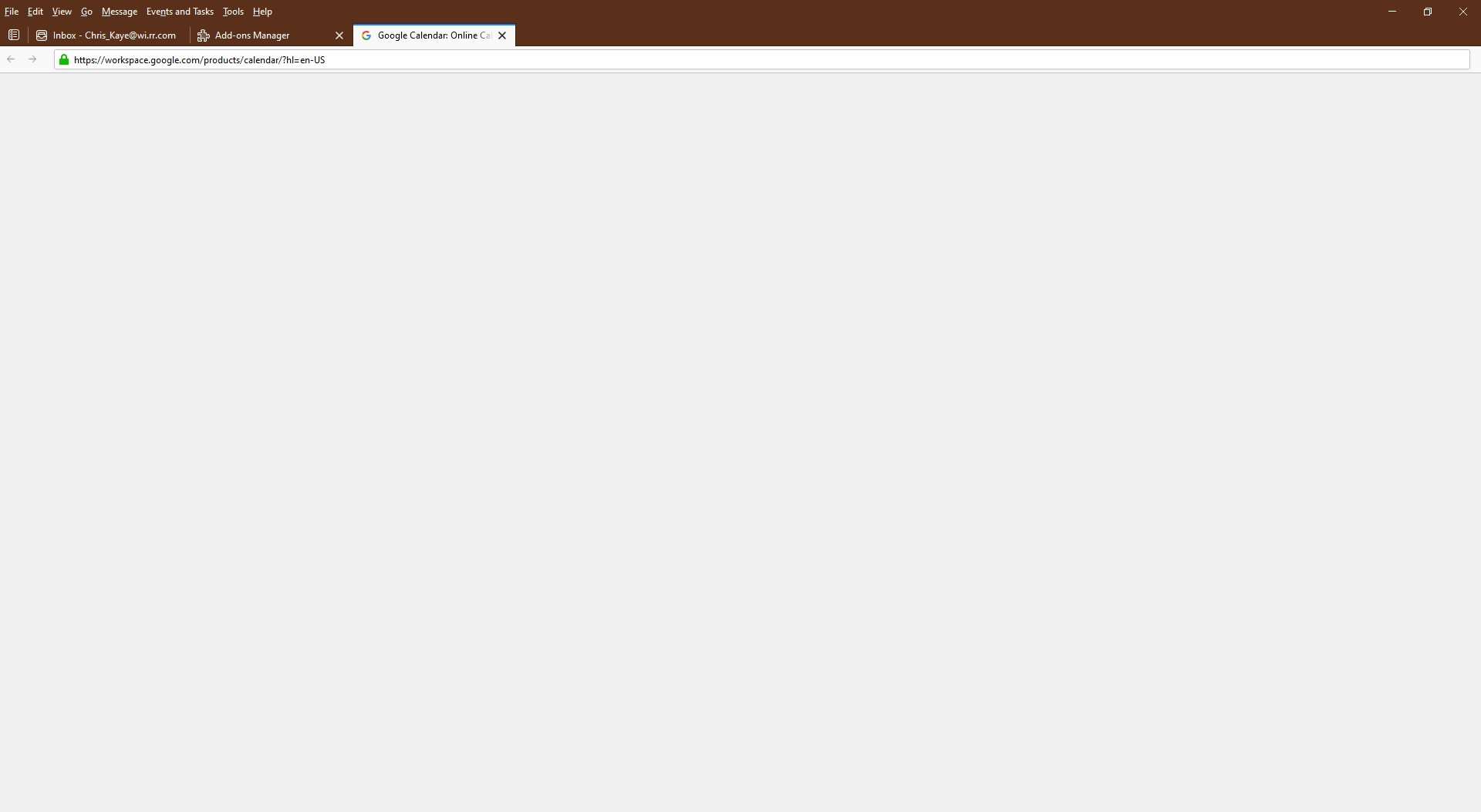
As I already have an account and a Google Calendar, selecting Sign In redirects to a blank "page" where previously I would expect to find the Google Sign In.
I also tried Get Started, same result, blank page.
What can I do to continue to access my Google Calendar through Thunderbird?
I also tried Lightning, but it's subpar in comparison and, if that's the solution I would just as soon scuttle the further use of Thunderbird.
すべての返信 (2)

I was able to use an add on like Google Calendar Plugin or similar to access my Google Calendar through Thunderbird.
You should contact the add-on author.
This was amongst my thoughts, however I tried three different, similar Google Calendar add-ons and the result is the same, ie, Google Calendar does not appear in Thunderbird. In its place is a blank page.
It appears that something is blocking Thunderbird from opening the webpage on which Google Calendar may be found.
But I've changed nothing. And the glitch just suddenly appeared yesterday.