


Privacy & Security->Permissions->Autoplay

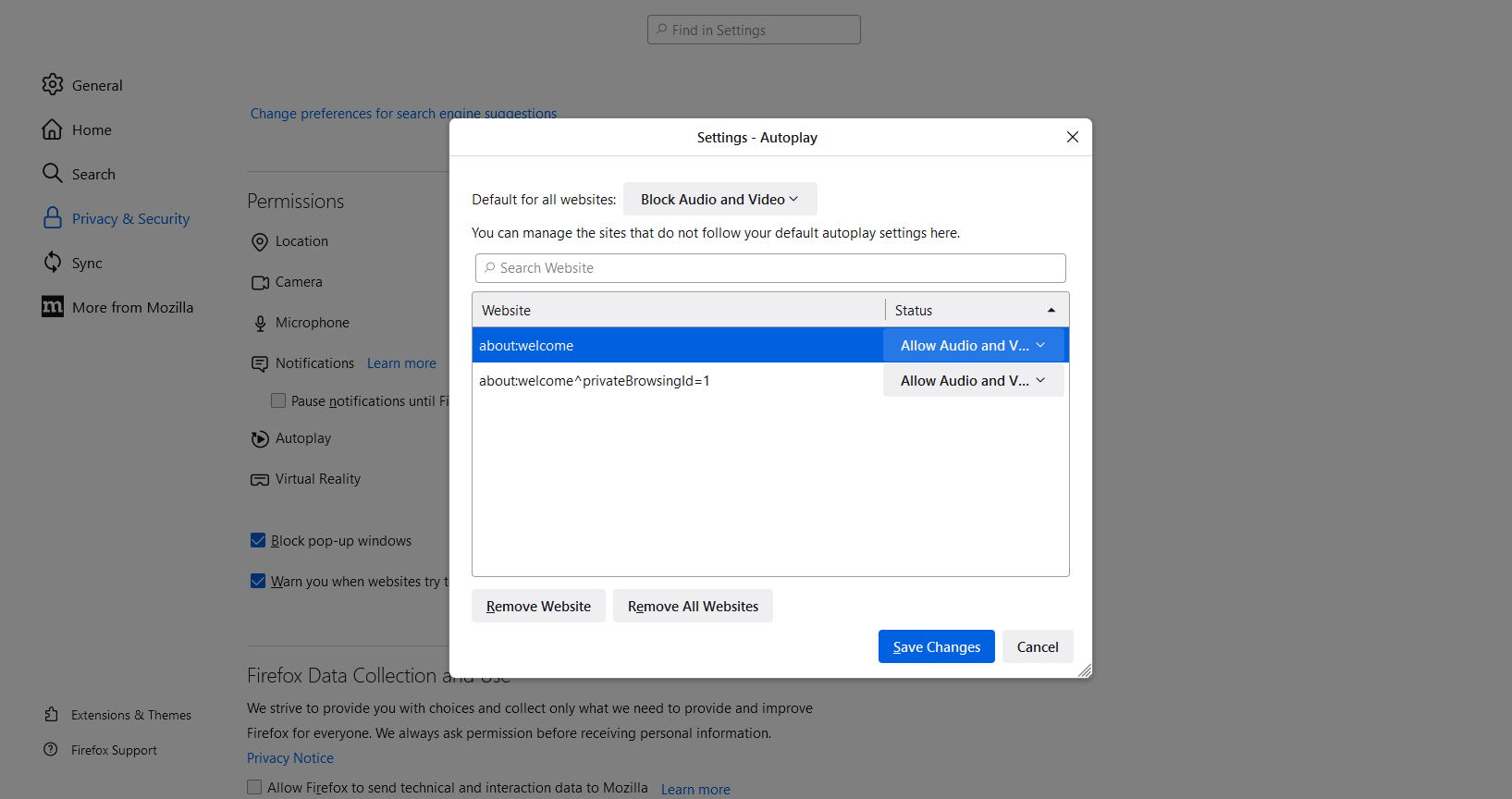
When selecting Block Audio and Video option, I click settings and set to Block Audio and Video for Default for All Websites. It does not effect the browser from blocking.
How do I make it really work? I try to add websites but unable to do that, there are 2 websites listed as allow, I try to block them, have tried to delete them but when I save setting, they seem to return and allow.
So effectively it is not functioning. Is this just a fake setting?
すべての返信 (2)

Try these values for preferences in about:config.
media.autoplay.default = 5 [0:Allowed;1:blocked;5:All Blocked] media.autoplay.block-event.enabled = true media.block-autoplay-until-in-foreground = false media.autoplay.allow-extension-background-pages = false media.autoplay.blocking_policy = 2
https://support.mozilla.org/en-US/kb/about-config-editor-firefox https://support.mozilla.org/en-US/questions/1321021