


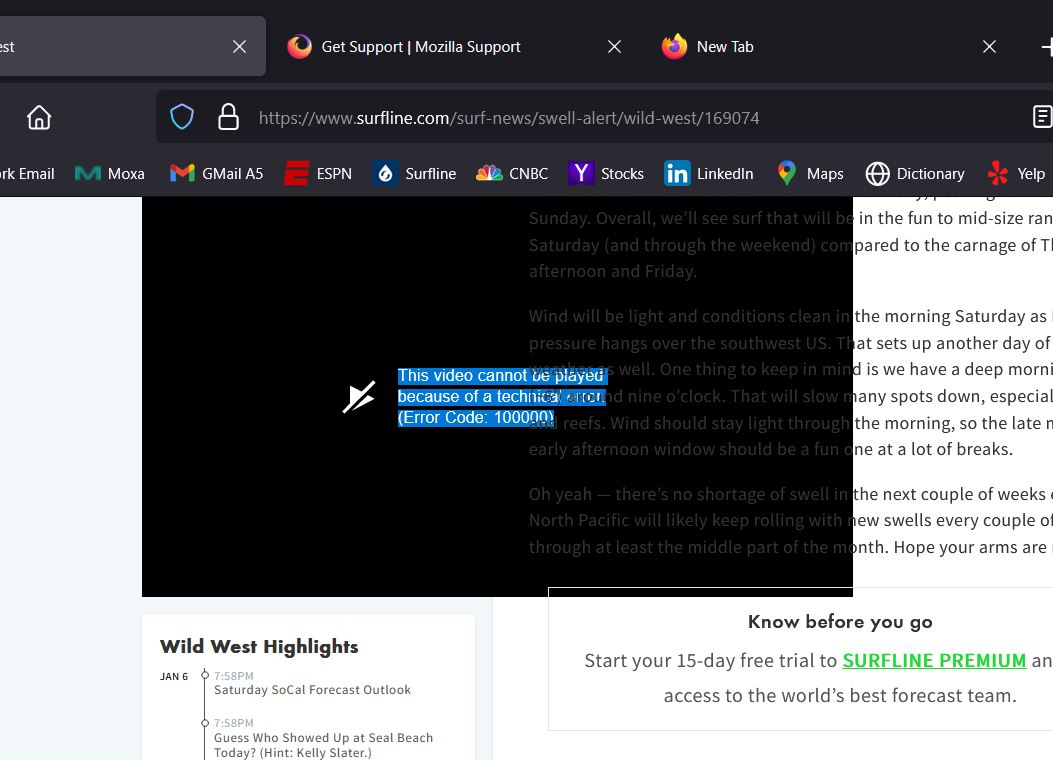
This video cannot be played because of a technical error.(Error Code: 100000)
Hello Mozilla Volunteers,
I'm having more issues with Firefox running website, such as compared to Chrome, and now I can't get past this error playing videos on the surfing website Surfline "This video cannot be played because of a technical error.(Error Code: 100000)" Any suggestions on how to remedy this would be appreciate.
Thx, Colin
すべての返信 (5)

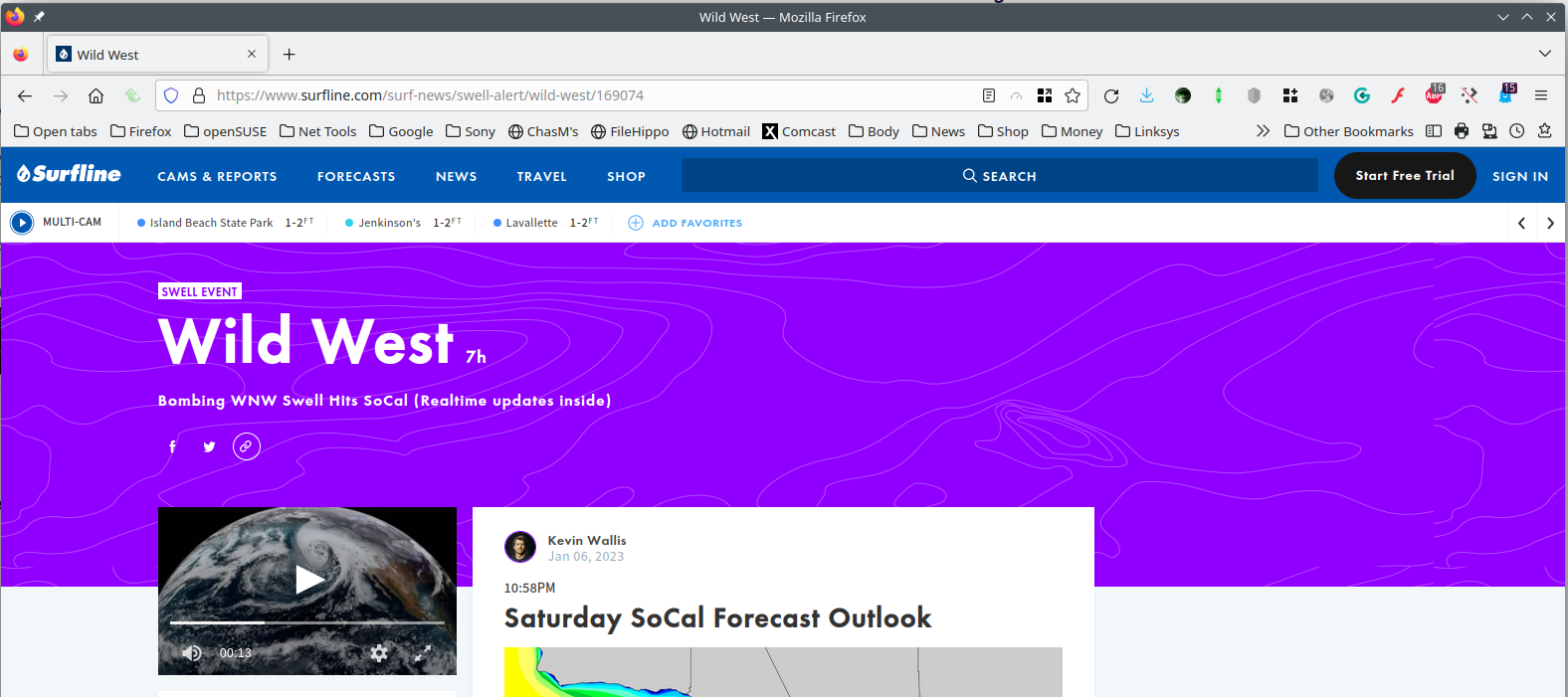
https://www.surfline.com/surf-news/swell-alert/wild-west/169074
Did you try Firefox in Safe Mode? https://support.mozilla.org/en-US/kb/diagnose-firefox-issues-using-troubleshoot-mode#w_how-to-start-firefox-in-4troubleshoot-modesf5safe-modesf
この投稿は jonzn4SUSE により に変更されました
I have not tried safe mode but will now. Get the error from Surfline's home page = https://www.surfline.com/
Thx
Your System Details show that you have a user.js file in the profile folder to initialize prefs each time Firefox starts. The user.js file will only be present if you or other software has created this file and normally won't be present.
You can check its content with a text editor (right-click: "Open with"; do not double-click). The user.js file is read each time Firefox is started and initializes preferences to the value specified in this file, so preferences set via user.js can only be changed temporarily for the current session.
You can delete the user.js file if you didn't create this file yourself.
You can use the button on the "Help -> More Troubleshooting Information" (about:support) page to go to the current Firefox profile folder or use the about:profiles page (Root directory).
- Help -> More Troubleshooting Information -> Profile Folder/Directory:
Windows: Open Folder; Linux: Open Directory; Mac: Show in Finder - https://support.mozilla.org/en-US/kb/profiles-where-firefox-stores-user-data
Thank you Cor-el and jonzn4SUSE.
I put Firefox in troubleshoot mode and it seems to solve the issue, but it doesn't hold. I change the theme and removed extensions but the issue persists.
I see the response about the user.js file and while I can find the Mozilla Maintenance folder I can't find the file and the editing and editor idea is above my knowledge level.
Do you have any other suggestions like uninstalling and remove the browser?
Thx again!
You can use the button on the "Help -> More Troubleshooting Information" (about:support) page to go to the current Firefox profile folder.
- Help -> More Troubleshooting Information -> Profile Folder/Directory: Open Folder;
- https://support.mozilla.org/en-US/kb/use-troubleshooting-information-page-fix-firefox
In this folder you should find the user.js file I mentioned above. I don't know whether Windows hides the .js file extension, but checking the Properties of the file should confirm the actual name. Do not double-click this file, but use the right-click context menu to open the file in a text editor like WordPad or Notepad.