Bing search page opens when I launch Firefox, about once a month

Sometimes when I open Firefox, a new tab opens with the Bing search page. This happens irregularly, but I'd guess perhaps once a month or so.
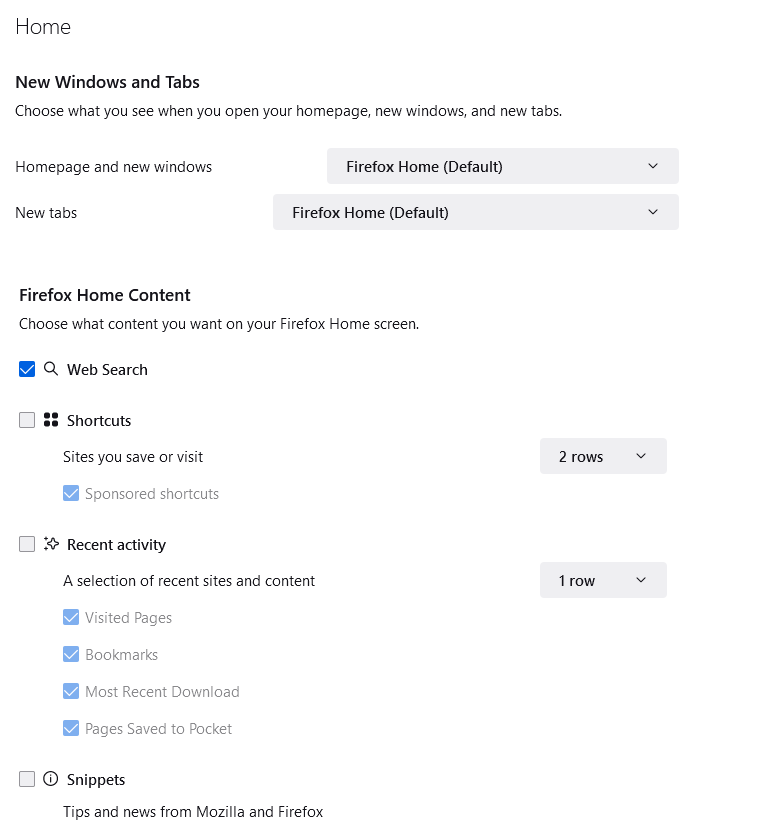
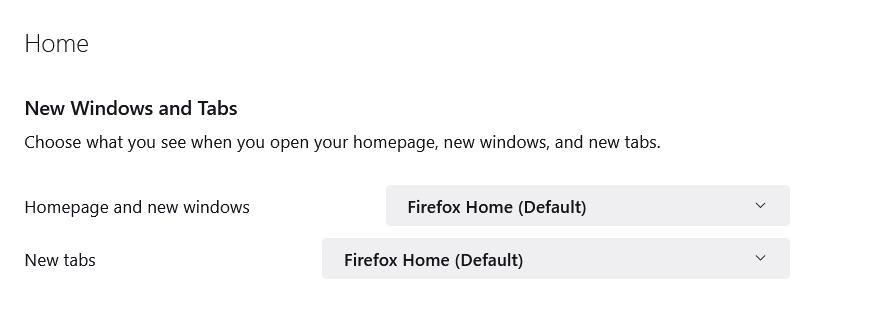
I have Firefox configured to remember my previous session, and I always have tabs left over from the previous session. So I never see the homepage, but my homepage and new tab page are both configured to be "Firefox Home (default)".
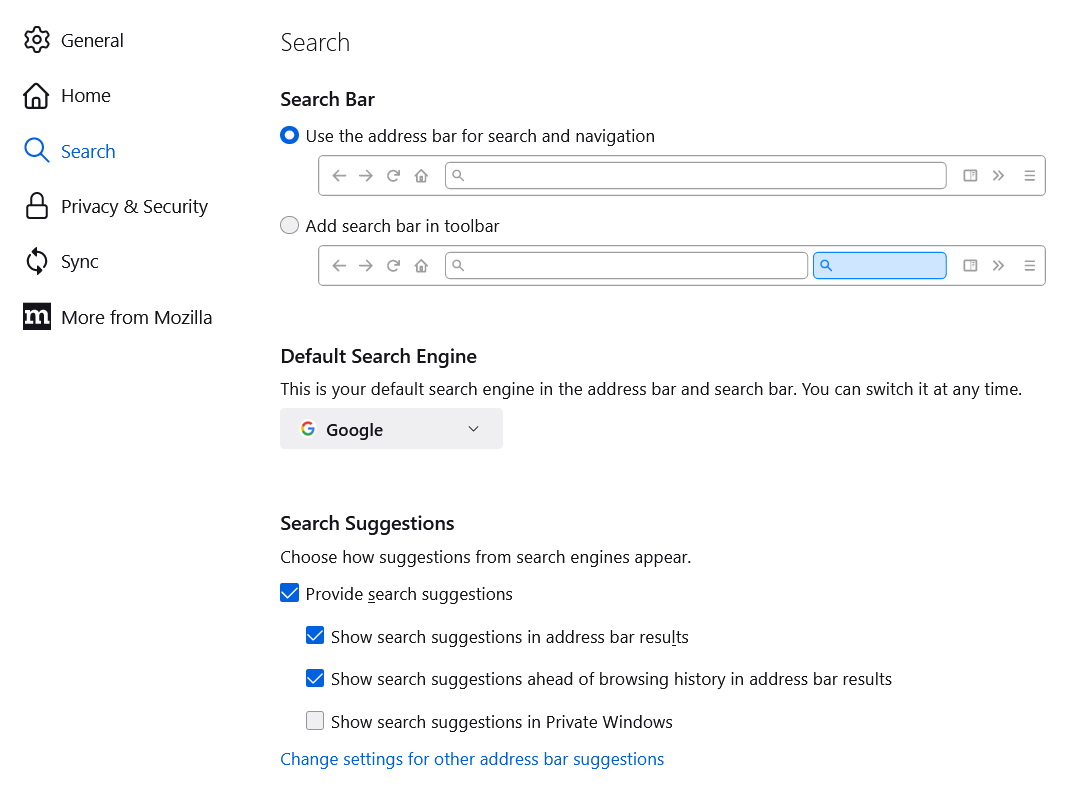
I'm on Windows 10. I have checked my homepage config, about:addons and Installed Programs; there is no mention of Bing. When I type in the Firefox address bar or the search bar, the search uses Google, as I expect.
Any idea why I occasionally get bing.com opening up in a tab when I launch Firefox?
すべての返信 (2)

Where did you get Firefox from? What do you have set here? see screenshots
I've had Firefox installed for years. Downloaded the installer from Firefox website. This problem with Bing has only happened in the last few months. Firefox v106.0.1 (64-bit).
My settings for new tab are the same as in your screenshot. For the search, the settings look as the attached screenshot.