


access to michaels crafts store denied

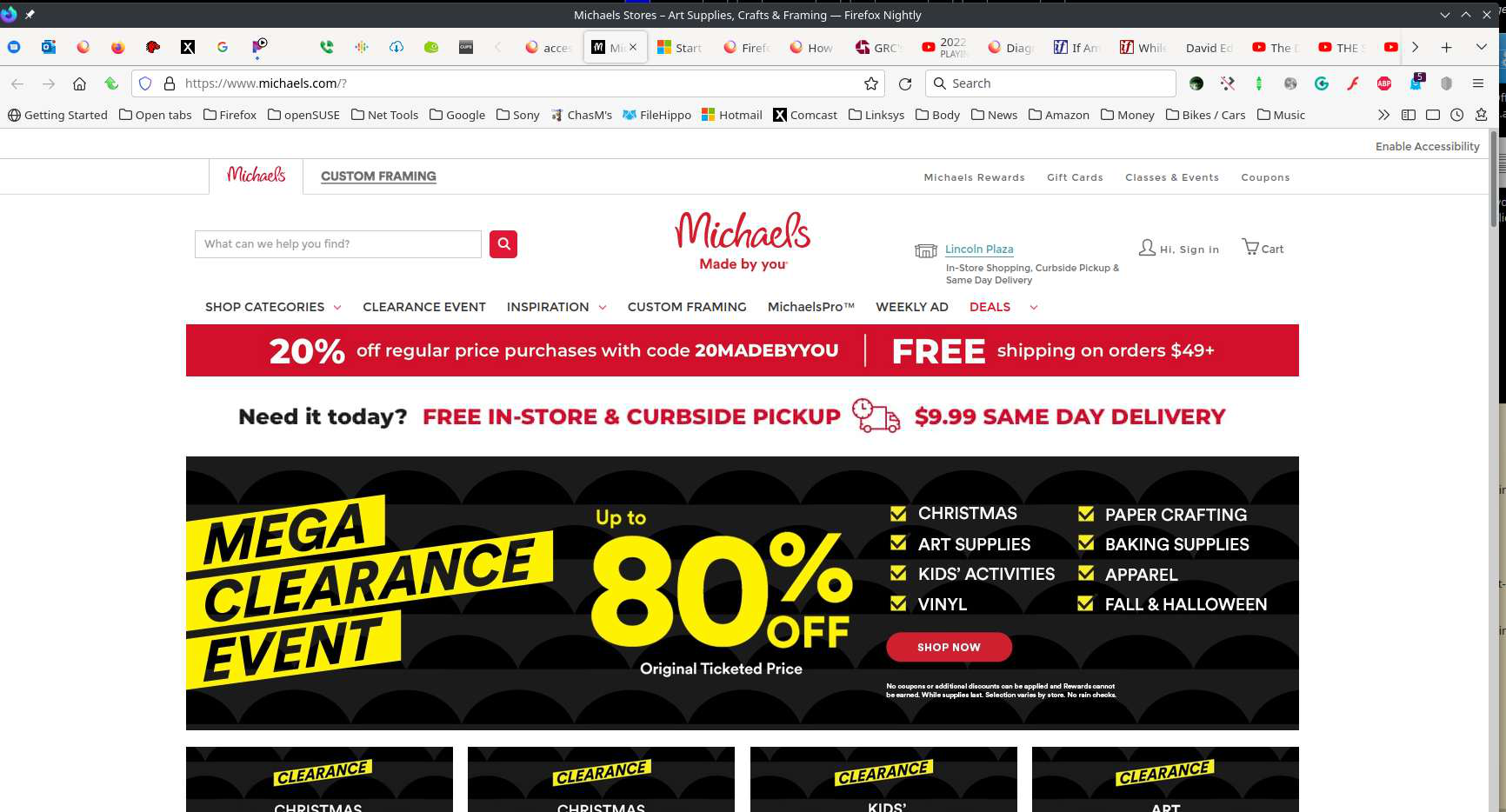
Why am I denied access to Michaels craft store. this is the message I receive. You don't have permission to access "http://www.michaels.com/?" on this server.
Reference #18.beeb7068.1641080631.1ce8b9b5
選ばれた解決策
Hi juice4u, The problem is that you're trying to access their non-secure site. Remember to add an S after HTTP. This link should work: https://www.michaels.com/
If you still have the problem, let us know.
この回答をすべて読む 👍 0すべての返信 (7)

A similar screenshot would help? Did you try in Safe Mode? https://support.mozilla.org/en-US/kb/diagnose-firefox-issues-using-troubleshoot-mode#w_how-to-start-firefox-in-4troubleshoot-modesf5safe-modesf
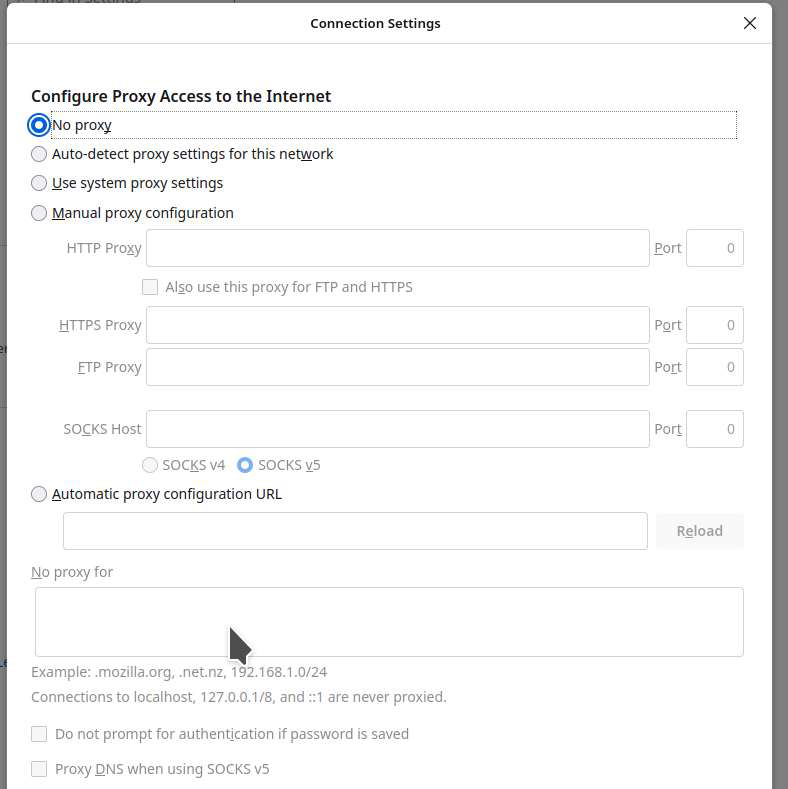
Are you using a proxy or VPN ?
- Settings -> General -> Network: Connection -> Settings
Clear the Cache and remove the Cookies for websites that cause problems via the "3-bar" Firefox menu button (Settings).
"Remove the Cookies" for websites that cause problems:
- Settings -> Privacy & Security
Cookies and Site Data: "Manage Data"
"Clear the Cache":
- Settings -> Privacy & Security
Cookies and Site Data -> Clear Data -> [X] Cached Web Content -> Clear
- https://support.mozilla.org/en-US/kb/clear-cookies-and-site-data-firefox
- https://support.mozilla.org/en-US/kb/how-clear-firefox-cache
Start Firefox in Troubleshoot Mode to check if one of the extensions ("3-bar" menu button or Tools -> Add-ons -> Extensions) or if hardware acceleration or userChrome.css is causing the problem.
- switch to the DEFAULT theme: "3-bar" menu button or Tools -> Add-ons -> Themes
- do NOT click the "Refresh Firefox" button on the Troubleshoot Mode start window
- https://support.mozilla.org/en-US/kb/diagnose-firefox-issues-using-troubleshoot-mode
- https://support.mozilla.org/en-US/kb/troubleshoot-extensions-themes-to-fix-problems
You can remove all data stored in Firefox for a specific domain via "Forget About This Site" in the right-click context menu of an history entry ("History -> Show All History" or "View -> Sidebar -> History").
Using "Forget About This Site" will remove all data stored in Firefox for this domain like history and cookies and passwords and exceptions and cache, so be cautious. If you have a password or other data for that domain that you do not want to lose then make sure to backup this data or make a note.
You can't recover from this 'forget' unless you have a backup of involved files.
If you revisit a 'forgotten' website then data for that website will be saved once again.
Also, check this. see screenshot

There is security software like Avast, Kaspersky, BitDefender and ESET that intercept secure connection certificates and send their own.
https://support.mozilla.org/en-US/kb/firefox-cant-load-websites-other-browsers-can
https://support.mozilla.org/en-US/kb/firefox-and-other-browsers-cant-load-websites
https://support.mozilla.org/en-US/kb/secure-connection-failed-firefox-did-not-connect
https://support.mozilla.org/en-US/kb/websites-dont-load-troubleshoot-and-fix-errors

選ばれた解決策
Hi juice4u, The problem is that you're trying to access their non-secure site. Remember to add an S after HTTP. This link should work: https://www.michaels.com/
If you still have the problem, let us know.
Do you use a bookmark or are you starting with the main (home) page of this website?
If you use a bookmark to access a specific page then instead navigate to this page starting with the main page or with the sign in page in case there is a problem with this bookmark.

WHY ACCESS DENIED YOU DO NOT HAVE PERMISSION
adding the S after http// did not work...... I have other websites
HARTFORD INSURANCE
COLLECTORS,ETC.
JCPENNEY