


youtube not loading correctly

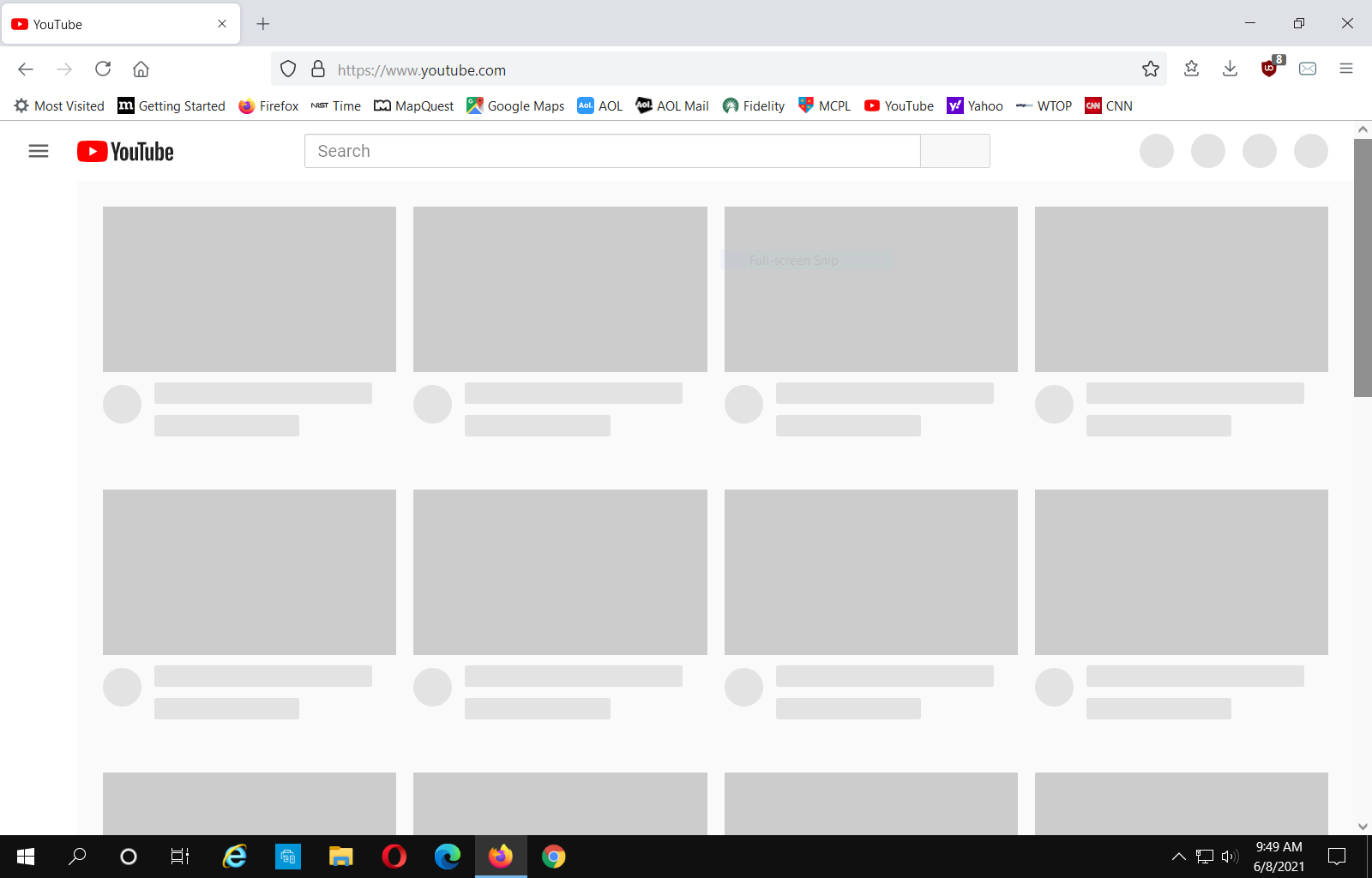
For the last 1-2 weeks I've been having a problem with you tube. As you can see from the attached screen shot all the images are not loading. Sometimes I can get the images to load by reloading the screen. I'm not having this problem with any other browser. Cookies and cache are cleaned several times a day. I look forward to anyone's comments. Thanks
すべての返信 (1)

I think this is an issue involving the GPU. I have noticed when i run all 3 famous browsers at the same time, the others engage the GPU while FF sometimes does not.
What i had done on my FF, which i have found no ill effects, is to disable the extensions/pluggins for watching video. On mine it was widevine and some codec app.
There is also a setting in the FF options pertaining to hardware performance. I had disable these too.
Then there is the graphics driver manager. If you have one, open it up and remove the permissions that allow apps to control the driver.
See if all of the above helps out. If so, then you may then tweek settings here and there in order to improve some performance.
As i mentioned, i did all of the above and have experienced no negative consequences with watching youtubes. Let us know if the above helps out.