


This account is not active. Please contact an administrator if you believe this is an error.
I use Firefox for many years. Firefox is always synced and I use "Firefox master password".
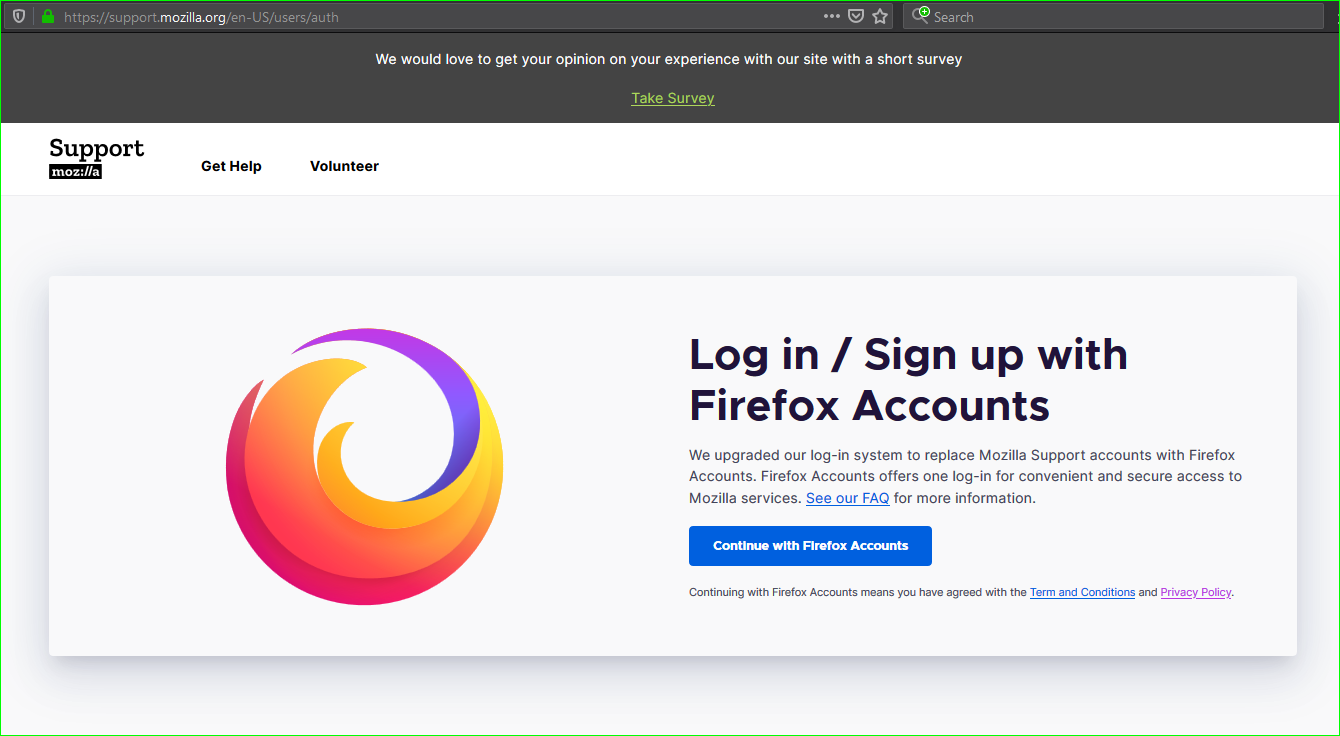
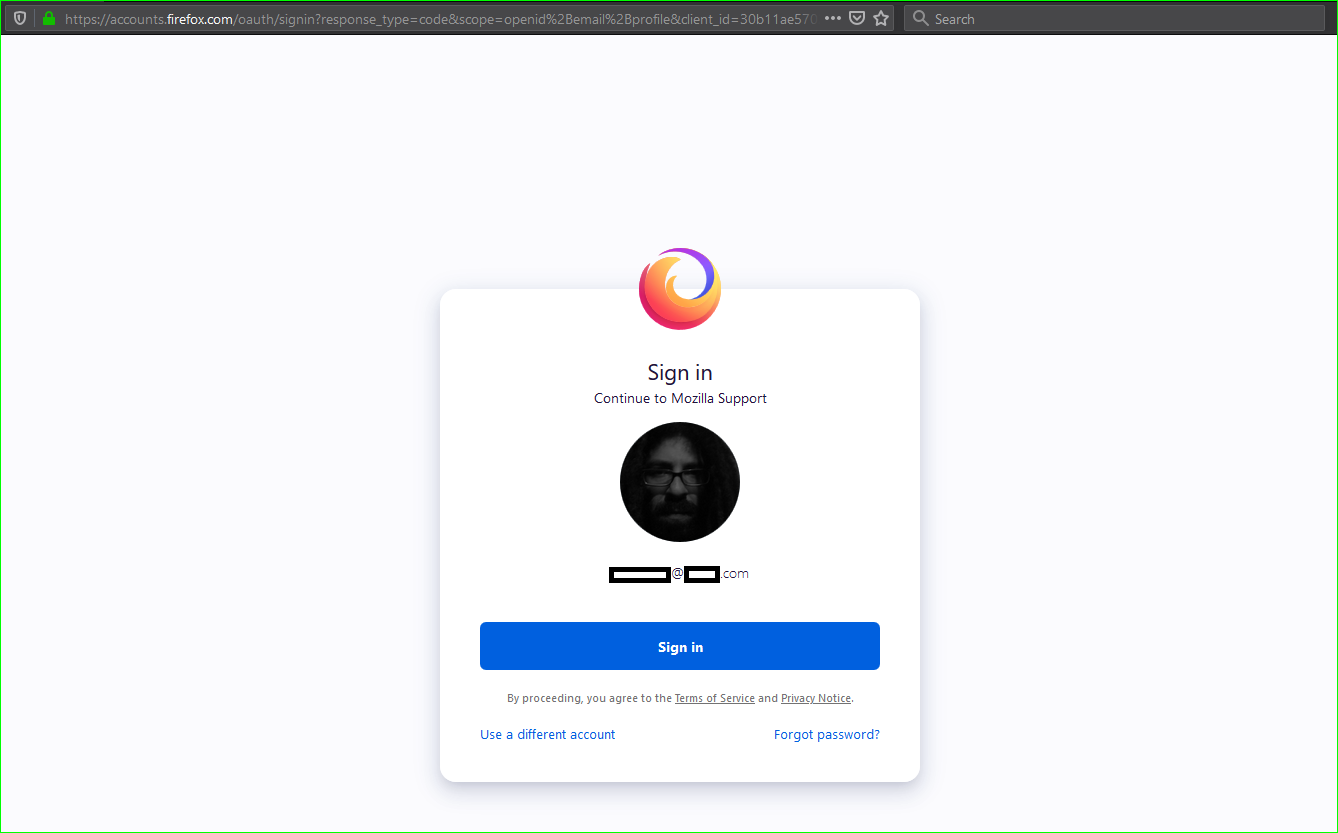
The problem is that every time I try to sign in my account I see this message: "This account is not active. Please contact an administrator if you believe this is an error. " This message is looks like mozilla's prank, because someone needs to sign in first to get help! As I try to get help, "support mozilla" is drive me to an endless loop in Mozilla.org.
After several minutes (I think about 15minutes) I don't know why and how but I'm in! This is happened every time I try to sign in my account!
Why is so much time consuming and frustrating the way to sign in? What it means "This account is not active." and why don't given a reason why this happens or/and a way to fix? Why I can't just type the UN/Pass to sign in?
Thanks in advance and sorry for my english.
この投稿は AntonyMan により に変更されました
すべての返信 (1)
選ばれた解決策
SOLVED I use "Cookie AutoDelete" extension. (recommended) "Control your cookies! This WebExtension is inspired by Self Destructing Cookies. When a tab closes, any cookies not being used are automatically deleted. Whitelist the ones you trust while deleting the rest. Support for Container Tabs." https://addons.mozilla.org/en-US/firefox/addon/cookie-autodelete
This extension was caused the problem. Actually not the extension but Firefox cannot login if you delete cookies.
Mozilla needs cookies to work too, so I just white listed mozilla to log in and I will remove the cookies later when I Log out.


この投稿は AntonyMan により に変更されました