


Font issue
Font issue i don't know how to solve
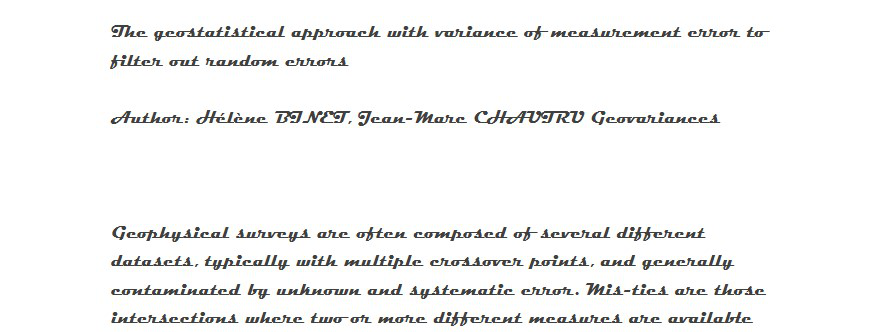
image attached
すべての返信 (2)
1. Click on the "hamburger icon" on the top right (looks like three horizontal dashes). 2. Select the option "Options". 3. Scroll down the settings page until you see the option "Fonst and Colours". 4. Select the font you desire and you can click on "Advanced" for further tweaking. You could uncheck the option to allow pages to choose their own fonts, instead of your selections.
Hope it helps.
It is possible that there is a problem with the font that Firefox tries to use.
You can right-click and select "Inspect Element" to open the builtin Inspector with this element selected.
You can check in the Rules tab in the right panel in the Inspector what font-family is used for selected text. You can check in the Font tab in the right panel in the Inspector what font is actually used because Firefox might be using a different font than specified by the website.