Homepage set to Blank Page however a page similar to "https://monitor.firefox.com/" appeared upon starting the browser. Is this normal?
This has occurred with two different Windows 10 pc's on the same network. It has only happened once on each pc. I copied the page address which is below. This link no longer produces the same page that was viewed.
Having recently confirmed a pc was hacked on this network should I be concerned?
すべての返信 (3)

The link starts with https://support.mozilla.org so it will come to this website.
https://support.mozilla.org/en-US/kb/how-to-set-the-home-page
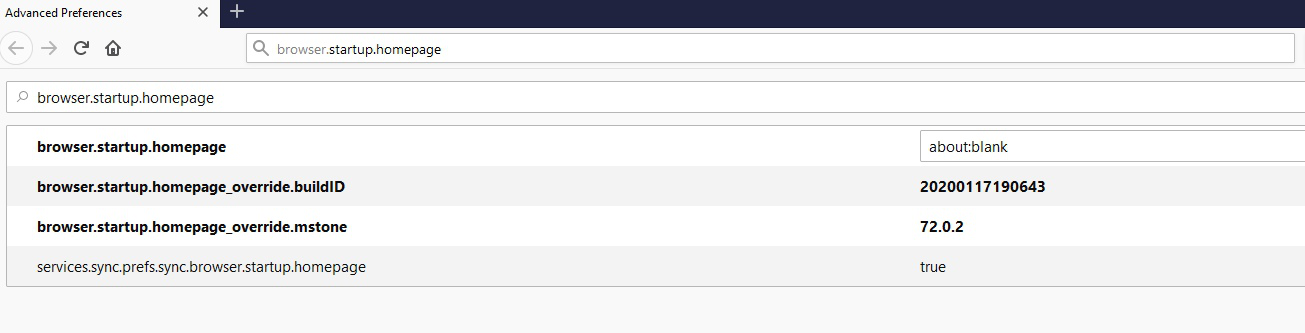
Type about:config<enter> in the address bar. If a warning screen comes up, press the I Accept the Risk button. At the top of the screen is a search bar. Type browser.startup.homepage
What is the value? Right-click and select Reset to restore its default value; about:home
Thanks for the reply Fred. I've attached a screenshot of the values. My question is with the browser start page set to blank should Firefox have opened to another page? I didn't screenshot the page but it resembled the Firefox monitor page warning about hackers.