


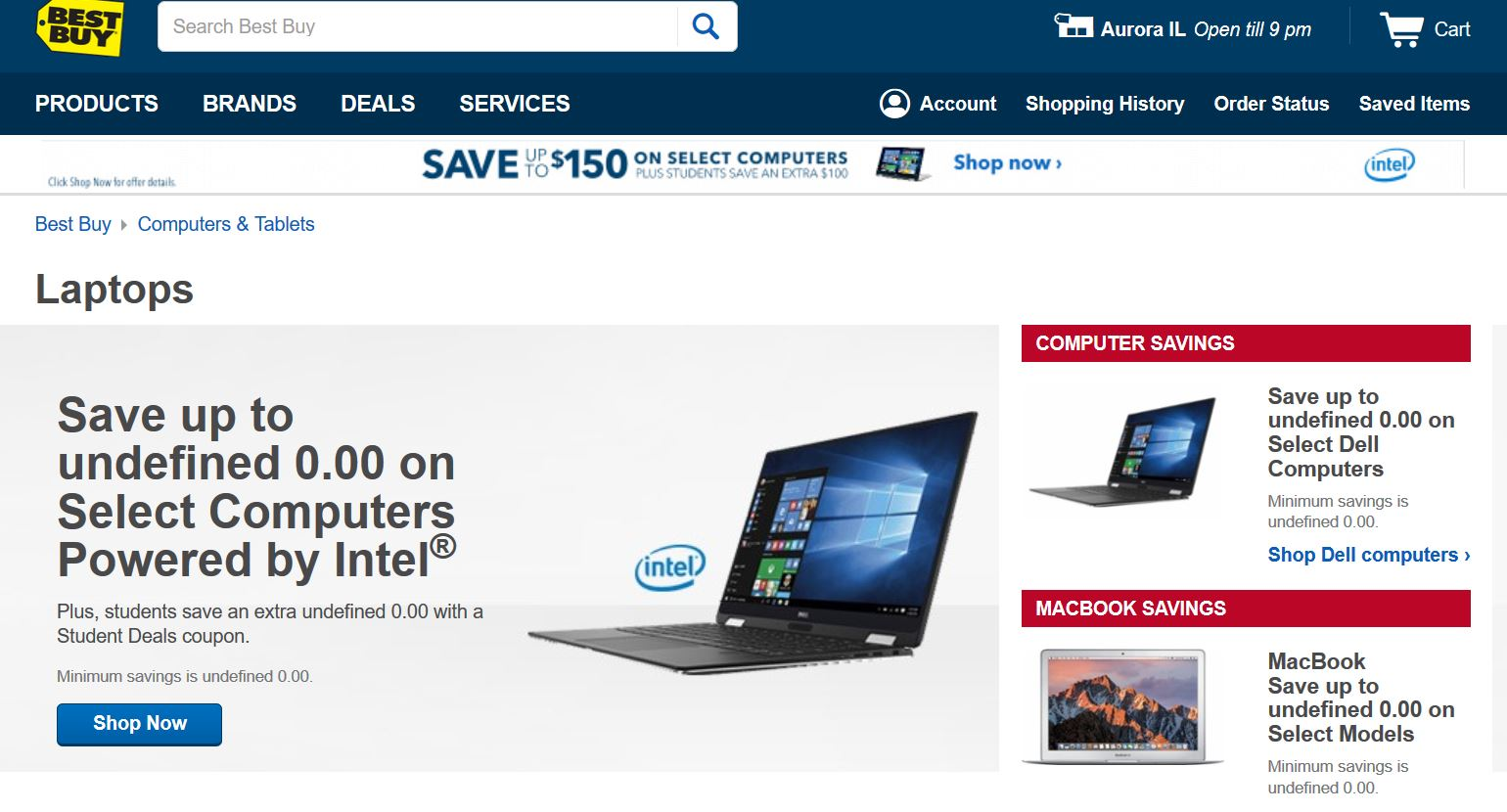
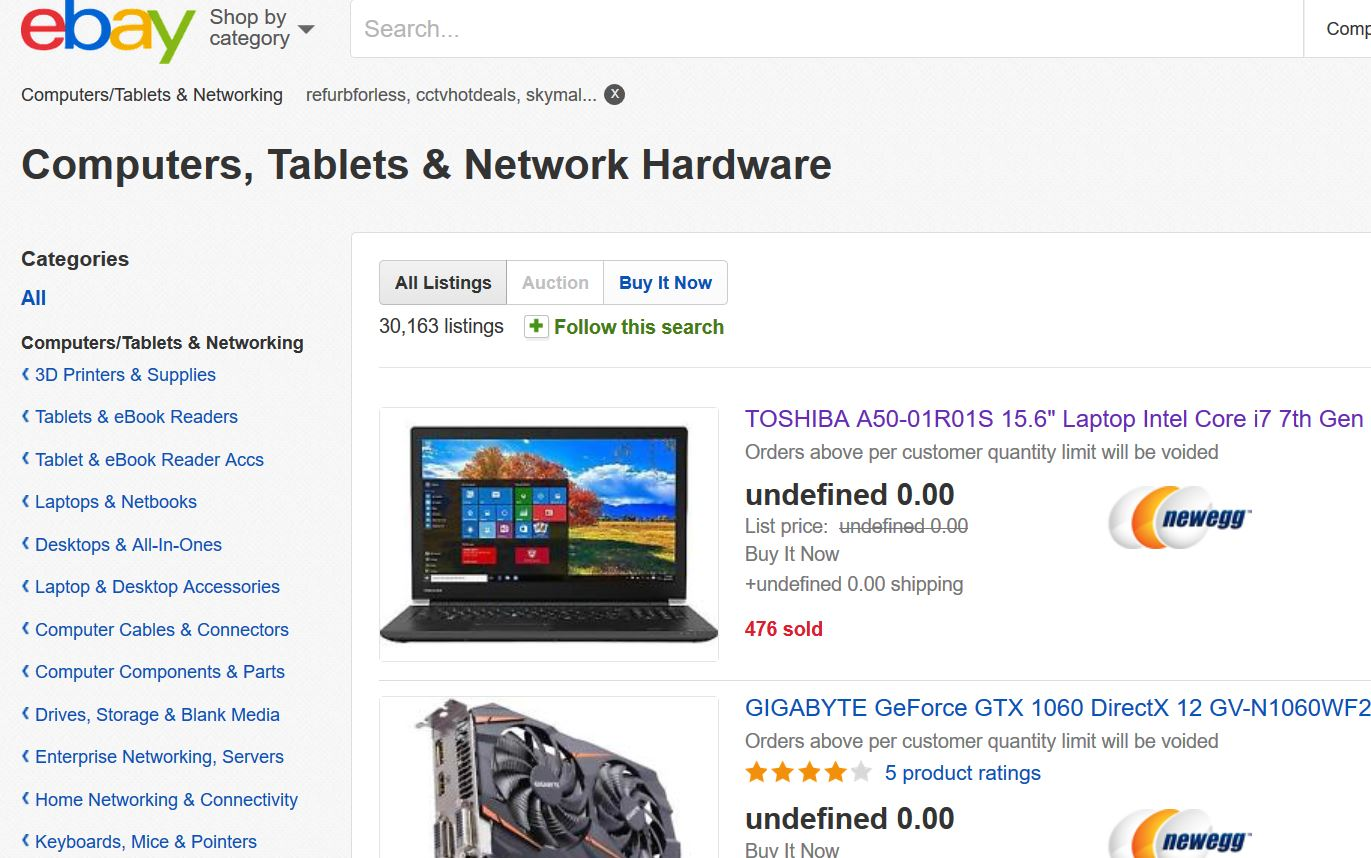
browser store prices = 0.00, cannot order online - critical issue

after updating to the latest firefox versio,n every website i go on to order something is reading 0.00 in the amount even when put into the cart and therefore I cannot order anything by using your browser, please help to fix this or else i will have to go to different one. thank you for your time regarding this matter.

すべての返信 (3)

Ahh, If only those prices were true.
Since this is on several websites, I suspect the price code is bad. Type about:preferences#content<enter> in the address bar. Across from fonts and colors, press the Advanced button. On the bottom, turn on Allow Web Sites To Choose Their Own.
Fonts Information - Detected via Flash http://browserspy.dk/fonts-flash.php?detail=1
Start Firefox in Safe Mode {web link} by holding down the <Shift> (Mac=Options) key, and then starting Firefox.
A small dialog should appear. Click Start In Safe Mode (not Refresh). Is the problem still there?
Everything is free!! Ahem.
Thank you for sharing your extensions list. A quick thought:
"Simple Currency Converter"
In case this one is failing, could you try toggling between converted and original prices using the keyboard shortcut: ALT+SHIFT+CTRL+L
Otherwise, try disabling it completely on the Add-ons page. Either:
- Ctrl+Shift+a (Mac: Command+Shift+a)
- "3-bar" menu button (or Tools menu) > Add-ons
- type or paste about:addons in the address bar and press Enter/Return
In the left column of the Add-ons page, click Extensions. Then cast a critical eye over the list on the right side. Any extensions that Firefox installs on its own are hidden from this page, so everything listed here is your choice (and your responsibility) to manage. If in doubt, disable.
Often a link will appear above at least one disabled extension to restart Firefox before the change takes effect. You can complete your work on the tab and click one of the links as the last step.
Any improvement?
Maybe try this extension instead: