

このスレッドはアーカイブに保管されました。
必要であれば新たに質問してください。

Solved
アーカイブに保管済み
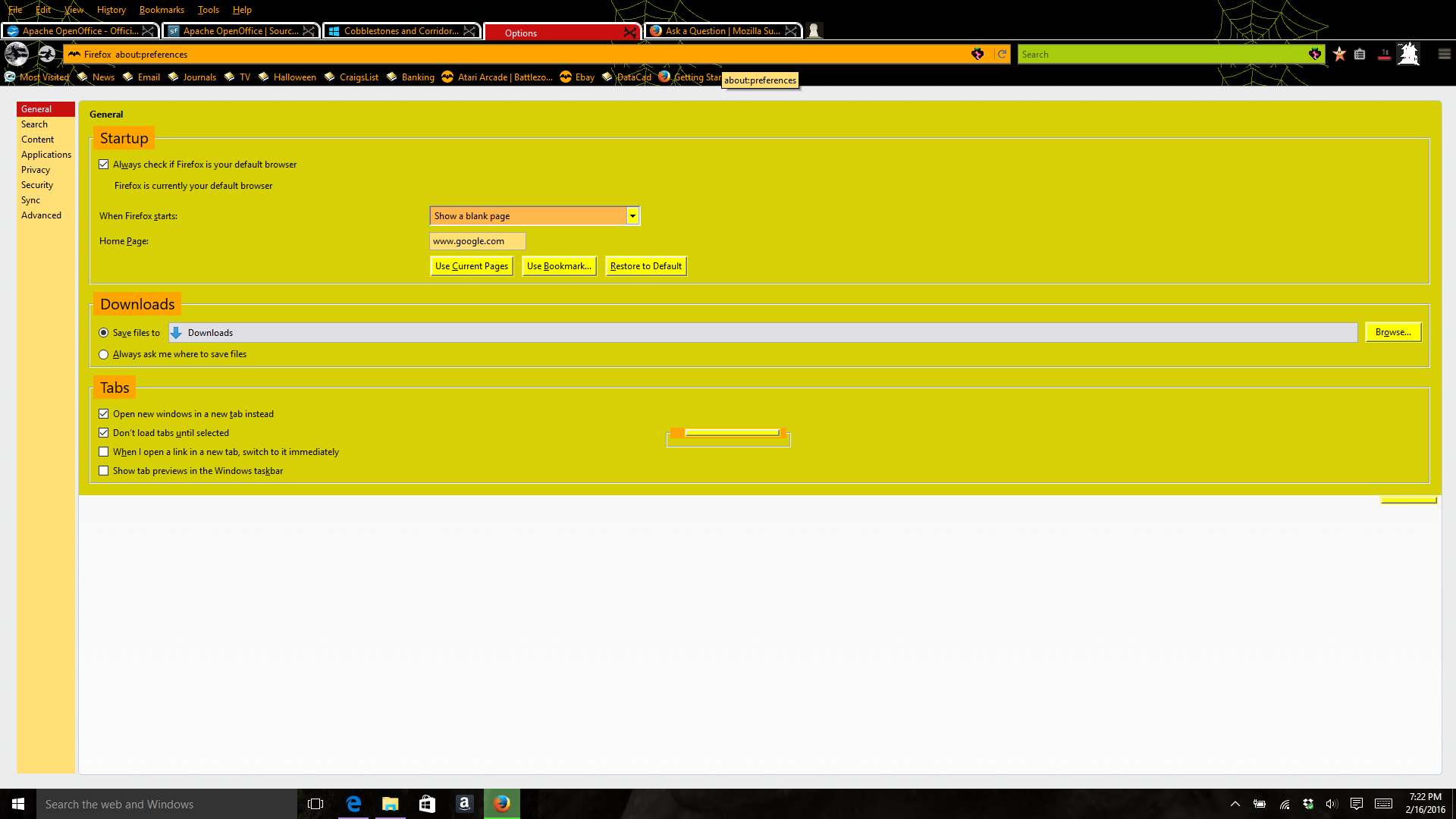
OPTIONS menu not working

in the middle of the OPTION's page is a small POP UP window with a button. I can press the button but nothing happens and I can NOT make any changes to ANY of the options on the page, or change pages
in the middle of the OPTION's page is a small POP UP window with a button. I can press the button but nothing happens and I can NOT make any changes to ANY of the options on the page, or change pages
すべての返信 (1)
選ばれた解決策
Start Firefox in Safe Mode to check if one of the extensions (3-bar Menu button/Tools > Add-ons > Extensions) or if hardware acceleration is causing the problem.
- Switch to the DEFAULT theme: 3-bar Menu button/Tools > Add-ons > Appearance
- Do NOT click the Reset button on the Safe Mode start window