


Firefox does not show authentication popup

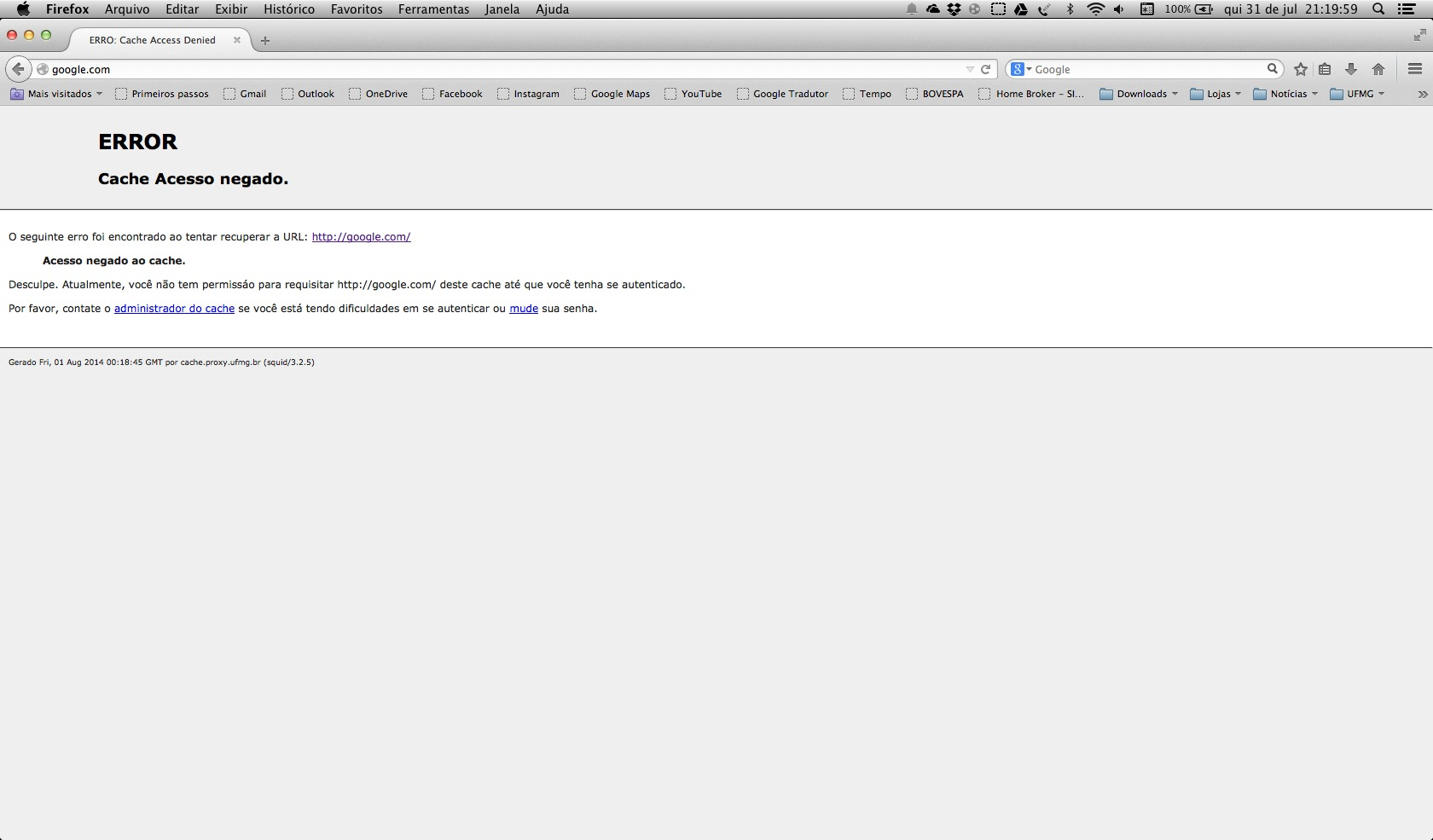
I use the firefox to access internet through my university proxy. I type my user account and my password. Recently, firefox is not showing the authentication popup, where I type my user account and my password, so I cannot access my university network. I haven't changed the proxy configuration (I've checked it, it is as it should be). When I try to access any website, I get the message "cache access denied" and it says that I have to authenticate to have access to it. However, there is no authentication window to enter my user account and password. I've tried to configure Chrome and Safari, and they worked perfectly. My computer is a mac running mavericks.
この投稿は cor-el により に変更されました
選ばれた解決策
See:
In Firefox 30 and later NTLMv1 auth has been disabled, NTLM support on non-Windows platforms is now deprecated
In Firefox 31 support for NTLMv1 auth has been restored for secure connections only (Bug 1023748).
- network.negotiate-auth.allow-insecure-ntlm-v1 = false
- network.negotiate-auth.allow-insecure-ntlm-v1-https = true
- bug 1023748 - Allow NTLMv1 over SSL/TLS, or intranet access is broken on Firefox 30 for non-Windows platforms
すべての返信 (2)
I've attached a printscreen
選ばれた解決策
See:
In Firefox 30 and later NTLMv1 auth has been disabled, NTLM support on non-Windows platforms is now deprecated
In Firefox 31 support for NTLMv1 auth has been restored for secure connections only (Bug 1023748).
- network.negotiate-auth.allow-insecure-ntlm-v1 = false
- network.negotiate-auth.allow-insecure-ntlm-v1-https = true
- bug 1023748 - Allow NTLMv1 over SSL/TLS, or intranet access is broken on Firefox 30 for non-Windows platforms