


New firefox does not show bookmarks.

In the new Firefox the new icon present on the toolbar for the bookmarks does not show any of my old folders or bookmarks. When I try and save a new bookmark the folders don't show up to be able to save them to a folder, and they also don't show up on the sidebar. When I hit alt and pull click on the bookmarks in that way they do show up. So what can I do to move those bookmarks to the new system?
すべての返信 (5)
Hmm, the clipboard-like icon in Firefox 29 should give you a list very similar to the classic Bookmarks menu. (Example attached.) What is yours showing?
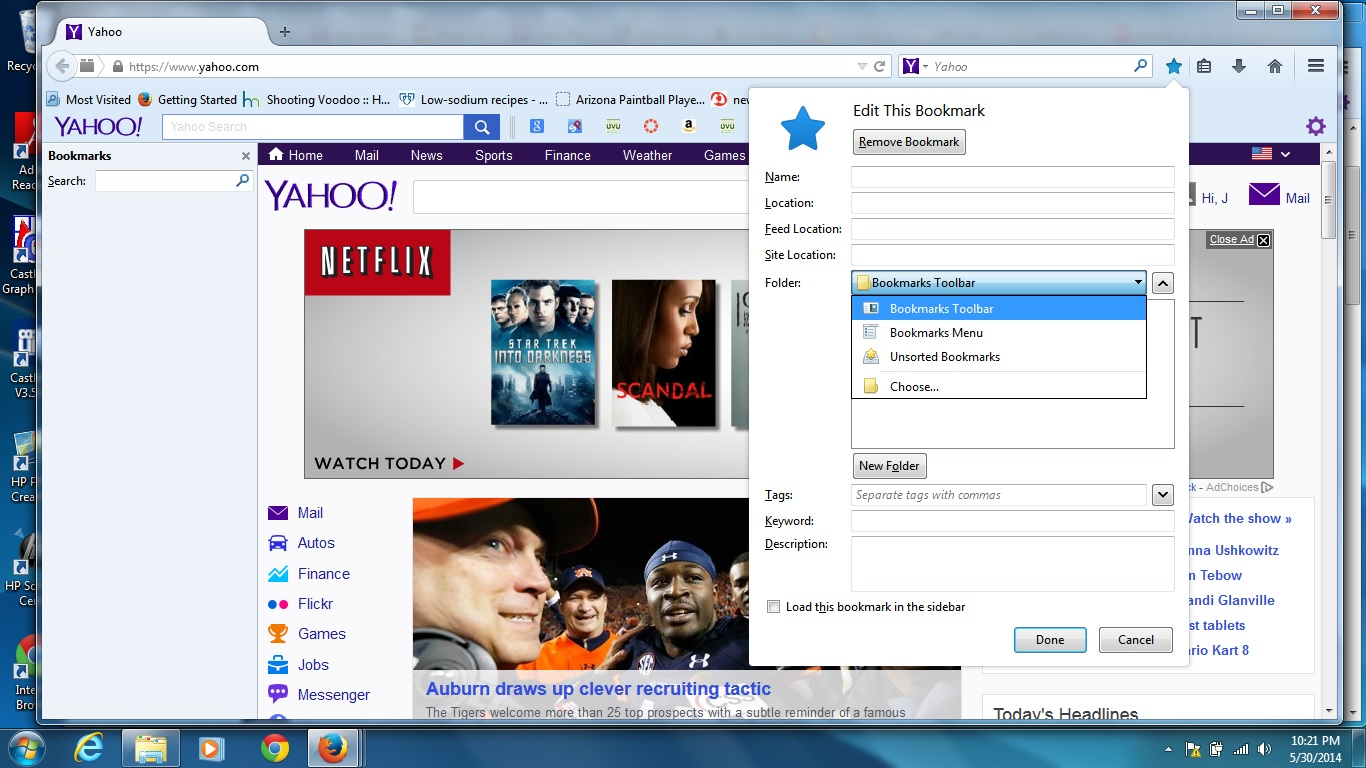
The star works similarly to the star in the address bar in Firefox 28: one single click adds the site to the Unsorted Bookmarks folder. A second click or a double-click shows the Edit Bookmarks dialog where you can choose the Bookmarks menu or a different folder. (Screen shot attached.) To do it in one step, it might be easier to press the Ctrl+d keyboard shortcut.
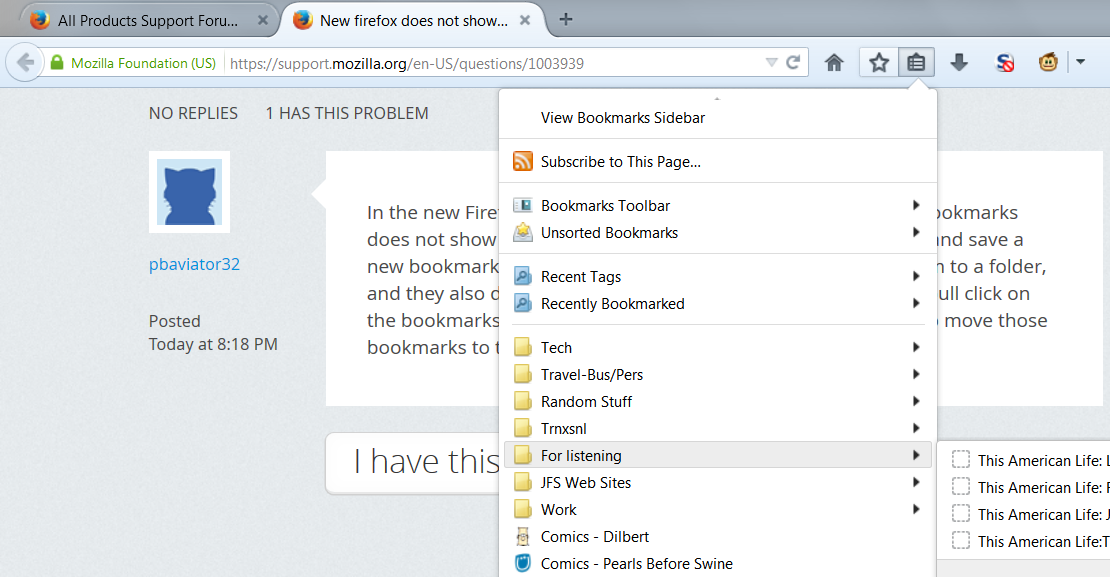

You can check for problems with the places.sqlite database file in the Firefox profile folder.
- http://kb.mozillazine.org/Bookmarks_history_and_toolbar_buttons_not_working_-_Firefox
- https://support.mozilla.org/kb/Bookmarks+not+saved#w_fix-the-bookmarks-file
- Places Maintenance: https://addons.mozilla.org/firefox/addon/places-maintenance/
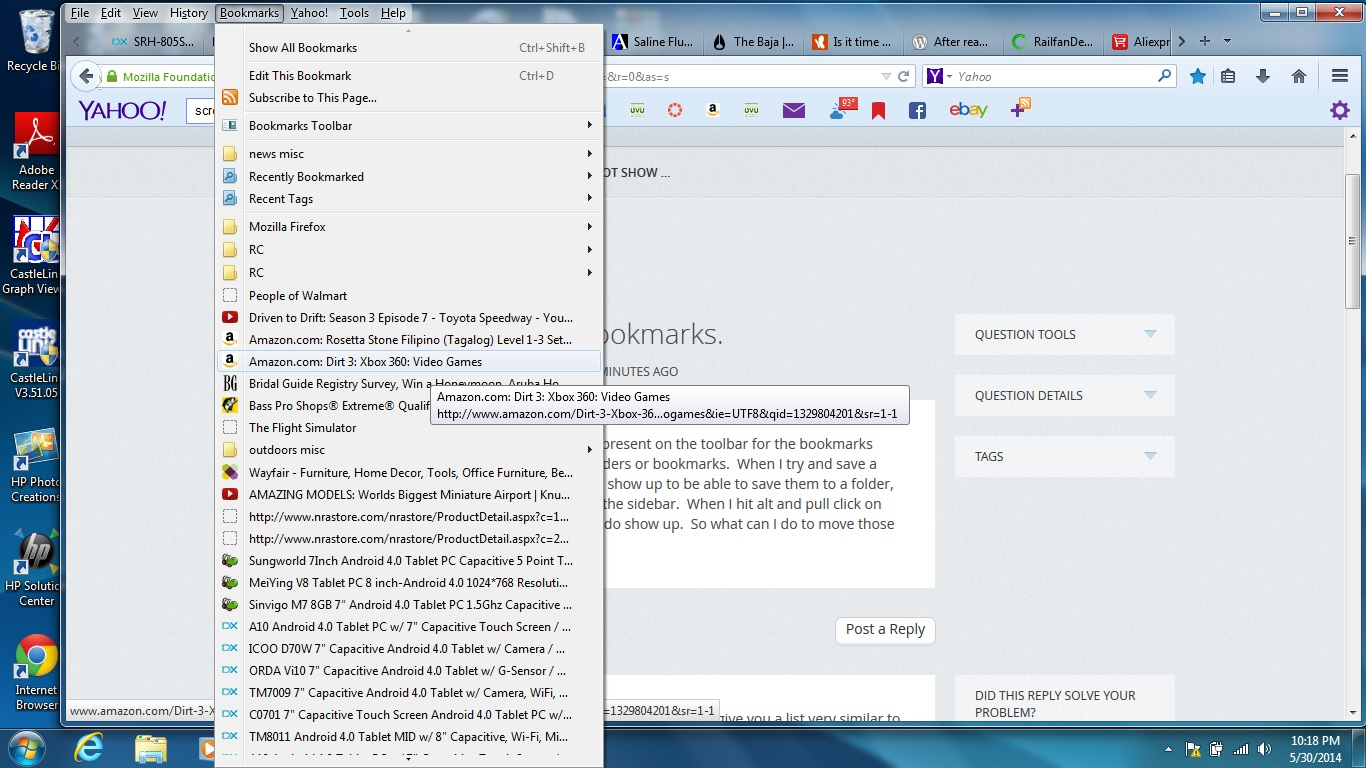
In the first image it shows my bookmarks. This is open in a previous window that was restored from a previous session. The last 3 images show what my bookmarks looks like now. None if it is there, and I have no clue how to get it back because it just seems to be missing. When I try to restore my bookmarks to a previous version it fails.

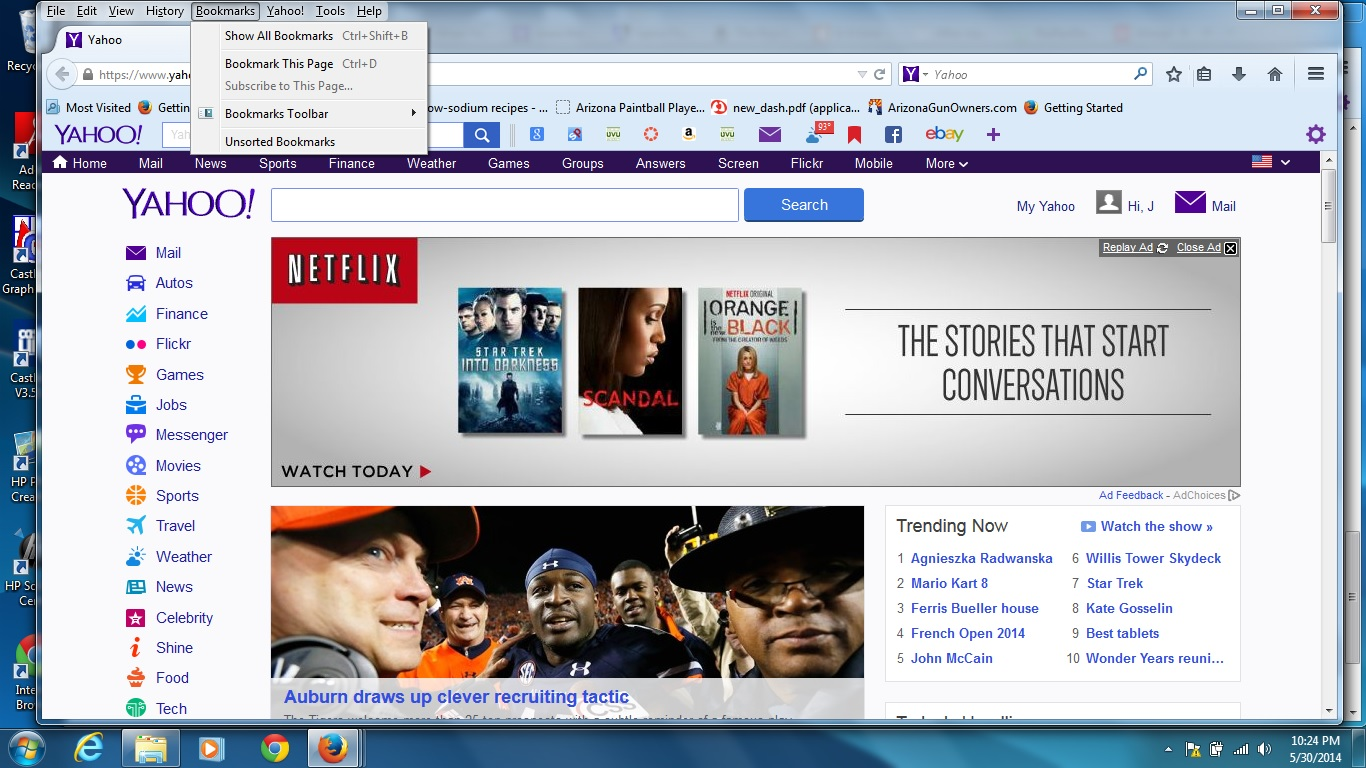
Whoa. Bookmarks should not disappear between sessions.
If you restore your previous session do you get your bookmarks back? If so, please back up a few files in your current profile folder. You can open that folder using either:
- "3-bar" menu button > "?" button > Troubleshooting Information
- Help menu > Troubleshooting Information
In the first table on the page, click the "Show Folder" button. Then when the file list loads, scroll down and copy places.sqlite to a safe place such as your Documents folder. Also back up the bookmarkbackups folder there.
Meanwhile, I would try the Places Maintenance utility cor-el linked to.
Thanks I saved the files and initially tried to restore my bookmarks and it was unable. Had to restart the computer and it worked after that.